G-COMBO INSTRUCTION MANUAL PAGE 17
3-4-3 Latitude and longitude
Latitude and longitude coordinates define a position on the
earth and can be displayed in the data bar.
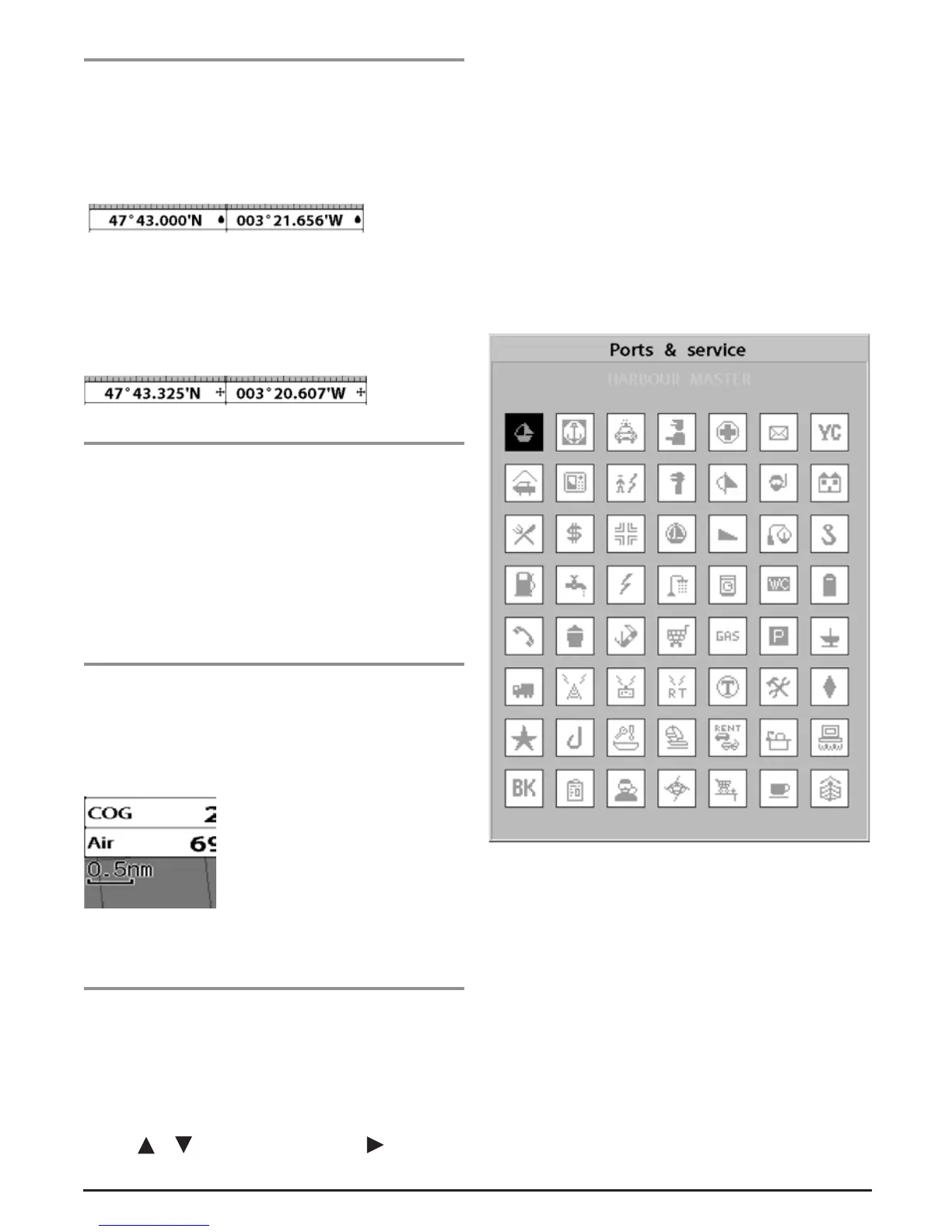
In the data bar, own ships position is shown as below:
47° 43.000’ N or S Latitude
003° 21.656’ E or W Longitude
However, if you move the cursor, then the latitude and
longitude in the data bar change to the cursor’s position as
below.
47° 43.325 N or S Latitude
003° 29.607 E or W Longitude
Info
Latitude: Angular distance North or South of the equator
measured by lines encircling the earth parallel to the equator
in degrees from 0° to 90°.
Longitude: Angular distance East or West of the GMT
measured by lines encircling the earth at right angles to the
equator in degrees from 0° to 180°.
When reading the boat position, make sure the
position is not the cursor position.
3-4-4 Chart scale
The chart scale can be changed by pressing + to show more
detail information on the chart and by - to show a wider view
of the chart.
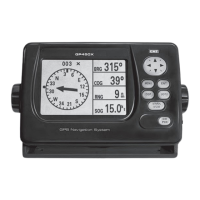
When you press + or -, the scale of the chart is displayed in
the chart in the top left corner.
3-4-5 Finding a chart symbol
This function is available when C-MAP Max SD card is
inserted.
To find a port by name
1 Press MENU.
2 Select Find then Port by name.
3 Press or to select a letter then press for next
letter.
4 Once you have entered the name of a port, press ENT.
5 After the search has finished, select the nearest port in the
list and press enter the cursor will be placed on the chart
in the chart window.
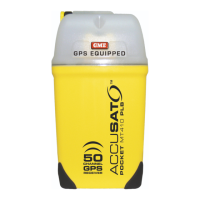
To find Port & Service
1 Press MENU.
2 Select Find then Port & Service.
3 Select a service you want to find.
4 After the search has finished press ENT. The cursor will be
placed on the chart in the chart window.


 To Next Page