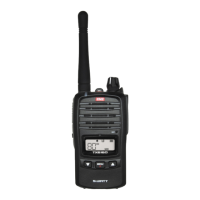
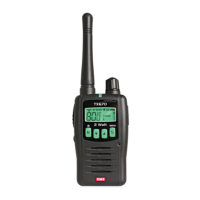
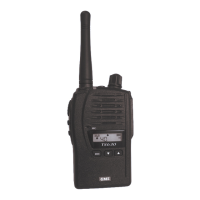
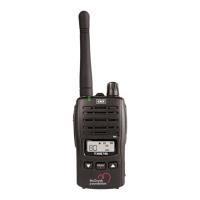
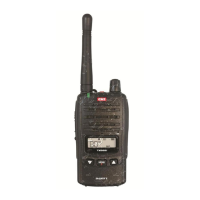
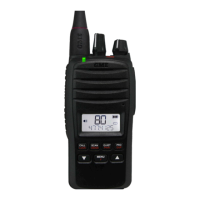
TX6165 INSTRUCTION MANUAL
14
BATTERY USAGE
The time taken to discharge the battery pack will depend on how you use the radio. The battery pack
supplied is powerful enough for a full day’s use under average conditions using low power. The sections
that follow provide directions and recommendations on the optimal use of the battery pack.
BATTERY CHARGE STATUS
The TX6165 radio incorporates a battery charge status feature, enabled by default, which briey displays
the battery capacity from 1%-99% when the radio is switched on.
To enable/disable this feature, press and hold the PRI and Menu buttons simultaneously while switching
the radio on.
BATTERY LOW ALERT
When the battery icon blinks on the radio’s display, the battery level is low and the battery pack should
be recharged. If the battery is not charged, an audio tone will then sound to warn the user that the
battery is almost discharged.
CONSERVING BATTERY POWER
The radio has built-in power saving features to help you get the maximum amount of time between
charges from your Li-ion battery pack. If you need to operate your radio in a situation where you require
maximum battery life (e.g. a remote site where there is no convenient recharging facility nearby) the
following hints can greatly reduce the amount of power drawn from the battery pack.


 To Next Page