TX667 Instruction Manual
26
MENU OPTIONS
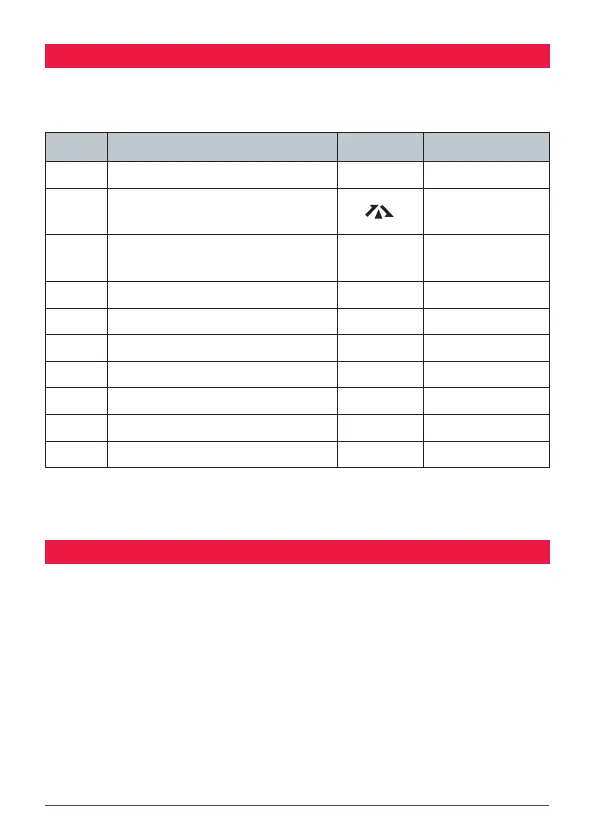
The Menu key is used to adjust the various feature settings. The following table
shows the order of these selections.
No. Description Symbol Options
1 Channel Selector 01-80 01-80
2 Duplex (channels 1 – 8 and 41 – 48
only)
TX677 Instrucon Manual
12 June 2018
© 2018 Standard Communicaons Pty Ltd trading as GME. All rights reserved.
23
50157
Content
Silent mode cannot be acvated unless a CTCSS or DCS code has been selected via the Menu
key (See Menu opons for more details). If CTCSS/DCS tones are set to ‘O’, any aempt to
acvate the Silent mode will be ignored. When communicang with other radios using CTCSS
or DCS, all radios must be switched to the same channel and have the same CTCS or DCS code
selected. To receive signals from radios that are not using CTCSS or DCS, you will need to disable
Silent mode on that channel.
Menu Opons
The Menu key is used to adjust the various feature sengs. The following table shows the order of
these selecons.
No. Descripon Symbol Opons
1 Duplex (channels 1 – 8 and 41 – 48 only) on/oF
2 CTCSS and DCS code selecon ct/dt
oF/01 – 50/
001 – 104
3 Transmier power Po Hi/Lo
4 VOX sengs Uo oF/1 – 3
5 Squelch level seng Sq Aut/1 – 5
6 Roger Beep seng rb oF/on
7 Buon Beep selecon bP oF/on
8 Call Alarm selecon CL oF/1 – 5
9 Dual Watch channel dU oF/on 1 – 80
The duplex menu opon will only appear when channels 1-8 or 41-48 are selected. CTCSS/DCS
and transmit power sengs are inhibited on channels 5/35 (emergency channel).
Using the Menu
• To access the menu, press and hold the Menu key unl the radio beeps. Menu opons
will appear in the order listed above.
• To step to the next menu item, press the Menu key again.
• To change opons in selected menu, press the or keys.
• To store your selecon and exit menu, press the PTT switch.
on/oF
3 CTCSS and DCS code selection
ct/dt
oF/01 – 50/
001 – 104
4 Transmitter power Po Hi/Lo
5 VOX settings Uo oF/1 – 3
6 Squelch level setting Sq Aut/1 – 5
7 Roger Beep setting rb oF/on
8 Button Beep selection pBual oF/on
9 Call Alarm selection CL oF/1 – 5
10 Dual Watch channel dU oF/on 1 – 80
Note: The duplex menu option will only appear when channels 1-8 or 41-48 are
selected. CTCSS/DCS and transmit power settings are inhibited on channels 5/35
(emergency channel).
USING THE MENU
• To access the menu: Press and hold the Menu key for 2 seconds. Menu
options will appear in the order listed above, depending on the channel
selected.
• To step to the next menu item, press the Menu key again.
• To change options in selected menu, press the or keys.
• To store your selection and exit menu, press the PTT switch.



 To Next Page