17
THREADING CARD PROCEDURE
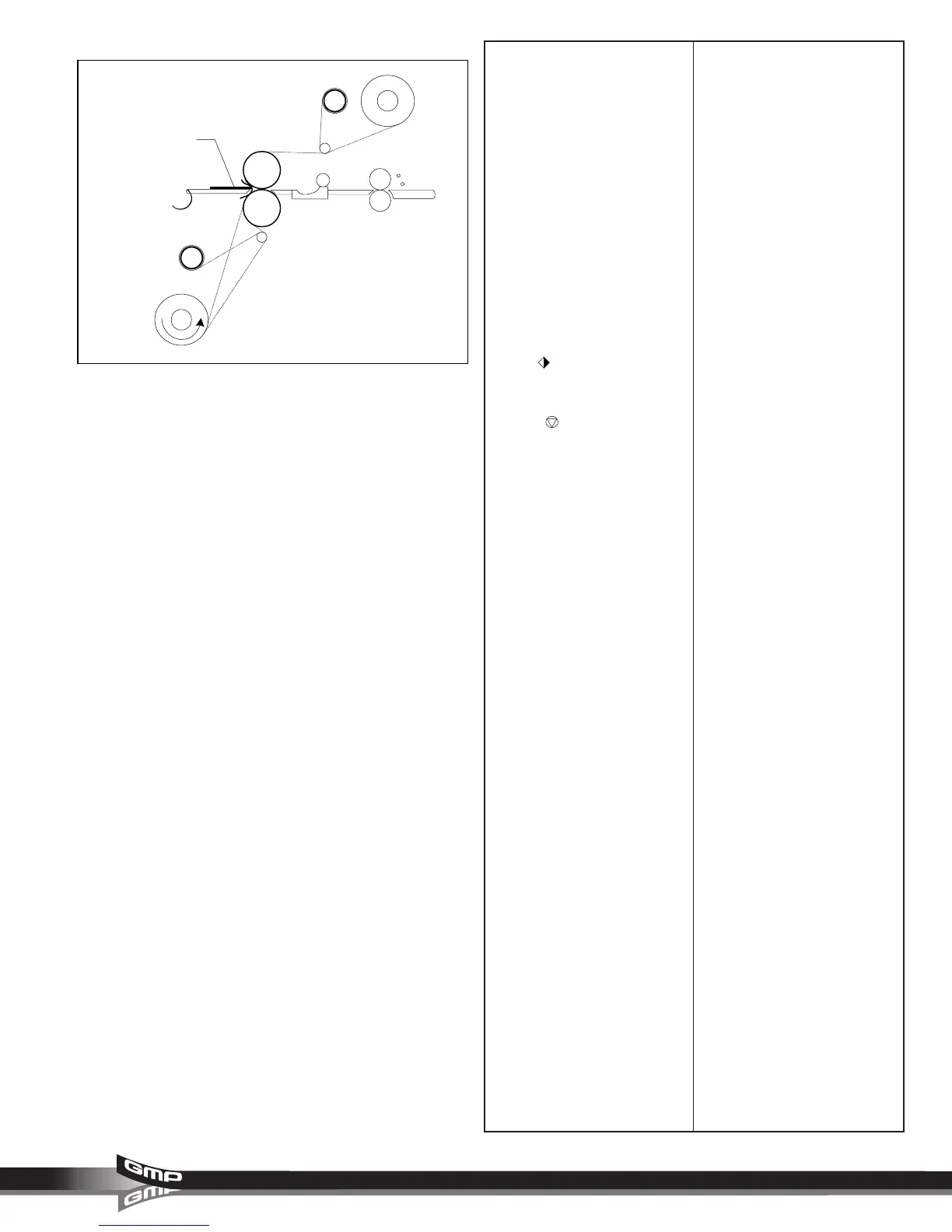
This procedure describes how to
feed two loaded films through the
main rollers (Figure 29).
1. At this point you should have an
upper roll of film and lower roller
roll of film loaded onto the
laminator with the appropriate
material for your application.
2. The table and safety shield must
be properly installed.
3. Push the threading card into the
main roller nip. The threading
card becomes sandwiched
between the upper and lower
loaded films.
4. Set the roller handle to a
laminating position, press the
RUN
button.
5. Once the threading card has
exited the laminator, press the
STOP
button.
6. Use the rear slitter to cut the
threading card from the web.
7. If you are not running the
laminator, set the roller handle to
the “RELEASE” position.
8. Now refer to the section entitled
START LAMINATING
.
Fig. 29
Threading card



 To Next Page