8
Press/ Release :
When
pressed, raises the upper main
roller over riding the pull roller
handle setting. When pressed
again, reverts to current pull roller
handle setting.
Cooling :
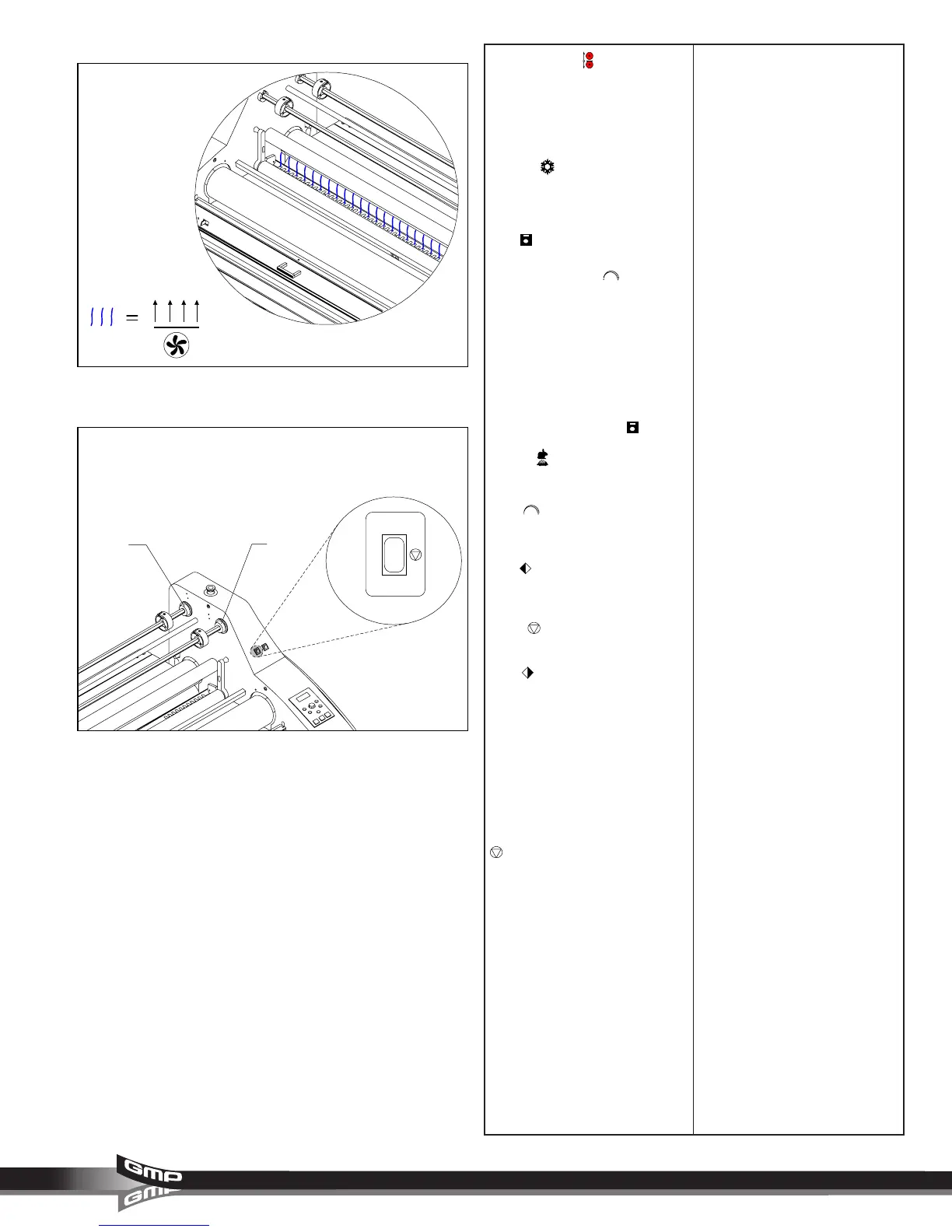
(Figure 7) When
pressed, turns on the cooling fans.
When pressed again, turns off the
cooling fans.
JOB :
When pressed, permits
scrolling of job numbers by turning
the
MASTER DIAL
and is
indicated on the control panel
display. Range is 1 - 10. Job 10 is
reserved for running Accushield
material.
To store parameters for a particular
job number, select the desired job
number location, enter the upper
and lower temperatures and
speed, then press
JOB
.
SPEED :
When pressed,
permits increasing or decreasing of
speed by turning the
MASTER
DIAL
and is indicated on the
control panel display. Range is 1 -
10.
REV :
When pressed and held,
reverses roller movement to clear
film jams and wrap-ups.
STOP :
Stops the movement of
the rollers.
RUN :
When pressed, activates
rollers for normal operation.
D. REWINDER SELECTION
SWITCH: (Figure 8) This switch
enables the operator to control the
function of the upper rewind/
unwind shafts.
I : In this position, turns the power
on to the upper front rewind/
unwind shaft.
:
In this position, neither the
upper front or upper rear rewind/
unwind shaft is selected for motor
power.
II : In this position, turns the power
on to the upper rear rewind/
unwind shaft.
Fig. 7
Fig. 8
REWINDER
I
II
III
(D)



 To Next Page