2828 2929
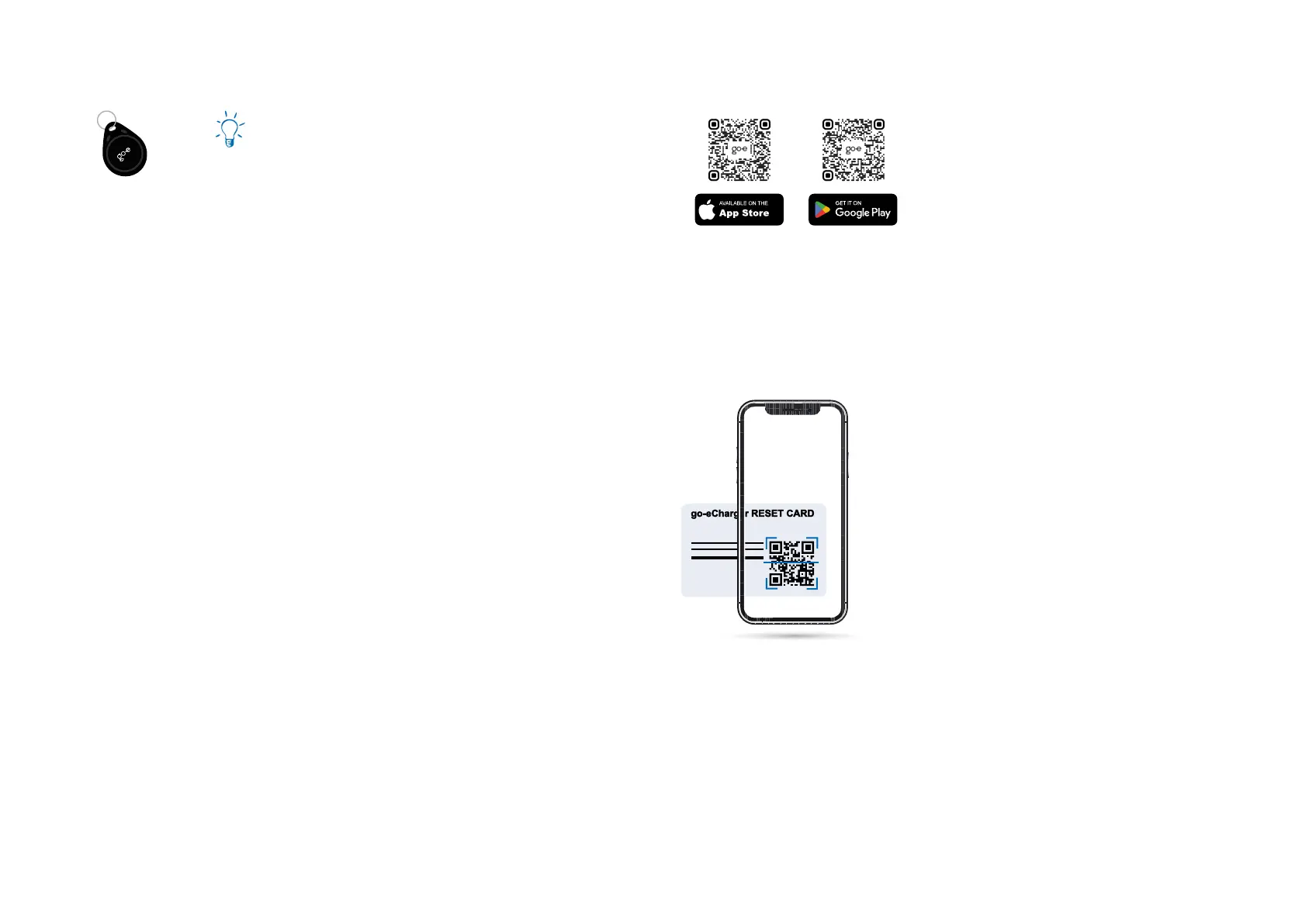
11. Reset card/RFID chip
Consumption overview for several users
Furthermore, additional user accounts can be created
with additional RFID chips (available as accessories).
This is useful if several people share the unit and the
charged current should be displayed separately for
each user in the app.
Additional RFID chips can be learned via the app
(„Settings“/“RFID chips“). Simply select one of the free
slots and follow the instructions in the app. The chips
can be renamed individually in the app.
Any RFID chip/card that transmits on a frequency
of 13.56 MHz (e.g. also many credit cards) can be
learned.
12. App - connection setup
The go-e Charger can also be used without an app.
Download the go-e app if you want to change basic
settings, use comfort functions, read the internal
electricity meter or control the charger remotely.
The go-e app is available for download on the plat-
forms listed opposite, depending on the operating
system of your mobile device.
Set up connection via hotspot
1. Some smartphones require deactivating mobile
data and terminating active WiFi connections.
2. Either scan the QR code of the reset card (an ex-
ternal app may be required for this) or manually
search for the charger‘s network (displayed as
go-e-xxxxxx) in the settings of your mobile device
to connect to the charger‘s hotspot. If you con-
nect manually, you need to enter the password
that you will nd on the reset card under „Hot-
spot key“.
3. Now launch the go-e app.
4. If the „Charger“ page is already displayed, you
can already operate the charger locally via the
app. Otherwise, you need to select your go-e
Charger in the app beforehand.
Installation and operating manual go-e Charger Gemini / go-e Charger Gemini 2.0 | V 1.0Installation and operating manual go-e Charger Gemini / go-e Charger Gemini 2.0 | V 1.0



 To Next Page