14. Esc Xn
Function : Bar code X dimension (width). Use for Code 128 B/C, UPC A/E and EAN 8/13.
Parameter : n = 2 ~ 4 ( 2 is default value)
n = 2 2 dot X dimension(default)
n = 3 3 dot X dimension
n =4 4 dot X dimension
15. Esc xnw
Function : Narrow bar to wide bar ratio. Use for Code 39, Code 93, Codabar and I 2 of 5.
Parameter : n (narrow) = 2 ~ 4
w (wide) = 4 ~ 12
16. Esc Fn
Function : Select see through sensor or reflect sensor
Parameter : n=0 select see through sensor (default)
n=1 select reflect sensor
17. Esc C
Function : Cutting paper
Parameter : none
Label formatting Command
1. Esc Ahv
Function : Set size of ASCII character or bar code; default size : A11(16x26 dot)
Parameter : h (horizontal expansion) = 1 ~ 4 (1 is default)
v (vertical expansion) = 1 ~ 8 (1 is default)
2. Esc A0n
Function : Set size of ASCII text.
Parameter : n = 0 ~ 4
n Size
0 1 x Vertical expansion (8x10 dot)
1 1 x Vertical expansion bolded
2 2 x Vertical expansion bolded
3 3 x Vertical expansion bolded
4 2 x Vertical 2x horizontal expansion
3. Esc V
Function : Turn on text highlight printing. Normal Highlight
Parameter : none TEXT
4. Esc v
Function : Turn off text highlight printing
Parameter : none
5. Esc {XXX...}
Function : Bar code with human readable.
Parameter : xxx… = barcode data
6. Esc ¦XXX...}
Function : Bar code without human readable.
Parameter : xxx… = barcode data
7. Esc Gnnxxx
Function : Graphics command.
Parameter : nn = number of graphic bytes. The maximum of EZ-2 is 55, the maximum of EZ-4 is 98.
Use with the Esc Mnn command (Esc Maa+Esc Gbbxxx… .)
EZ-2: aa+bb<=56, EZ-4: aa+bb<=99
xx..= the data represent one line of graphic pattern, each x is 8 bits binary data (1= black, 0=
white)
Example :
←
G10AAAAAAAAAA ("A" ASCII code is 0X41 binary 01000001)
←
G10AAAAAAAAAA
←
G10AAAAAAAAAA
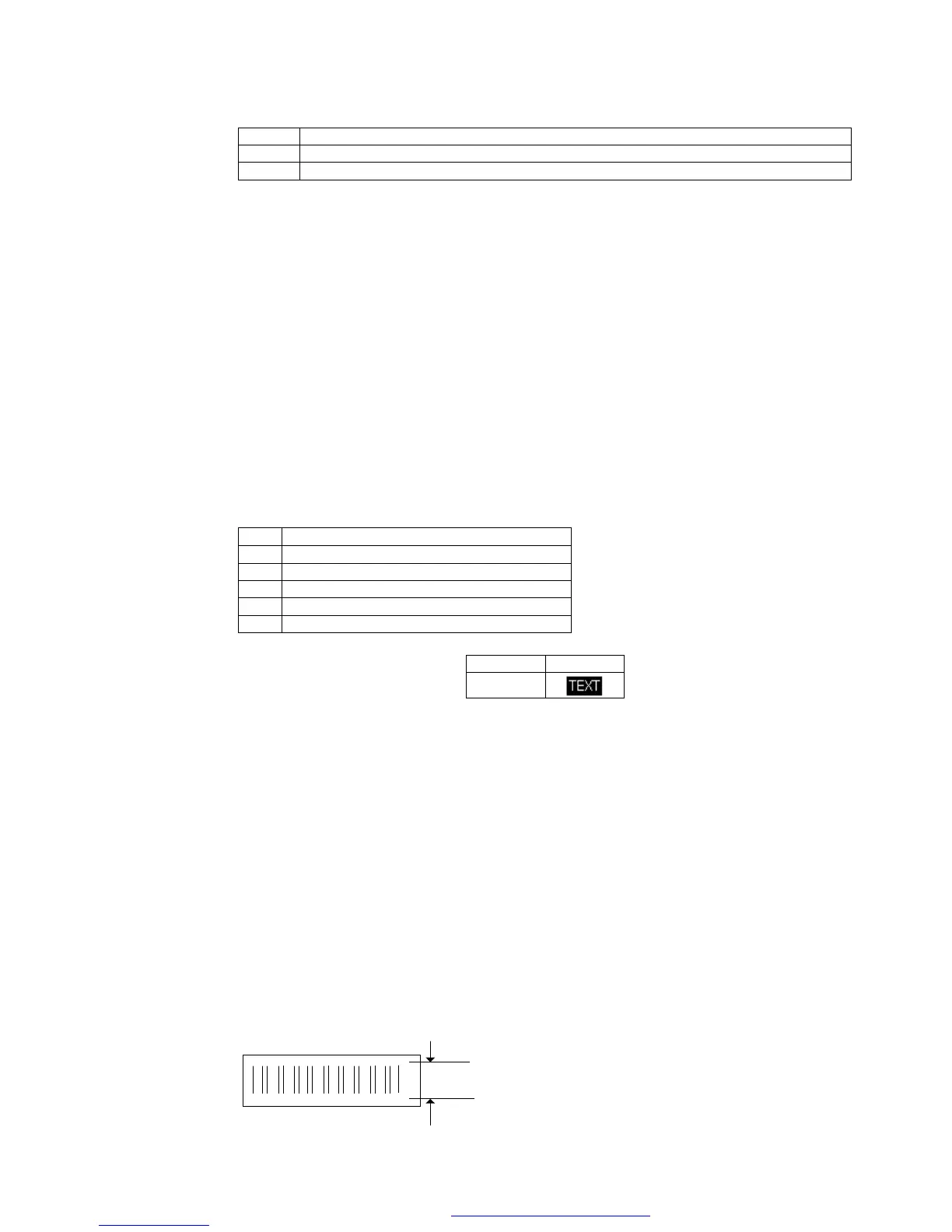
Print result :
3 dots = 0.375mm
8. Esc Lxxx
PDF created with FinePrint pdfFactory trial version http://www.fineprint.com



 To Next Page