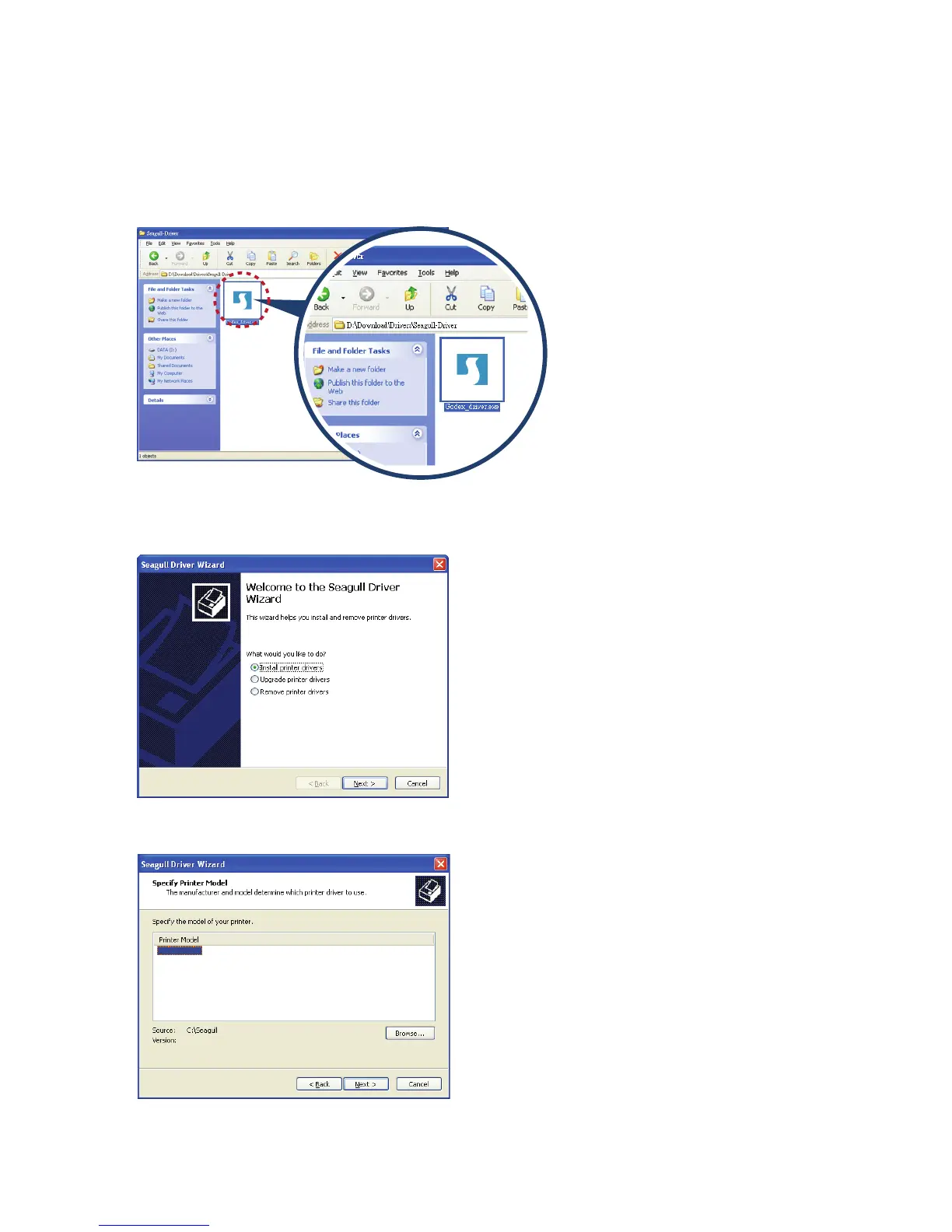
1. Insert the product CD in the CD/DVD drive of the host computer and open the "Seagull Drivers" folder on the CD.
Select the icon for the driver file and click it to start the installation.
2. Follow the instructions on the screen. The Driver Wizard guides you through the installation procedure.
Select "Install printer drivers".
3. Specify your printer model.
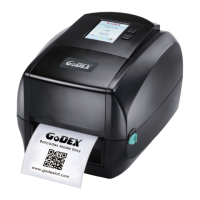
Godex RT700i
Installing Printer Driver Directly from CD Folder



 To Next Page