17
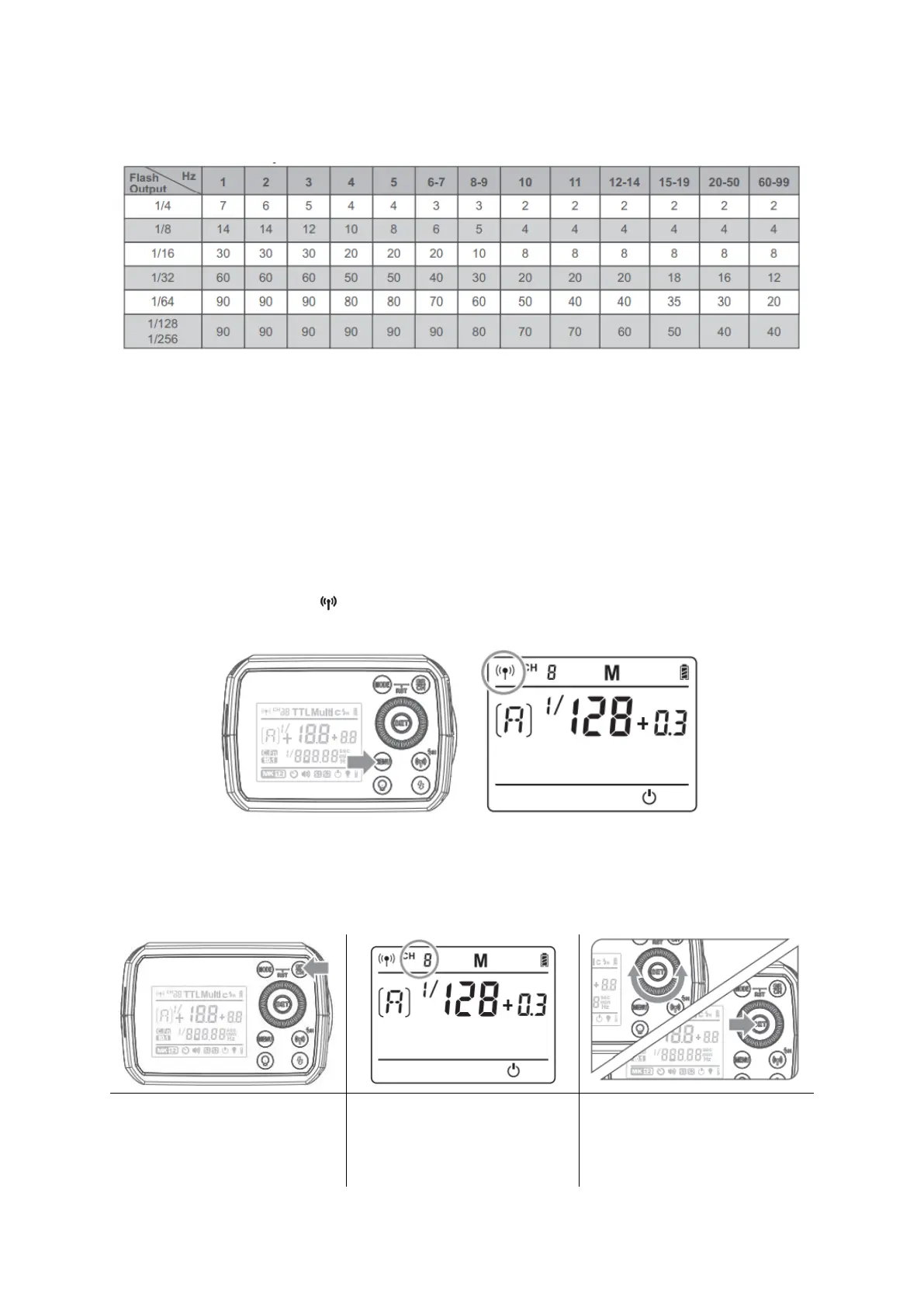
Maximum Stroboscopic Flashes:
Flash Output/Hz
Wireless Flash Shooting
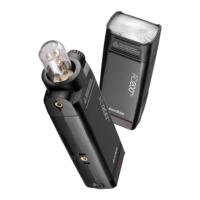
AD200Pro adopts Godox 2.4G wireless X system, which has good compatibility with
other products of our company. As Slave unit, AD200Pro is automatically compatible
with Canon/Nikon/Sony TTL system according to the master unit. Nikon cameras (use
X1T-N), Canon cameras (use X1T-C) and Sony cameras (use X1T-S) can use one or more
AD200Pro-TTL flashes simultaneously.
Wireless Settings
Press the wireless selection button to switch wireless function ON/OFF. Turn the
wireless function on, the < > icon will be displayed on the AV panel. When using the FT-
16 remote control or other trigger, please turn off the wireless function.
Setting the Communication Channel
If there are other wireless flash systems nearby, you can change the channel IDs to
prevent signal interference. The channel IDs of the master unit and the Slave unit(s)
must be set to the same.


 To Next Page