21
1. Press the <MENU> button to enter the C.Fn menu.
2. Select the custom function No.
o Turn the SET Selection Dial to select the custom function No.
3. Change the setting
o Press <SET> button and the Setting No. blinks.
o Turn the SET Select Dial to set the desired number. Press <SET> button will
confirm the settings.
4. Exit C.Fn menu
o Press <MENU> button to exit.
Other Applications
Wireless Control Function
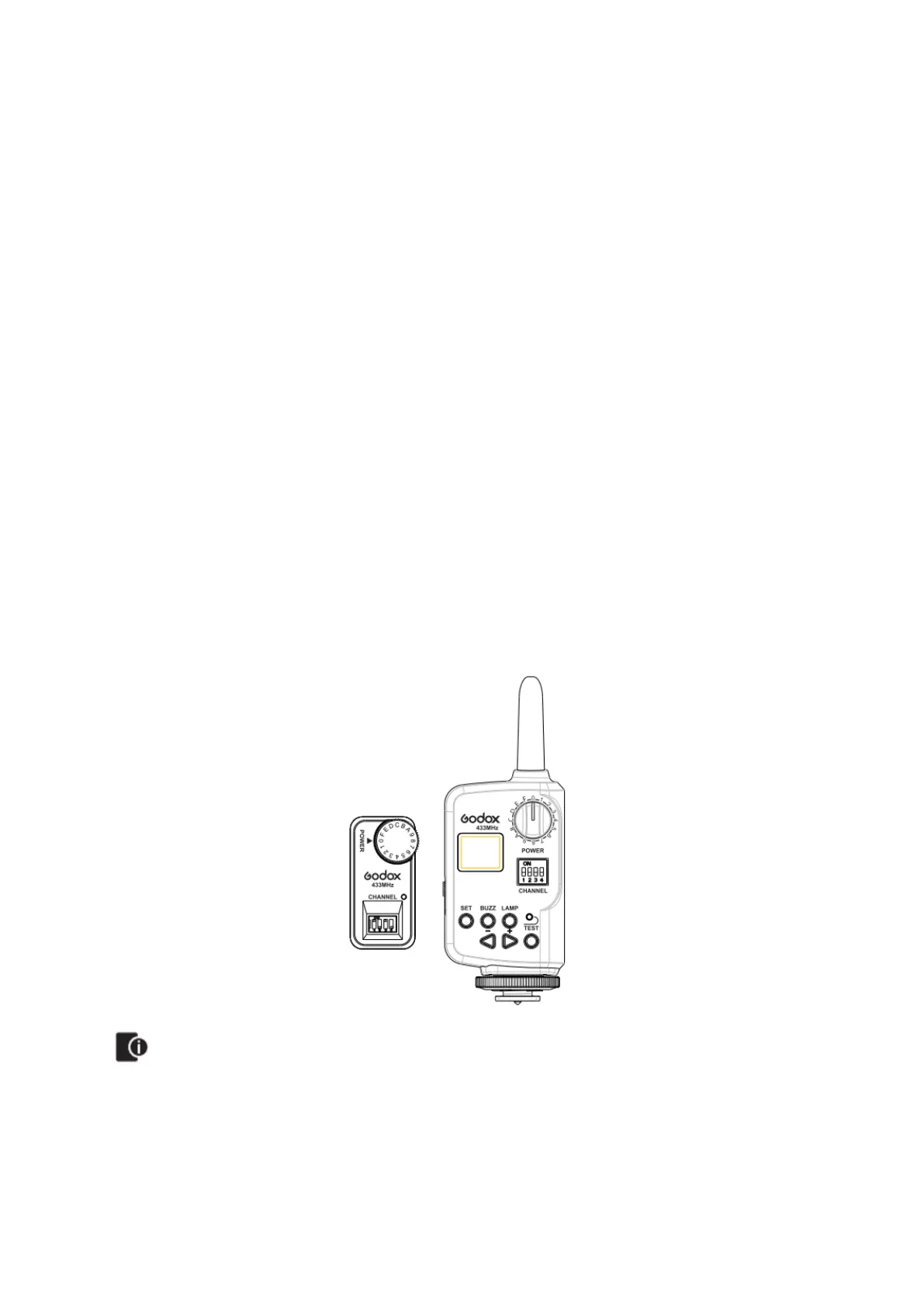
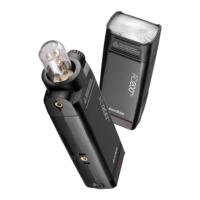
The flash unit is built in with a Wireless Control Port so that you can wirelessly adjust the
power level of the flash and the flash triggering. To control the flash wirelessly, you need
a FT-16 remote control set (on-camera and on-flash). Inset its receive end into the
Wireless Control Port on the flash and insert the transmit end into the camera hot shoe.
Settings made on the hotshoe-mounted transmit and receive ends will be wirelessly
communicated to the flash. Then you can press the camera shutter release button to
trigger the flash. You can also hold the transmit end at hand to control your off-camera
flash.
• For full instructions on the use of FT series control, see its user manual.
• Turn off the AD200Pro wireless function.


 To Next Page