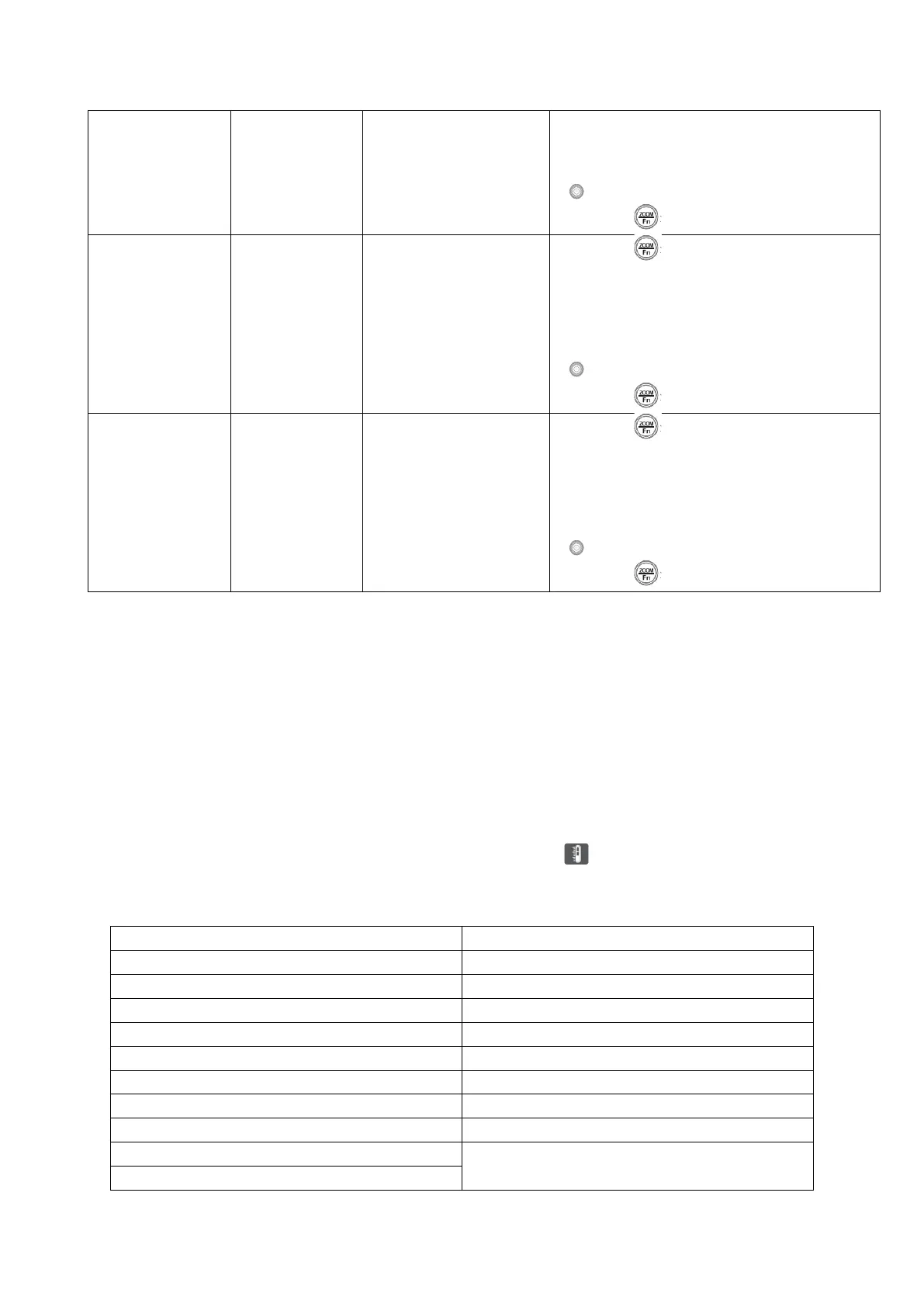
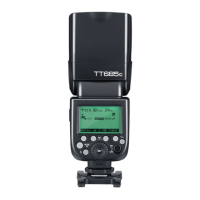
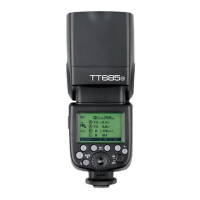
1. Press < > button to enter Custom
Functions.
2. Press <SET> button to enter bL
states.
3. Turn the Select Dial
< > to adjust.
4. Press < > button to return.
1. Press < > button to enter Custom
Functions.
2. Press <SET> button to enter OS
states.
3. Turn the Select Dial
< > to adjust.
4. Press < > button to return.
Protection Function
Over-Temperature Protection
• To avoid overheating and deteriorating the flash head, do not fire more than 30
continuous flashes in fast succession at 1/1 full power. After 30 continuous
flashes, allow a rest time at least 10 minutes.
• If you fire more than 30 continuous flashes and then fire mode flashes in short
intervals, the inner over-temperature protection function may be activated and
make the recycling time about 10 to 15 seconds. If this occurs, allow a rest time of
about 10 minutes, and the flash unit will then return to normal.
• When the over-temperature protection is started, is shown on the LCD
display.
Number of flashes that will activate over-temperature protection:


 To Next Page