39
Wireless Flash Shooting: 2.4G Wireless Transmission
This section explains wireless transmitting/receiving flash shooting.
The V1Pro C attached to the camera is referred as the transmitter unit, while a
V1Pro C that is wirelessly controlled is referred as the receiver unit.
You can also wirelessly control the V1Pro C set as the receiver unit with the
TTL flash trigger XPROII (sold separately). For details on setting the flash
trigger functions, see the its instruction manual.
When the camera’s shooting mode is set to a fully automatic mode or an image
zone mode, the operations in this section are not available. Please set the camera’s
shooting mode to Fv/P/Tv/Av/M/B.
Note:
Using a flash with a radio transmission wireless shooting function make it
easy to shoot with advanced wireless multiple flash shooting, in the same
way as E-TTL II auto flash shooting.
As long as the channel, group, ID, and other relevant wireless settings of the
transmitter and receiver units are set to the same, the settings on the V1Pro
C (transmitter unit) will be automatically applied to the wirelessly controlled
V1Pro C (receiver unit). Therefore, there is no need to operate the receiver unit
during shooting.
1. Multi flash is most effective with a highly reflective subject against a dark
background.
2. Using a tripod and TTL flash trigger XPROII is recommended.
3. A flash output of 1/1 and 1/2 cannot be set for multi flash.
4. Multi flash can also be used with“buLb”mode.
5. Multi flash mode cannot be set in high-speed sync mode.
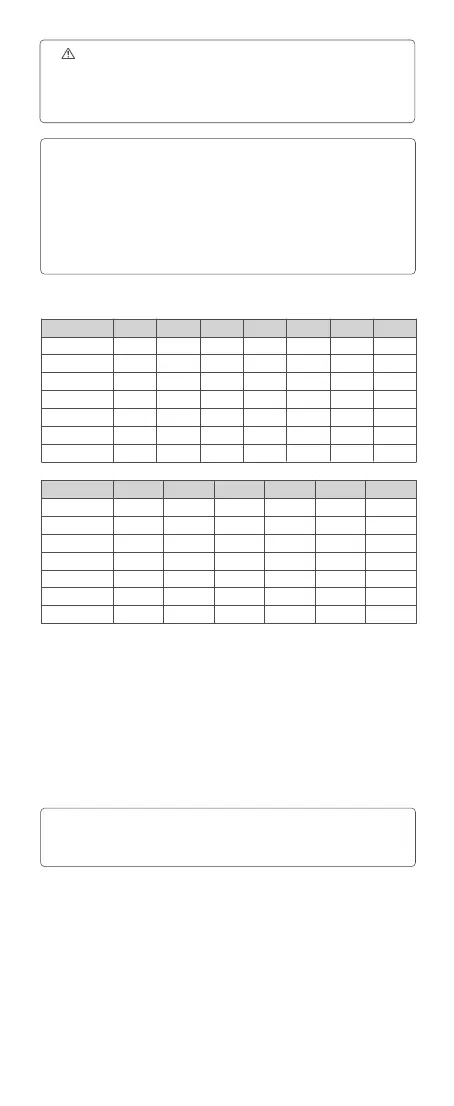
6. If the number of flashes is displayed as “--”, the ring will continue until the
shutter closes or the battery is exhausted. The number of flashes will be limited
as shown by the following table.
Note:
Flash output /Hz
1/4
1/8
1/16
1/32
1/64
1/128
1/256
1
8
14
30
60
90
100
100
2
6
14
30
60
90
100
100
3
4
12
30
60
90
100
100
4
3
10
20
50
80
100
100
5
3
8
20
50
80
100
100
6-7
2
6
20
40
70
90
90
8-9
2
5
10
30
60
80
80
Flash output /Hz
1/4
1/8
1/16
1/32
1/64
1/128
1/256
10
2
4
10
20
50
70
70
11
2
4
8
20
40
70
70
12-14
2
4
8
20
40
60
60
15-19
2
4
8
18
35
50
50
20-50
2
4
8
16
30
40
40
60-199
2
4
8
12
20
40
40
Maximum Time of Consecutive Flashes
To avoid overheating and deteriorating the flash head, do not use multi flash
more than 10 times in succession. After 10 times, allow the camera flash to rest
for at least 15 minutes. If you try to use the multi flash more than 10 times in
succession, the ring might stop automatically to protect the flash head. If this
happens, allow at least 15 minutes’ rest for the camera flash.



 To Next Page