EasyManua.ls Logo

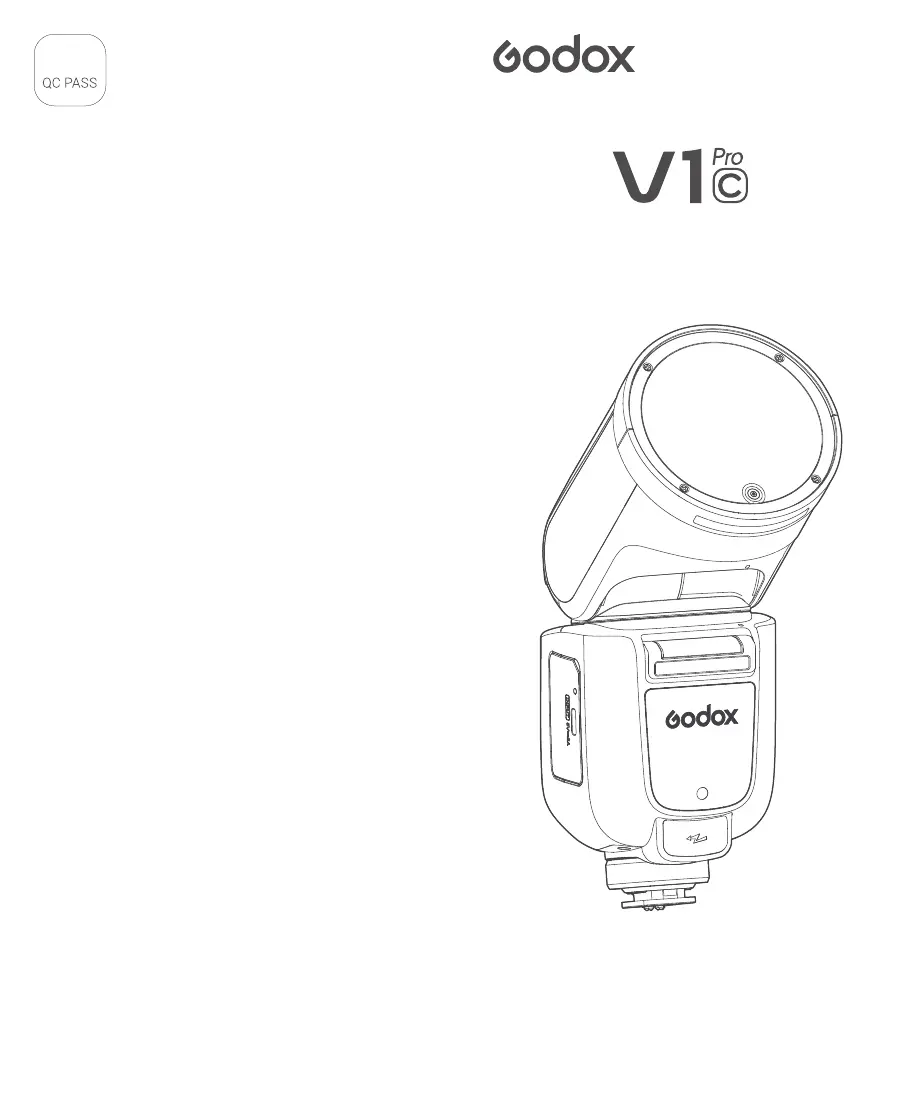
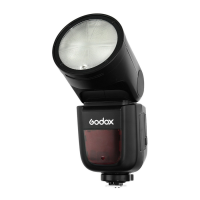
Godox V1Pro C - User Manual

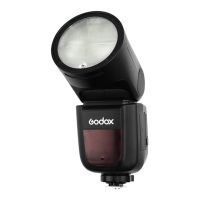
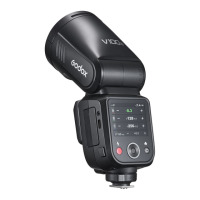
Godox V1Pro C
17 pages
Print Icon
To Next Page IconTo Next Page
Loading...
合格证
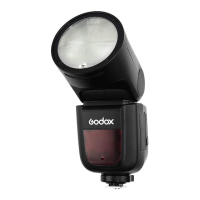
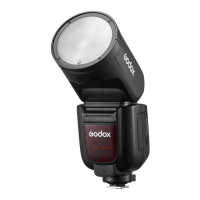
TTL Li-ion Round Head Camera Flash
TTL 锂电圆头机顶闪光灯

Questions and Answers

  • C
    Crystal BallJul 29, 2025
    What to do if my Godox V1Pro C Camera Flash is not firing?
    • H
      Holly TaylorJul 30, 2025
      If your Godox Camera Flash isn't firing, there are several potential causes: - Ensure the flash is securely attached to the camera's mounting foot. - Check and clean the electrical contacts on both the flash and camera. - Wait for the flash to fully recycle until the ready indicator lights up. If it doesn't light up, the battery may not have enough power. Try replacing the battery.
  • A
    Alexandra SchneiderAug 9, 2025
    Why is my Godox V1Pro C Camera Flash underexposing or overexposing photos?
    • A
      Amber SchmidtAug 10, 2025
      If your Godox Camera Flash is resulting in underexposed or overexposed photos, here are a few possible reasons: - A highly reflective object in the picture might be interfering with the exposure. Try using FE lock (FEL). - When using high-speed sync, the effective flash range is shorter. Ensure your subject is within the displayed effective flash range. - If you're using manual flash mode, switch to ETTL or adjust the flash output.
  • J
    Jill RamirezAug 19, 2025
    What to do if photos have dark corners with Godox V1Pro C?
    • V
      Vanessa HinesAug 19, 2025
      If your photos have dark corners or only parts of the subject are illuminated when using your Godox Camera Flash, check the flash coverage setting. This flash unit has a coverage between 28 and 105mm, suitable for medium-format cameras. The issue arises when the focal length of lens exceeds the flash coverage.

Summary

Important Safety Instructions

Main Features

Name of Parts

Battery

Mounting;Detaching the Camera Flash

Flash Mode - E-TTL Auto Flash

FEC (Flash Exposure Compensation)

Adjusting flash output for TTL exposure in fine increments.

FEB (Flash Exposure Bracketing)

Automatically capturing multiple shots with varying flash exposures.

FEL (Flash Exposure Lock)

Locking a specific flash exposure setting for a subject.

High-Speed Sync

Synchronizing flash with fast camera shutter speeds.

Flash Mode - M: Manual Flash

Flash Mode - Multi: Stroboscopic Flash

Wireless Flash Shooting: 2.4 G Wireless Transmission

Positioning and Operation Range (Example of wireless flash shooting)

Wireless Settings

Setting the Flash as A Transmitter Unit

Configuring the flash to control other units wirelessly.

Setting the Flash as A Receiver Unit

Configuring the flash to be controlled wirelessly.

Wireless Channel Settings

Adjusting wireless channels to avoid interference.

ETTL: Fully Automatic Wireless Flash Shooting

Using Automatic Wireless Flash with Multiple Receiver Units

M: Wireless Flash Shooting with Manual Flash

Set the Transmitter Units Flash Group to <M>

Setting flash groups to manual mode on the transmitter.

Set the Flash Output of Each Flash Group

Adjusting manual flash power for each group.

Multi: Wireless Flash Shooting with Manual Flash

Set the Transmitter Unit to Wireless Multi Flash

Configuring the transmitter for stroboscopic wireless shooting.

TTL;M Mode Switch Function

The Reason & Solution of Not Triggering in Godox 2.4 G Wireless

Bounce Flash

ZOOM: Setting the Flash Coverage

Low Battery Warning

C.Fn: Setting Custom Functions

Protection Function

Over-Temperature Protection

Mechanism to prevent overheating during intense usage.

Troubleshooting

The camera flash does not fire.

Steps to diagnose and resolve issues where the flash fails to fire.

The flash exposure is underexposed or overexposed.

Solutions for incorrect flash exposure readings.

Firmware Upgrade

Maintenance

Godox V1Pro C Specifications

General IconGeneral
TypeOn-Camera Flash
Channels32
Flash Duration1/300 to 1/20000 Second
Wireless2.4 GHz Radio
Groups5
FEC±3 EV (1/3 Steps)
Compatible SystemsCanon

Related product manuals