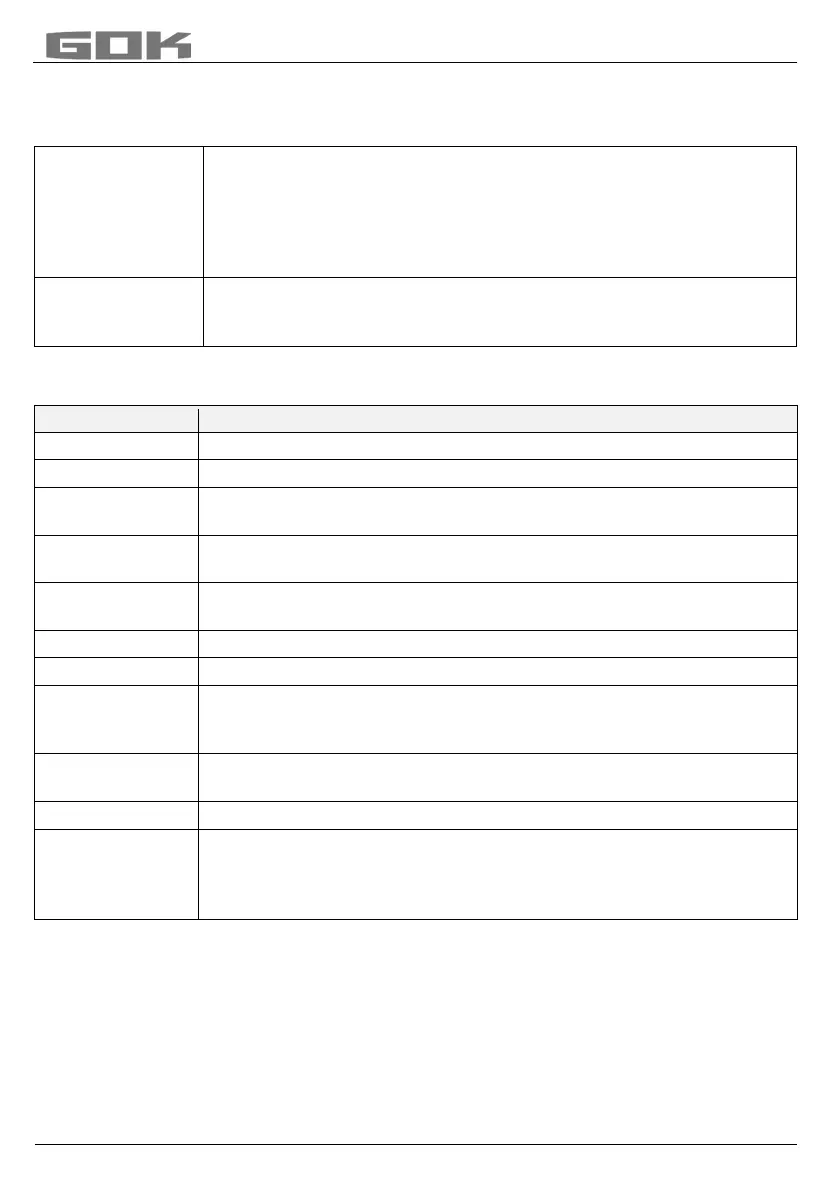
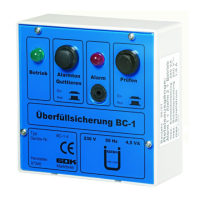
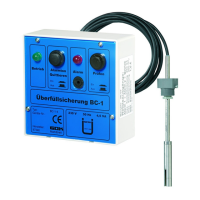
SmartBox
®
4 / SmartBox
®
4 PRO
20 / 28 part no. 28 400 57 d
Messages from the SmartBox
®
General, there are two ways to receive fill level measurements or other data from the
SmartBox
®
:
inquiry
Data from the SmartBox
®
can be queried through any mobile phone.
To do so, simply send an SMS with a brief command, e.g. #R, to the
mobile phone number of the SmartBox
®
. After approx. 2 - 3 minutes,
your mobile phone will receive the answer SMS with the data on tank
content(s). In addition to fill level measurements, configuration data of
®
messages
The SmartBox
®
can send various messages automatically to the
www.smart-inspector.com system, to a (monitoring) mobile phone, or
to an E-mail address. The following messages are available.
Event causing the message
The following events cause a message to be sent:
Cyclical message after n days or after x% reduction of fill level
Message at start of fueling process (low level)
Fueling Tank 2 - message after fueling, as high-level message, is given
approx. 60 min. after start of fueling process
Manual system inquiry via SMS command #R or #M
Limit Value Tank 3 - value for tank n has fallen below set message
threshold
New tank indicator for tank 2 has been activated/connected
Signal at alarm input (digital input), e.g. unit malfunction
Check credit - the credit on the SIM card has fallen below 1 €. Please
top up the credit! (in Germany the credit message only works in the T-
Mobile, Vodafone, O
2
networks)
In the menu item 15.Modem, you can cause the unit to send an SMS by
selecting “Send SMS” (+ENTER)
Query of the unit settings (configuration) by SMS command #C
Relais off
This is displayed when the device relay has switched over
only with SB 4 Conditions: Menu step 7
Relay ’Activ’ is set or #S=2
Relay ’Activ’+SMS’ is set or #S=21
When two events are pending at the same time, the major of the two events is reported in the
SMS first (e.g. Alarm 1 before Limit Value Tank 1).


 To Next Page