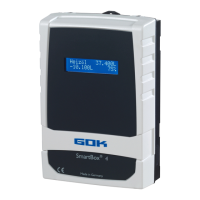
SmartBox
®
4 / SmartBox
®
4 PRO
16 / 28 part no. 28 400 57 d
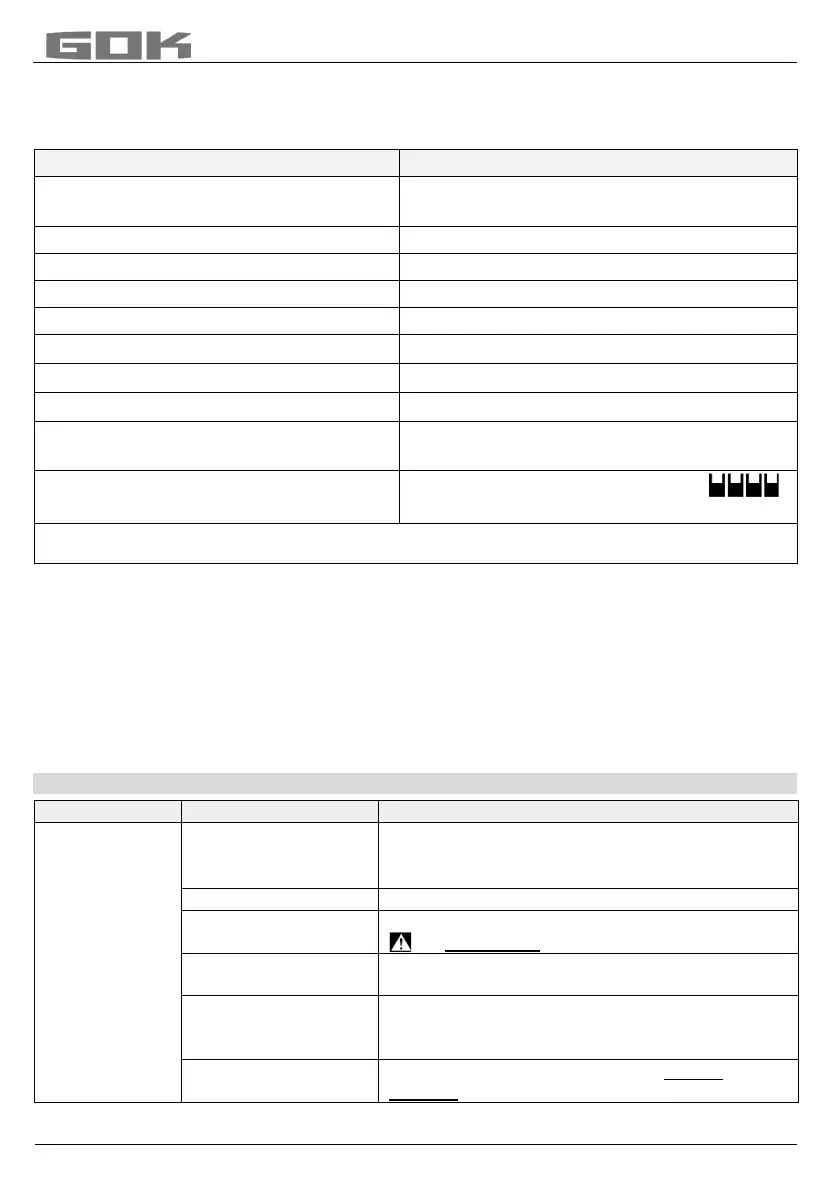
Example 3: Basement tanks for 15,000 litres heating oil, linear steel tank
inner height 220cm, (fill level tank 1 = 125cm)
SmartBox
®
4 PRO with 4 standard levelprobes 0 - 250mbar,
PIN: 0000 (set with [+] key
15.000L (set with [+] / [-] keys)
220.0cm (set with [+] / [-] keys)
95%=209cm (set with [+] / [-] keys)
% are displayed alternately)
press [Enter] to see the indication
8.500L 8.520L Σ 34.120L
8.540L 8.560L 57% 57% 57% 57%
For Tank 2-4 repeat the entry with the correct value in the same way as with tank1
Tanks with inner shell
For tanks with an inner shell (e.g. cylindrical horizontal or tanks welded together in the
basement) the data in steps "4.Tank volume" and "5.Internal tank height" must be corrected.
Examples:
Wall thickness of inner casing 0.5cm reduce value for inner height by approx. 1cm,
reduce volume for 10m³ by 1.3%, for 20m³ by 1 %, for 50m³ by 0.8% and for 100m³
by 0.7 %.
Wall thickness of inner casing 2cm reduce value for inner height by approx. 4cm,
reduce volume for 10m³ by 5%, for 20m³ by 4%, for 50m³ by 3% and for 100m³ by 2.5%.
NOTES ON PROGRAMMING
probe
• probe zero point, electric
• position / Distance from base
• unusable capacity that is not to be displayed
New measurement of probe zero point (electric)
Lift level probe out of the liquid beforehand.
Probe pos: x cm;
normal reference is x = 0cm, max = 99cm
Sucker position: y cm Normal reference
is 0cm = capacity completely displayed. y > 0cm
means corresponding unusable capacity.
Reset values from menu step 9 to factory
settings


 To Next Page