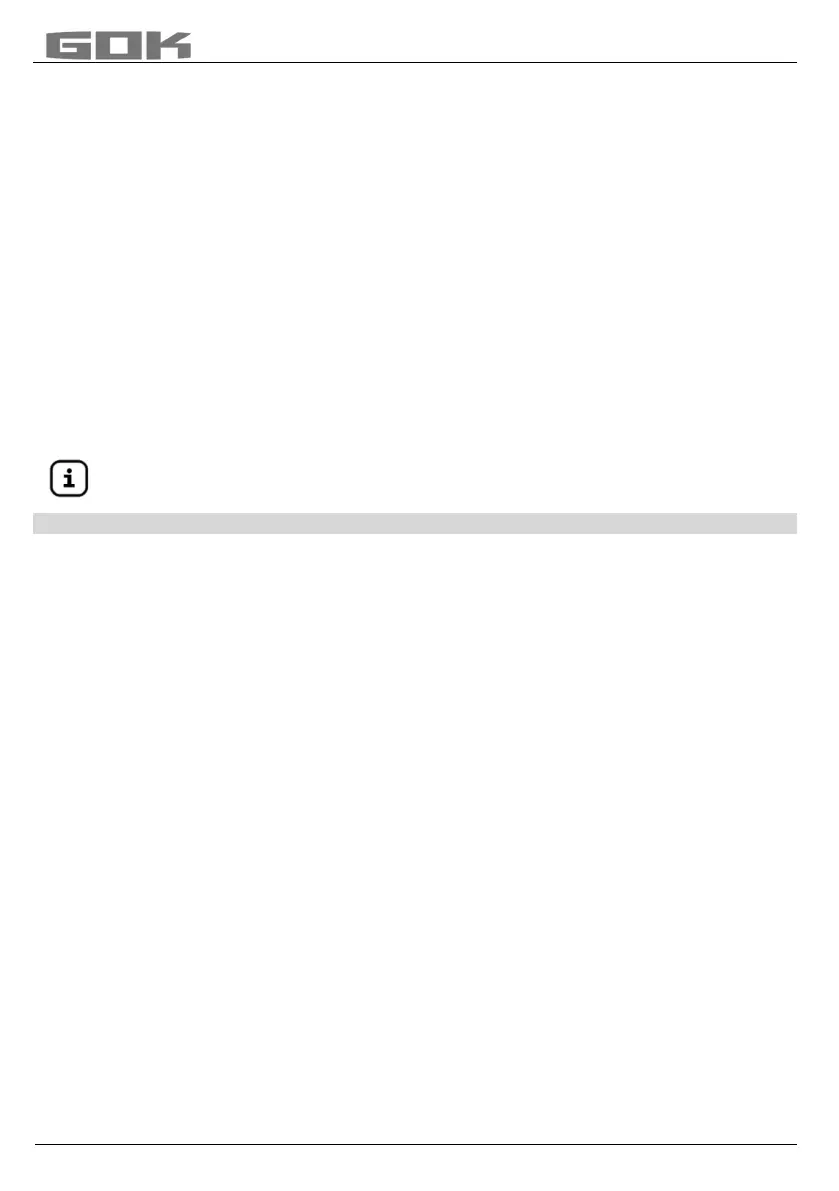
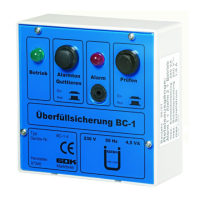
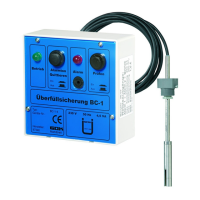
SmartBox
®
4 / SmartBox
®
4 PRO
part no. 28 400 57 d 19 / 28
SmartBox
®
4:
Activation of other indicators (and assignation of the respective tank numbers)
Numbering the tanks:
The contents indicator SmartBox
®
4 always has tank number 1.
If other content indicators SmartBox
®
1, 2 or 3 (indicator) are to be connected “SERIAL LINK
INPUT“ (terminals 3 + 4), they must be assigned defined tank numbers. The tank numbers
are simply assigned in the sequence in which the indicators log on for the first time.
• First, activate indicator 2 for tank number 2 (switch on mains voltage), then for indicator 3,
and so on.
Example: Activate tank 2
• After connection the indicator of tank 2 as described under Electrical Installation –
Connecting the Interface to SmartBox
®
1, SmartBox
®
2 or SmartBox
®
3, switch on the
indicator of the tank in question (switch on the mains voltage).
In the display of SmartBox
®
4, the following will be indicated alternatingly: “Tank1:” - “xx.xxxL“
– “Tank2:“ – “yy.yyyL“ (depending on the selection / adjustment in the menu 14.Show tanks).
Then, follow the same steps for the other indicators.
You have now completed the on-site installation.
The order of the displayed tanks can be changed subsequently under menu step
16.Sort. Tanks
SmartBox 4 to be changed.
PROGRAMMING THE REMOTE MONITORING FUNCTIONS
If the device is linked to www.smart-inspector.com, this is done via the Internet.
As an alternative, the setting parameters for remote monitoring functions of the SmartBox
®
can also be transmitted via SMS by any mobile phone. This can be done directly on site or
optionally at a later time, e.g. from the company headquarters.
Command to the device (from a mobile phone)
• An SMS may contain one or several commands.
• However, the total length of the SMS must not exceed 80 characters.
• There must be no spaces between the SMS commands and no special characters!
• When entering a chain of commands, the commands #R or #M or #C must come at the end,
if applicable.
Setting the SMS
target number (number of the receiving building supervisor):
• Enter the SMS text ... #T=01701234567#M (i.e. the number of the reporting mobile phone)
• ... and send it the mobile network number of the SmartBox
®
.
• Because of #M, the SmartBox
®
will send an SMS in reply (possibly after 1 - 2 minutes’ wait).
• The SmartBox
®
indicates reception of this SMS by showing “Receive” in the display.
• The transmission of the reporting SMS is indicated by showing “Sending” in the display.
Setting of unit names for the text messages of the system
• Enter the SMS text #H=Tankmonitoring Jones NameofPlace #R
• ... and send it the mobile network number of the SmartBox
®
.
• Commands as #T=... #H=... and #R can be sent as a chain in one single SMS.
Example: Compl
ete setup by means of one single SMS containing a chain of commands
#T=01714901312#H=Ct-024Tankmonit.K.Miller,LevenhamRd.21#P=10,07,15,01#R
See page 22 for a
list of all commands.


 To Next Page