3.3 Mark Function (Shot Distance)
Mark Function is Shot Distance Measurement feature. To measure the
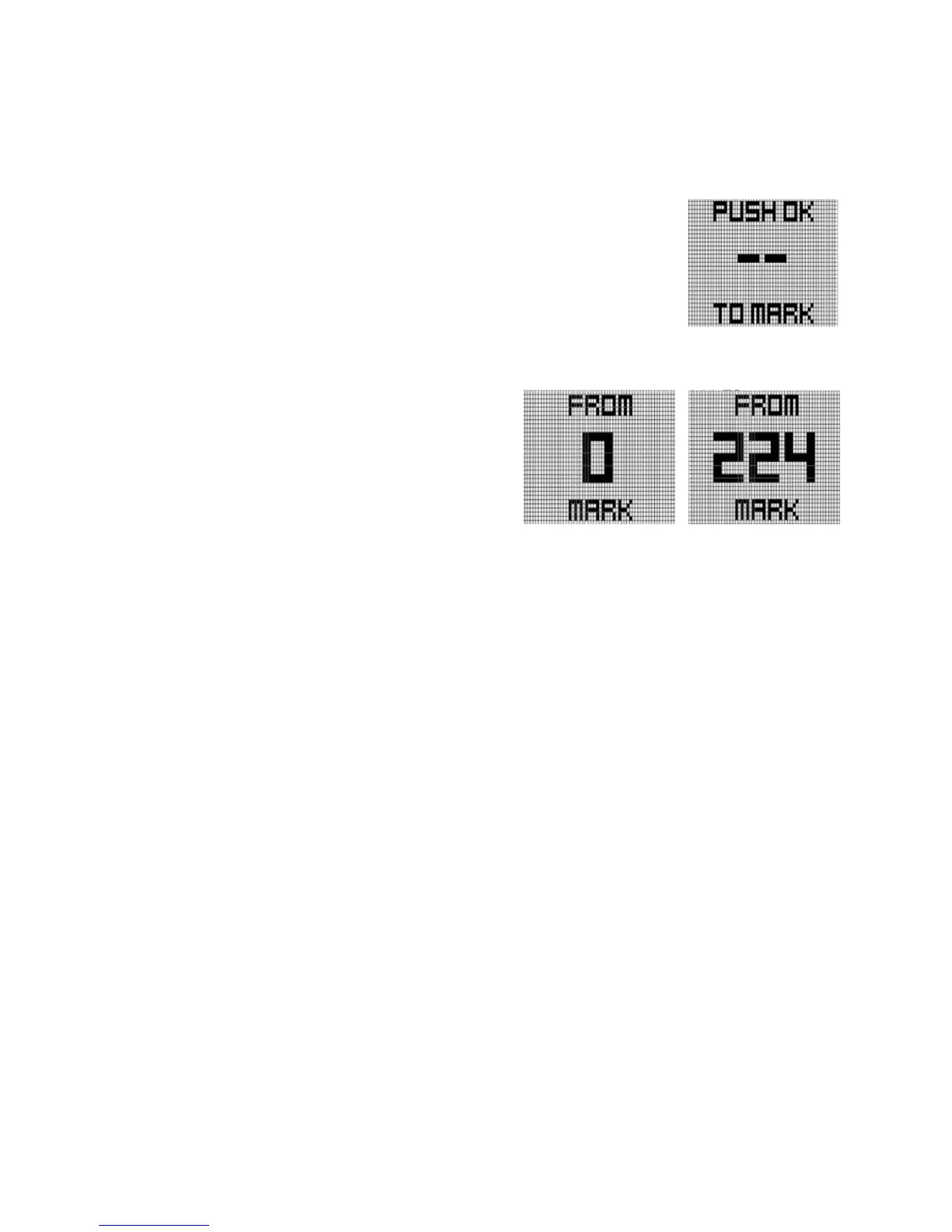
distance of any shot, press GOLF button at Golf play mode. Screen will
show right figure.
When standing at the location where the shot is
taken, press OK button to activate Mark Function,
then screen will change right.
Doing so will set the shot location (point A) to zero,
and the device will begin measuring distance as you
move toward your ball. Once you have made it to your ball (point B), the number displayed is
the distance between point A and point B in a straight line.
Pressing the OK button when user want to re-measure Shot Distance screen will show “0” above
screen.
Pressing one of MENU, UP, DOWN when on the Shot Distance screen will return to the FCB
screen. Active shot measurements will continue in the background, and can be viewed by cycling
back to the Shot Distance screen.
Note : Shot data will reset when a hole advancement occurs (automatic hole advance or manual
hole advance).
3.4 Time check when Golf mode
To check time when FCB screen, press MENU button. Then, screen show right figure.
This screen shows the current time, date, current hole number, and current green information
(Left, Right, Dual).



 To Next Page