After 10sec, automatically return to FCB screen from time check screen, or press any buttons
will return to FCB screen
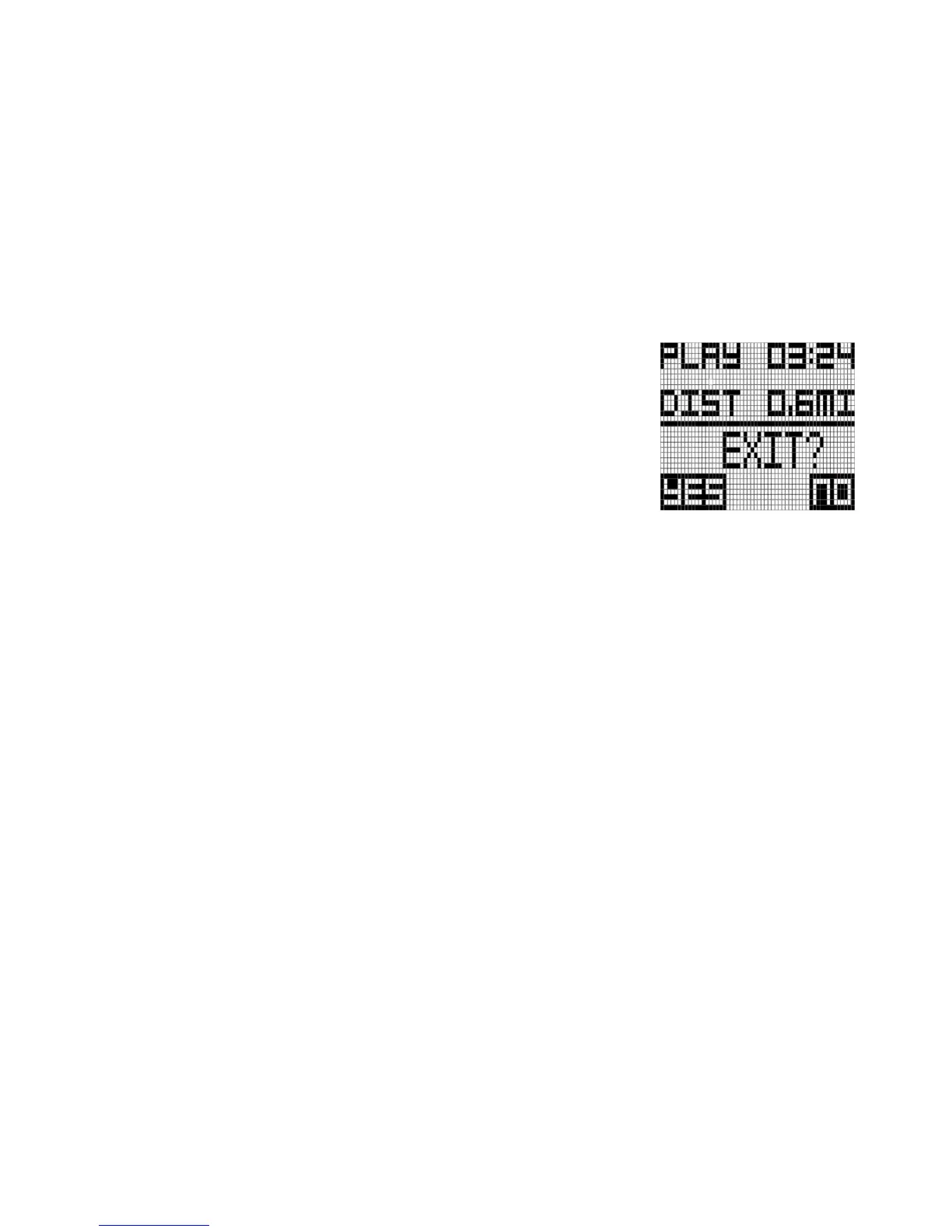
3.5 Exit Golf play
To Exit Golf play, press and hold MENU button during 3seconds, the
WT6 will display a prompt to confirm your selection. If you want to
finish golf play, press the MENU button to confirm your selection. You
will then see the End of Golf play Summary.
Alternately, If you want to keep the golf play, press the DOWN button
to return to Golf Mode.



 To Next Page