2. Main MENU
From Watch Mode (TIME), press button “MENU” to view the Main Menu. Navigate with button
“UP” or “DOWN”. Press button “OK” to activate the selected function from the menu. Function
include “SETTINGS", "SET TIME", "ODOMETER", "POWER OFF", and “INFO".
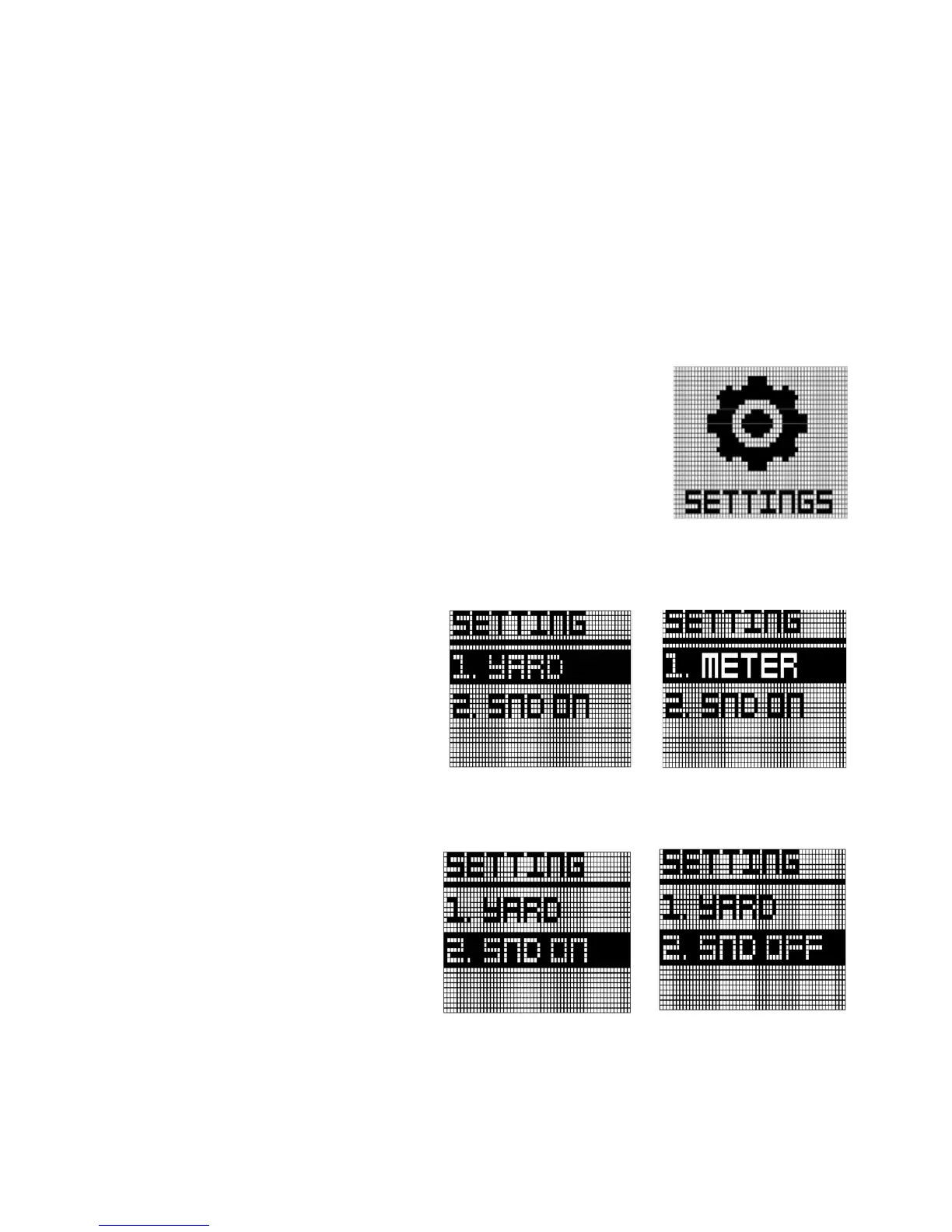
2.1 SETTINGS
In Main Menu mode, press Button “UP” and “DOWN” to select
"SETTING" function. Press button “OK” to activate this function. Then
you can see three items which are unit scale, sound, slope
.
UNIT
To set unit of measurement
(affecting Golf Mode and
Odometer) “YARD” or “METER,
press the “OK” button. Then it will
be toggled
.
SOUND
In order to turn on the beep
sound or off, move to menu using
navigate button.
Press the “OK” button, it will be
toggled



 To Next Page