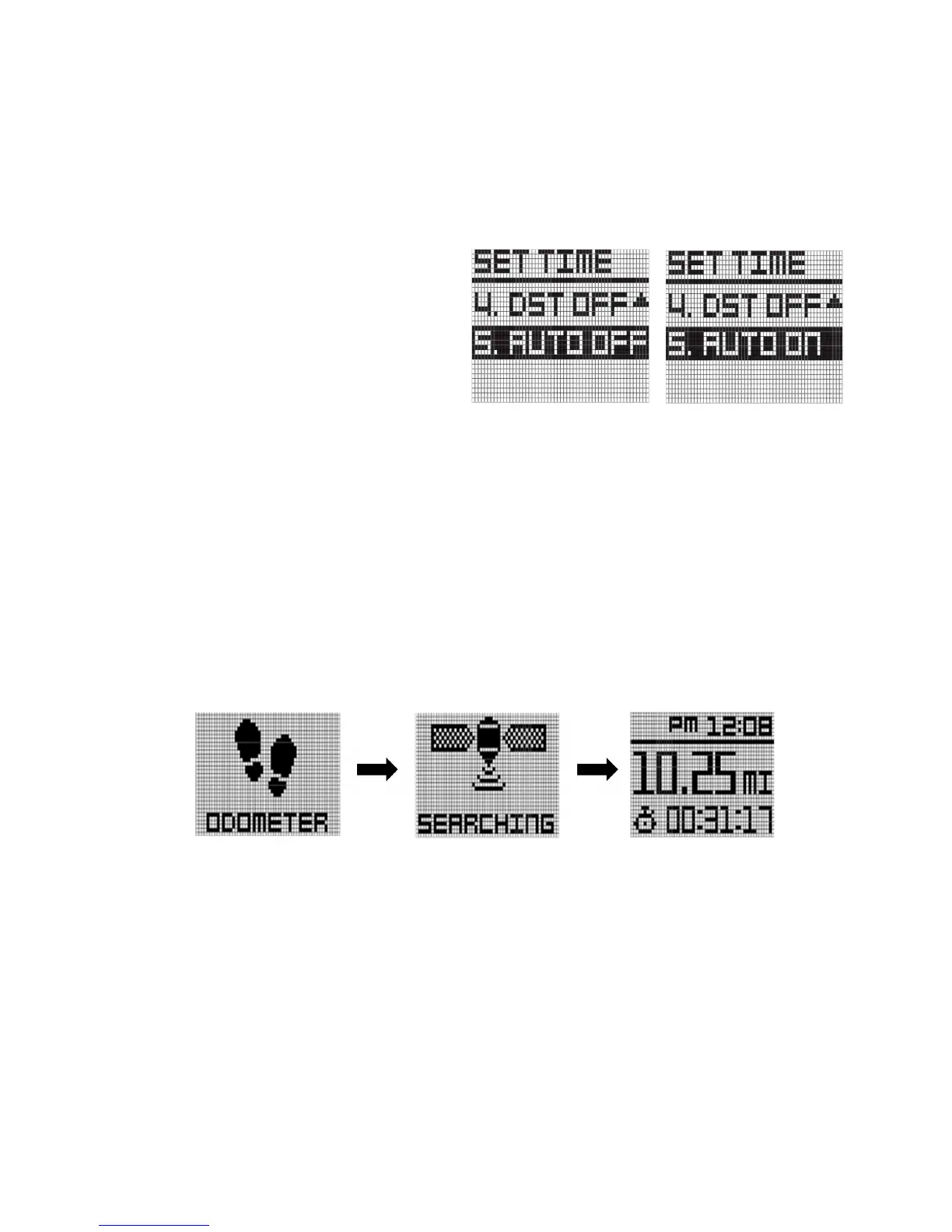
AUTO ON/OFF
This feature is included to allow users
that prefer to sync their time. In most
cases, this is unnecessary. Minutes are
set via GPS only. Press the “OK” button,
it will be toggled.
2.3 ODOMETER
In Main Menu mode, press Button “UP” and “DOWN” to select "ODOMETER" function. Press
button “OK” to activate this function.
The watch will start to search for the GPS signal. And message "SEARCHING" will be displayed.
Press button “MENU” to disable Odometer mode and return to Time mode.
When the watch locks with the GPS signal, the display will show Distance at the middle row and
Exercise Time at the lower row. Exercise time counting will be started automatically.
Press button “DOWN” to pause the Exercise Time and again press button “DOWN” to restart the
counting.
Press button “UP” to reset the Odometer and press “MENU” button to return back to Time
mode.



 To Next Page