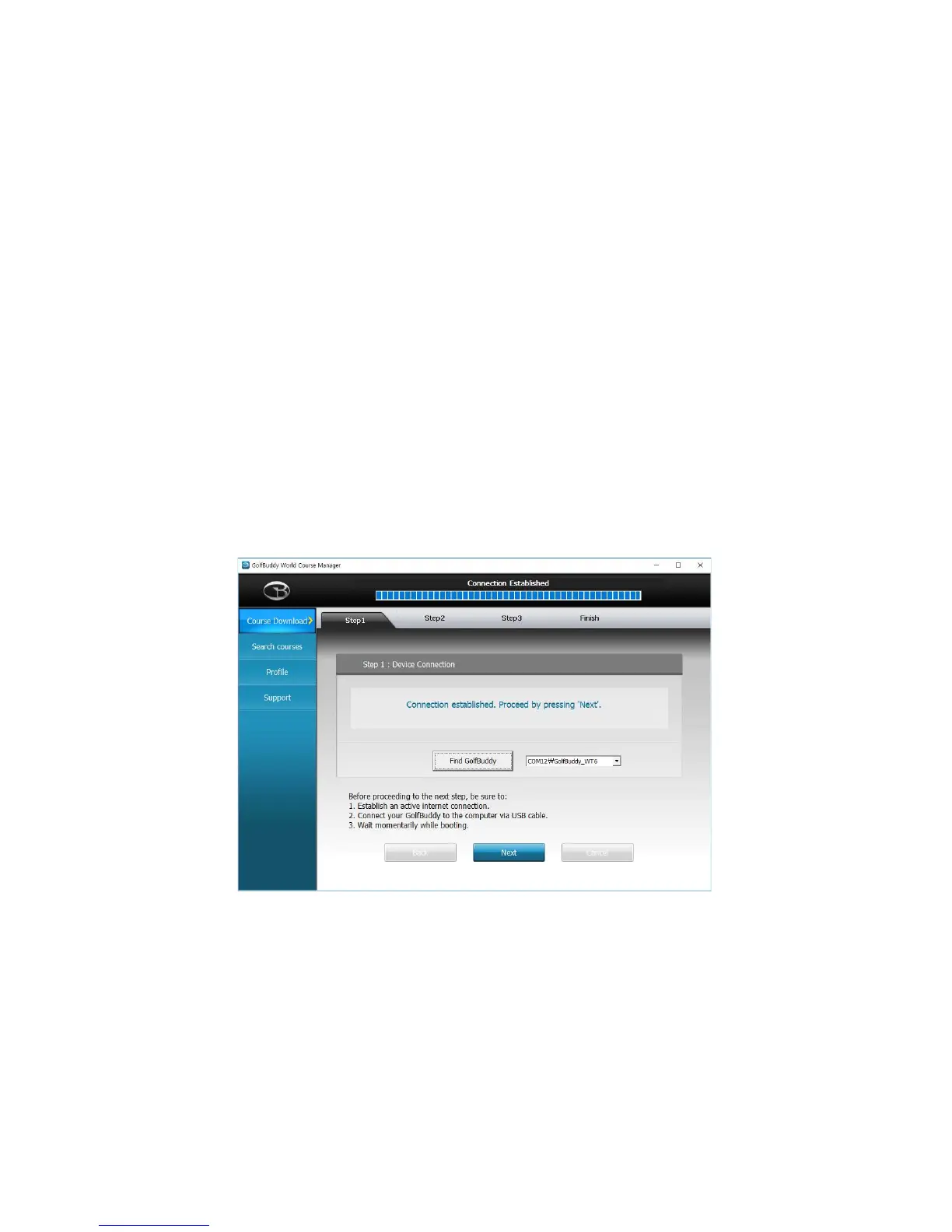
5.3 Registering your GolfBuddy WT6:
Connect your GolfBuddy unit to a USB port on your computer using the USB cable provided
with the unit.
• After a short time, your GolfBuddy unit should show an icon on the screen indicating it is
connected to the computer.
Notes: Disregard any driver download requests that your computer may say is required.
• Click on the blue GB icon on your desktop and open the Login Panel.
• Enter your User ID and Password. You should now see a panel that indicates the GB Manager
is searching for the device.
After a short time, you will
see “Connection Established”. At this stage, your unit is successfully registered to your account
that you created.



 To Next Page