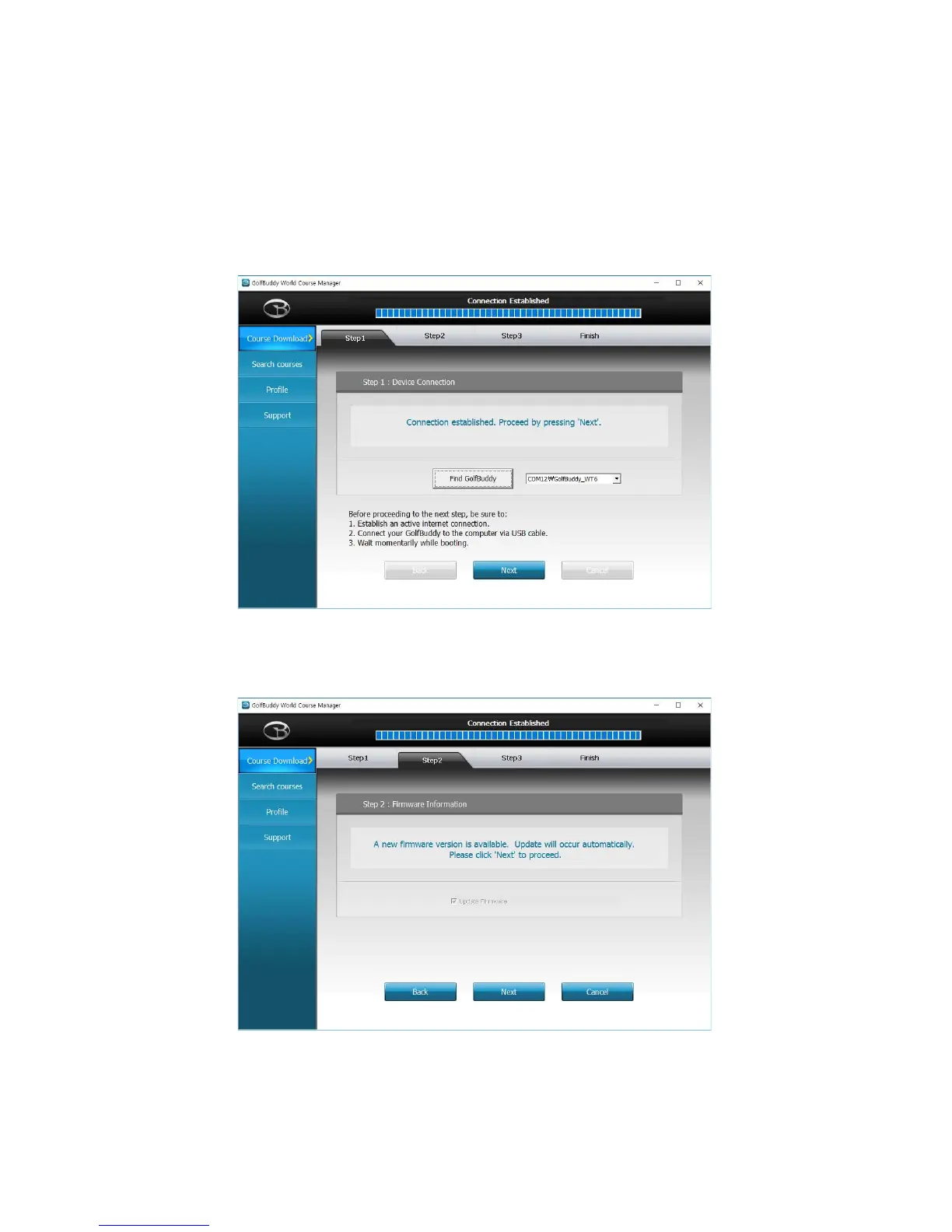
5.4 Updating your GolfBuddy WT6 in three Steps:
Step 1. Once you get the “Connection Established” message, please click “Next” to proceed to
Step #2: Firmware Update.
Step 2. At step 2, click “Next” to install the latest firmware. If the firmware is already up to
date, click “Next” to proceed to step 3.



 To Next Page