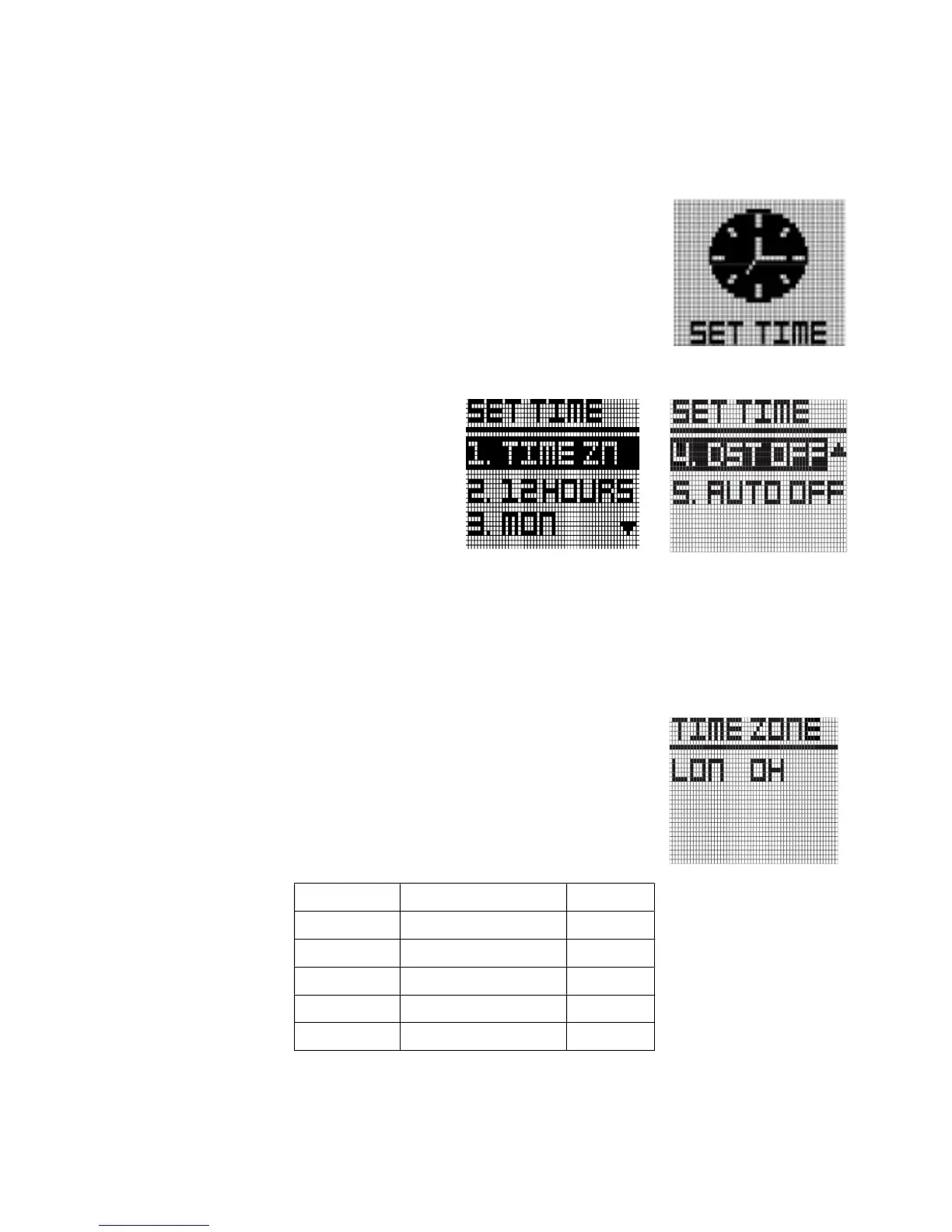
2.2 SETTIME
WT6’S time will set automatically once the watch successfully connects
to satellites. First of all, user need to set the Time Zone, 12/24 Hours
Format, Day Format and DST.
In Main Menu mode, press Button “UP” and “DOWN” to select "SET
TIME" function. Press button “OK” to activate this function
In Set Time mode, you have option for "1.
TIME ZN", "2. 12HOURS", "3. MON", "4. DST
OFF" and "5. AUTO ON/OFF" setting. Press
button “UP” and “DOWN” to select the
function and press button “OK” to confirm
the selection.
Time zone
User can change time zone to suit user location. Select “TIME
ZN”, the screen will change right figure. Press “UP” and “Down”
to change time zone
Time Zone default setting is "LON 0H".
Abbreviation



 To Next Page