12
Continued overleaf
ADVANCED PROGRAMMING (MONITOR FUNCTIONS)
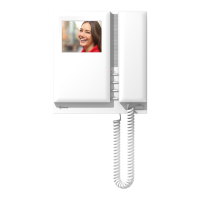
TEKNA PLUS SE MONITOR
Continued from the previous page.
No function
.
Men 2:u
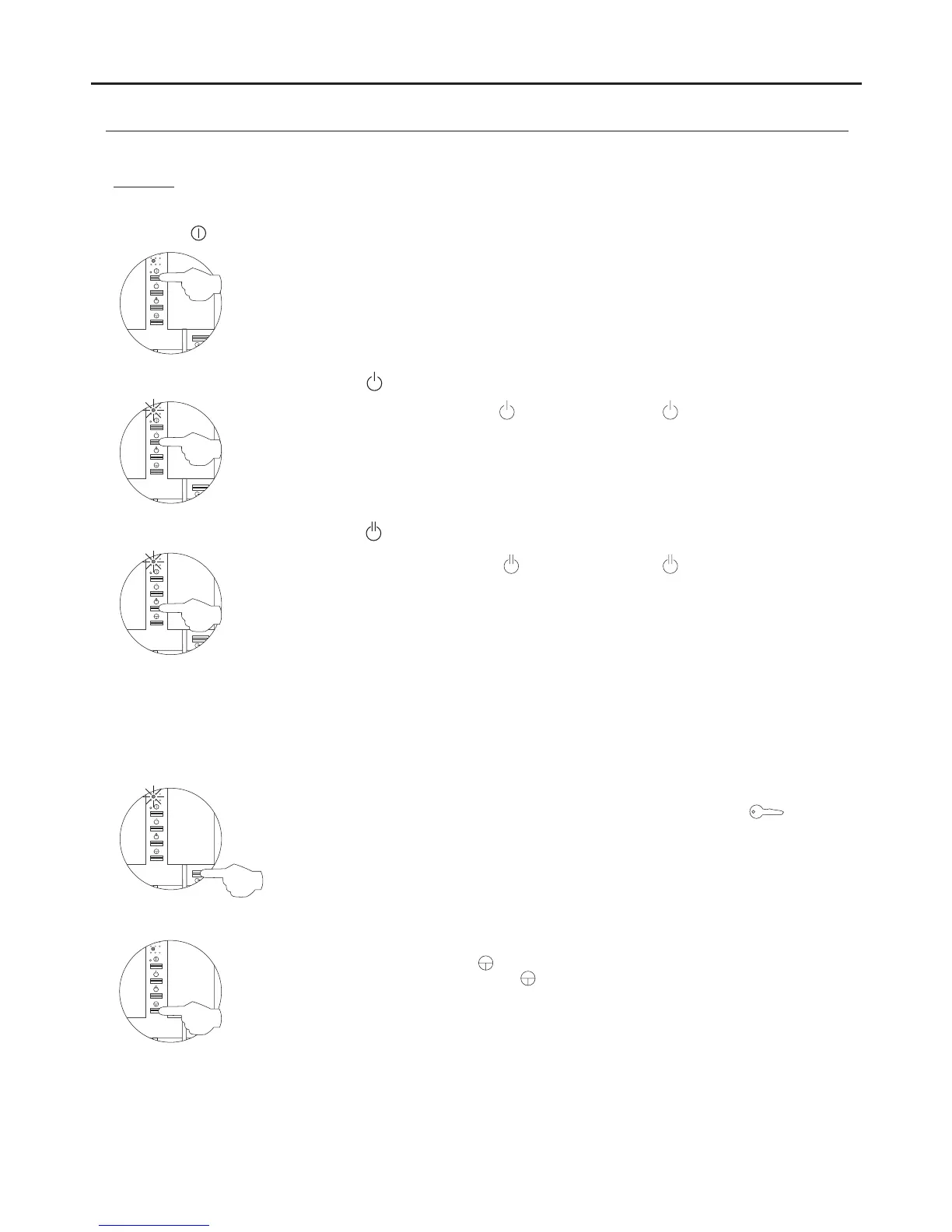
Then adjust the settings as required:
- .Button has no function
- :Changing the function of button Intercom function (default setting).
Select the function to assign to button : Each press on button selects a different function
which is indicated with blinks (1 to 4 blinks) of the programming LED and in the following
order: auxiliary device activation A1 , call to s , second camera" " lave porter's exchange
activation 2C and intercom. When the final selection is reached, the following press" "
returns the user to the first selection and 1 blink of the programming LED (carousel mode).
- :Changing the function of button Auxiliary device activation function. A1 (default setting)." "
Select the function to assign to button : Each press on button selects a different function
which is indicated with blinks (1 to 4 blinks) of the programming LED and in the following
order: auxiliary device activation A1 , call to s , second camera" " lave porter's exchange
activation 2C and intercom. When the final selection is reached, the following press" "
returns the user to the first selection and 1 blink of the programming LED (carousel mode).
If an apartment has Tekna Plus and Tekna Plus SE monitors, the Tekna Plus SE monitors should be configured with
“ ”Intercom with Tekna Plus monitors mode, as Tekna Plus monitors do not allow an intercom call to a particular
monitor in the apartment to be made (selective intercom call). So when an intercom call is made, all of the
monitors in the apartment will receive the call.
- Intercom with Tekna Plus monitors: Intercom with Tekna Plus SE monitors (default setting).
To activate the Intercom with Tekna Plus monitors mode: Press button , and the
programming LED will indicate with 1 blink that the function is in Intercom with Tekna Plus“
monitors mode or with 2 blinks that the function is in Intercom with Tekna Plus SE” “
monitors mode.”
- Accessing Menu 3 or exiting programming mode" " :
To access , press button , and the programming LED will blink 3 times." "Menu 3
To exit programming mode, press button for 3 seconds, and the programming LED will turn
off (see page 14).




 To Next Page