5
DESCRIPTION OF THE MONITOR
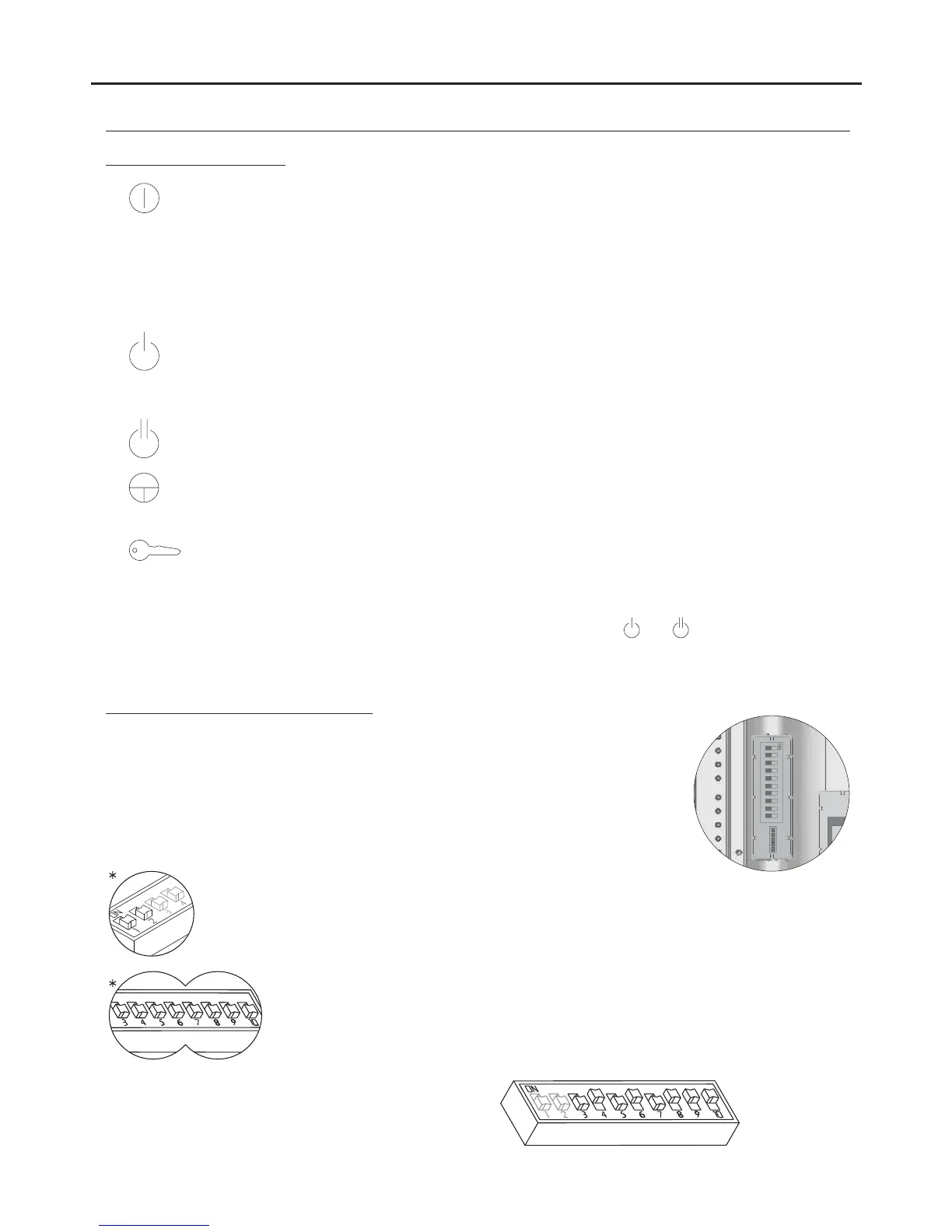
Function push buttons:
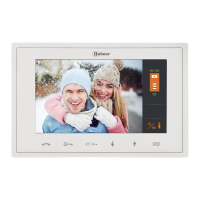
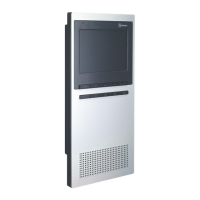
TEKNA PLUS SE MONITOR
(*) In advanced programming mode, the default functions of function push buttons and can be changed with one
of the following functions at the same time and per button: “ ” “ ” “intercom , auxiliary device activation , second camera
activation or call to” “ ”s (see page 12).lave porter's exchange
One short press for 1 second, with the monitor in standby and the handset on or off the hook, activates
night mode on the monitor, confirmed by the status LED blinking red. During a call, the monitor does
not emit a ringtone unless it is an apartment front door call .“ ”
One long press for 3 seconds, with the monitor in standby and the handset on or off the hook, turns the
monitor on or off.After any resetting of the monitor and for the following 45 seconds, no operation with it
can be performed.
One long press for 3 seconds during a call cancels the call on the monitor. If there are more monitors in
the apartment, they will continue with the ringtones of the door panel. During communication with the
door panel, the communication in progress will end
.
With the handset lifted, the intercom (in the same apartment) is activated. One long press until a
confirmation tone can be heard will call all of the monitors in the apartment. To call individual devices,
press the button once to call the master monitor, twice to call slave 1 , 3 times to call slave 2 ,“ ” “ " “ "
“ " “ "4 times to call slave 3 and 5 times to call slave 4 . This selective intercom call mode is only available
with the Tekna Plus SE monitor. This only functions if no call or communication is in progress
.
Regardless of the position of the handset, the auxiliary device is activated.
With the handset hung up, the image from the door panel configured as master can be viewed (if busy
bus, m fast blinking red. ).the onitor status LED will indicate with With theWith monitor V03 or later
handset lifted, audio and video communication can be established with the door panel if it has its auto
switch-on function activated. This only functions if no communication is in progress.
With the handset hung up, a panic call to the guard units configured to receive such calls is made. With
the handset lifted, a normal call can be made to the main guard unit. During call reception and
communication processes, the door release can be activated.
( )
*
( )
*
*Factory setting
DIP3 to DIP10: To set the monitor address (addresses 1 to 255). The switches set to OFF
have a zero value.
The values of the switches set to ON are shown in the table below.
The monitor code is the sum of the values of the switches set to ON.
DIP1 and DIP2: To set the monitor as master / slave. DIP1 and DIP2 to OFF, master, DIP1 to
ON and DIP2 to OFF, slave 1, DIP1 to OFF and DIP2 to ON, slave 2, DIP1 and DIP2 to ON
slave 3.
Example: 64+0+16+0+4+2+1=870+
Switch number:
ON:Value when
4
64
5
32
6
16
7
8
8
4
9
2
10
1
3
128
Description of the SW2 DIP switch:
The SW2 DIP switch is located on the left-hand side of the back of the monitor.
It enables the monitor to be configured as master / slave and an address to be
assigned.
Important: This type of programming cannot be performed on a general
entrance door panel.




 To Next Page