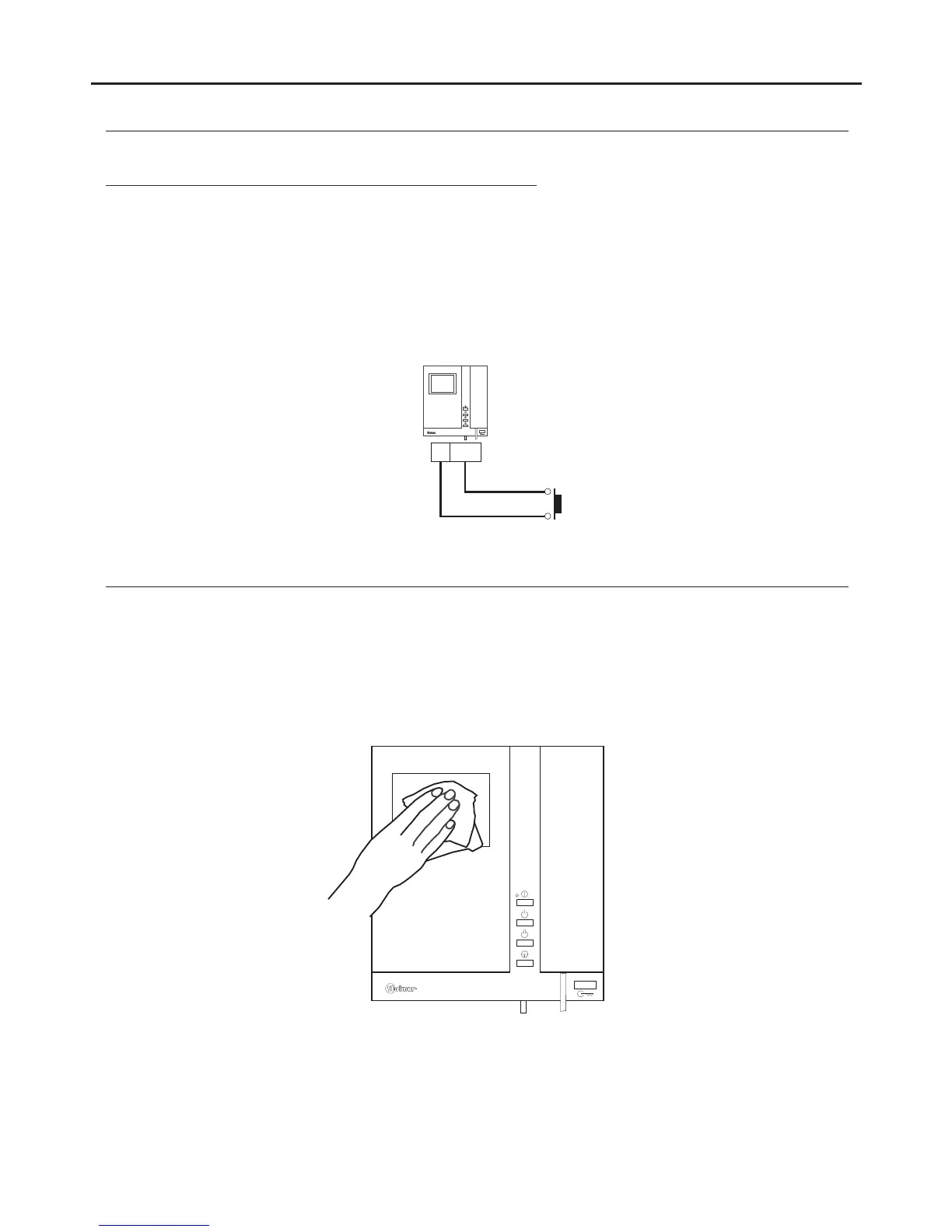
CLEANING THE MONITOR
- Do not use solvents, detergents or cleaning products that contain acids, vinegar or abrasive components.
- Use a soft damp cloth (not wet) that sheds no fibres.
- Always wipe the monitor in the same direction, from top to bottom.
- After cleaning the monitor, remove any moisture with a soft dry cloth that sheds no fibres.
OPTIONAL CONNECTIONS
17
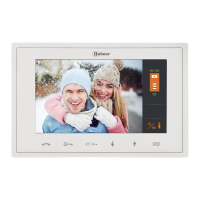
TEKNA PLUS SE MONITOR
Button for receiving calls from the apartment front door:
HZ-
-
The Tekna Plus SE monitor features as standard the ability to receive calls from the apartment front door. This
feature precludes the need to use the bell by positioning a switch between terminals HZ— and — of the monitor“ ” “ ”
The ringtones vary depending on where the call is made from to enable the user to identify its origin. If a call is made
from the apartment front door during a conversation with the door panel, the handset will emit a number of tones
to indicate so.
Not :e Regardless of the volume set for the monitor's ringtones (see page 11) and the night mode function, the“ ”
“ ”apartment front door call ringtone will always sound at the highest level.
Tekna Plus SE
Continued from the previous page.




 To Next Page