Commander III
2-11
Note: The controller must be in the “run” mode
before the tamper bar will operate.
Auxiliary Switches 1, 2, 3, and 4: Used to extend or
retract optional accessories (i.e. variable width mold)
when added to the machine.
05—Remotes
Setup Remote
A remote control used to travel the machine, adjust
the elevation legs or adjust the engine throttle. The
remote is used from ground level for loading or
unloading the machine or during assembly. When
the remote is connected, the travel and automatic
steering/elevation functions on the main controller are
disabled. The remote can be connected on either side
of the 4-track machine. The remote is equipped with
magnets to attach it to a at metal surface.
24-0169
ok
24-0169
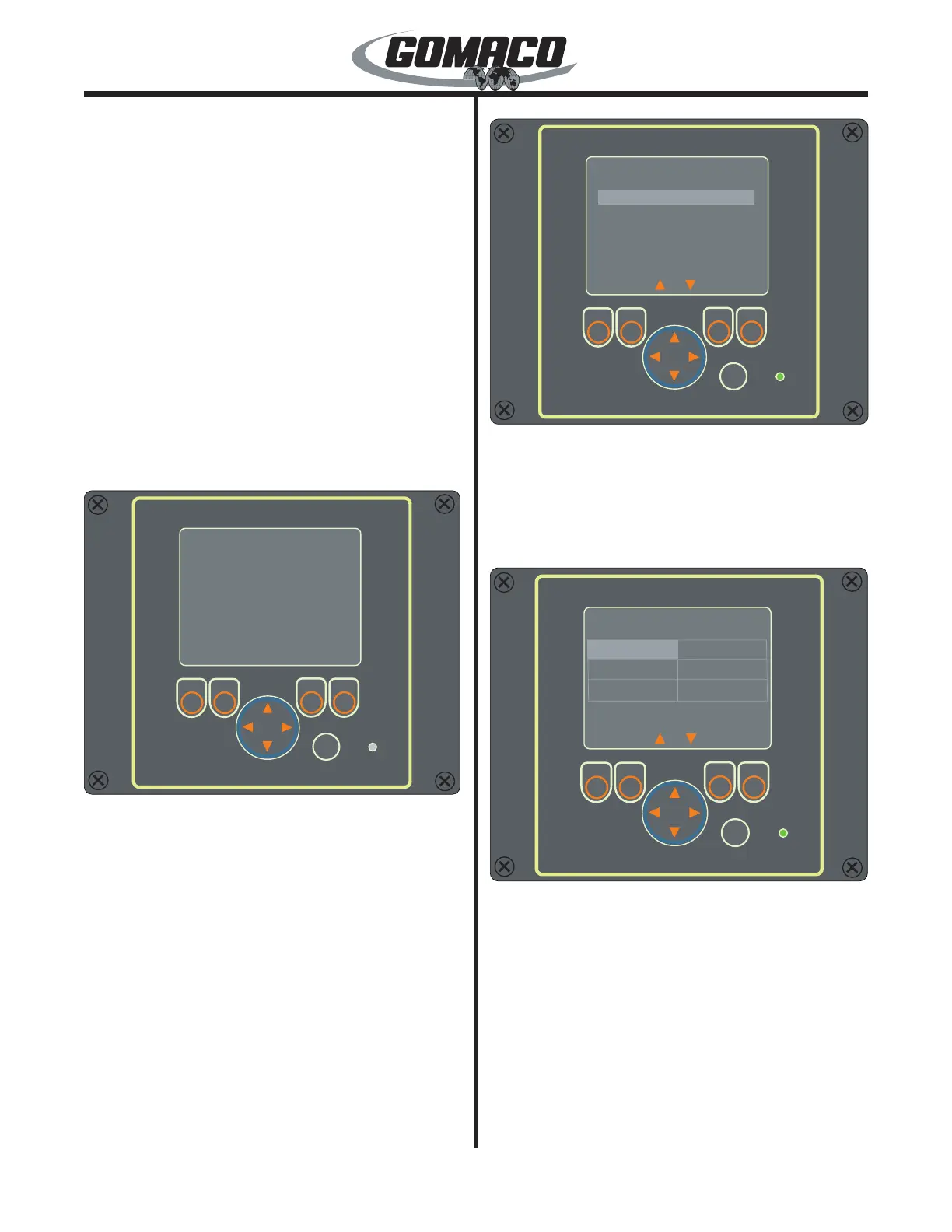
The remote control consists of a display screen, 4
input buttons, a direction arrow button, an OK button
and a connection indicator light. The display screen is
used to show the different functions. The input buttons
are used to select the desired function. The arrow
button is used to direct the cursor on the screen or for
controlling of the various functions and the OK button
is used to accept the setting. The indicator light will
illuminate green when the remote is communicating
with the machine control system.
Note: The controls correspond to the pave mode
setting made in the Setup screen (i.e. pave, left
transport or right transport).
24-0170
ok
OK
Drive
Main Menu
Leg Control
About
Set Throttle
24-0170
When power is supplied to the remote, the Main Menu
will appear on the display screen. The choices are
Leg Control, Set Throttle and About. Use the up or
down arrow to scroll through the choices and press the
OK button to enter the desired (highlighted) choice.
The description of each screen follows.
24-0173
ok
OK
Drive
Leg Control
Left Front
Left Rear
Elevation All Jog
24-0173
Esc
All Travel
Right Rear
Right Front
Leg Control: Move the cursor to the Leg Control
selection and press the OK button. The Leg Control
screen will appear. Control for any of the legs, control
for Elevation All Jog and control for All Travel can be
selected. Move the cursor to the desired function
to control and press the OK button. Press the Esc
(escape) button to return to the Main Menu.



 To Next Page