Commander III
2-14
corresponding travel direction arrows on the display.
Press the up arrow on the arrow button to move the
machine forward. Press the down arrow on the arrow
button to move the machine in reverse.
Note: The function button must be depressed for
control of the track travel. If the button is released,
the arrow buttons will not work.
24-0180
ok
All Travel
24-0180
All
Left
Right
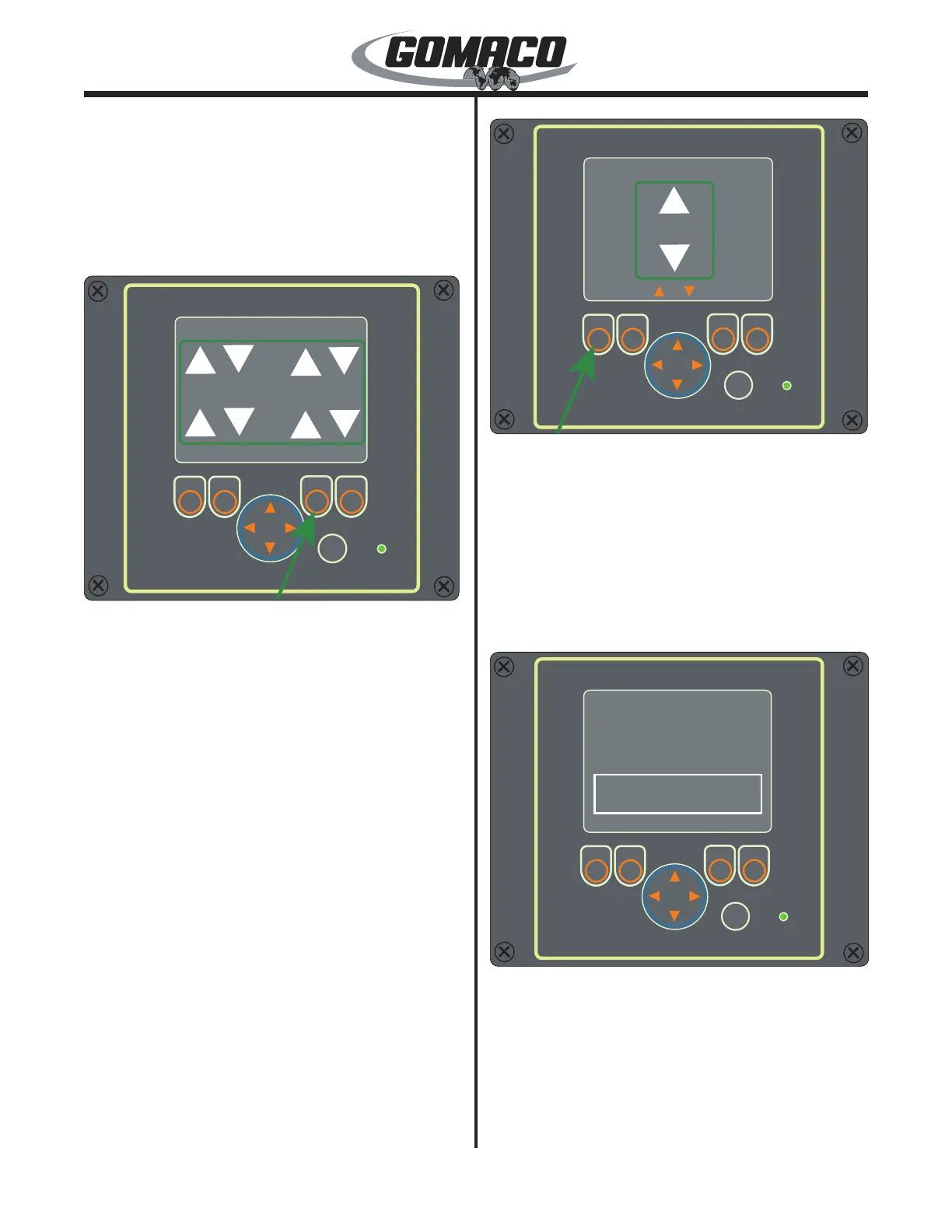
To move both sides of the machine in the same
direction simultaneously, depress and hold the button
below the All label (other labels will disappear when
one of the travel buttons is depressed). A box will
appear around all of the travel direction arrows on the
display. Press the up arrow on the arrow button to
move the machine forward. Press the down arrow on
the arrow button to move the machine in reverse.
Note: The function button must be depressed for
control of the track travel. If the button is released,
the arrow buttons will not work.
24-0183
ok
Set Throttle
24-0183
Throttle
Throttle
OK
Set Throttle: From the Main Menu move the cursor
to the Set Throttle selection and press the OK button.
The Set Throttle screen will appear. Press the Esc
(escape) button to return to the Main Menu. From this
screen, the engine throttle can be controlled. Depress
and hold the button below the Throttle label. A box
will appear around the throttle arrows on the display.
Press the up arrow on the arrow button to increase
engine speed and the down arrow to decrease engine
speed.
24-0185
ok
OK
About
G+ Setup Remote
24-0185
Copyright (c) 2012 - GOMACO Corporation
v1.1
Status Info:
Bus Off: FALSE
Bus Load: 40
About display: From the Main Menu move the cursor
to the About selection and press the OK button. The
About screen will appear. Press the Esc (escape)
button to return to the Main Menu. The About screen
will display the version number of the software in
the controller. This information may be requested if
GOMACO is contacted regarding a problem.



 To Next Page