Commander III
2-23
Note: If the blue down arrow is not indicated on
the Run menu, refer to the Setup menus: Slope
setup to turn the slope compensation/transition
system on.
Depress the down (▼) navigation button from the
Run menu screen to access the slope compensation/
transition menu. Press the number 1 button to go to
the slope compensation/transition setup menu. Press
the number 3 or 4 buttons to start or stop a slope
transition.
The top section of the menu monitors transition
distance and slope percentage. The machine cross
slope percentage (3.00/-2.00) at the top of the display
will begin to gradually change toward the target slope
percentage (3.00/-2.00) when a transition is started.
The distance traveled (0/225) through the transition will
gradually increase until reaching the nished transition
distance parameter (0/225). When the transition is
completed, the slope percentages shown for transition
1 will be the same (-2.00/-2.00) and the transition
distance will be the same (225/225). The selection
arrow () indicates that transition 1 will be activated
when the number 3 start button is depressed. To
change the selection arrow to transition 1 or 2, press
the start and stop buttons. The selected transition will
turn green to indicate the transition system is active
after the start button is depressed.
The center section of the menu monitors the elevation
and steer offset changes to the sensor wands when
the machine is in transition.
The bottom section indicates feet per minute and total
distance parameters. See the Setup menu: Distance
setup display section, to reset the total distance
counter back to zero.
For more information on setup and operation of
the slope compensation/transition system, refer to
Operating Instructions for the Automatic Grade/
Slope Transition System.
255G+
Slope Compensation / Transition
225
-2.00%
250
3.00%
255G+
1
2
ft
ft
Transition Distance
Transition Distance
Press the number 1 navigation button from the slope
compensation/transition menu to go to the setup
menu.
To change the transition distance or target cross slope
percentage, press the number button next to a data
box to select the parameter. Distance is adjustable
from 0 to 999 feet (0 to 305 meters). Cross slope is
adjustable from 0.00 to ±9.50%.
To store and deselect a new setting, press the OK
button. To leave the setting unchanged and deselect
the setting, press the escape button (ESC). To return
to the Run Menu, press the escape button (ESC) when
no setting is selected.
053G+
Warning
OK = Continue
053G+
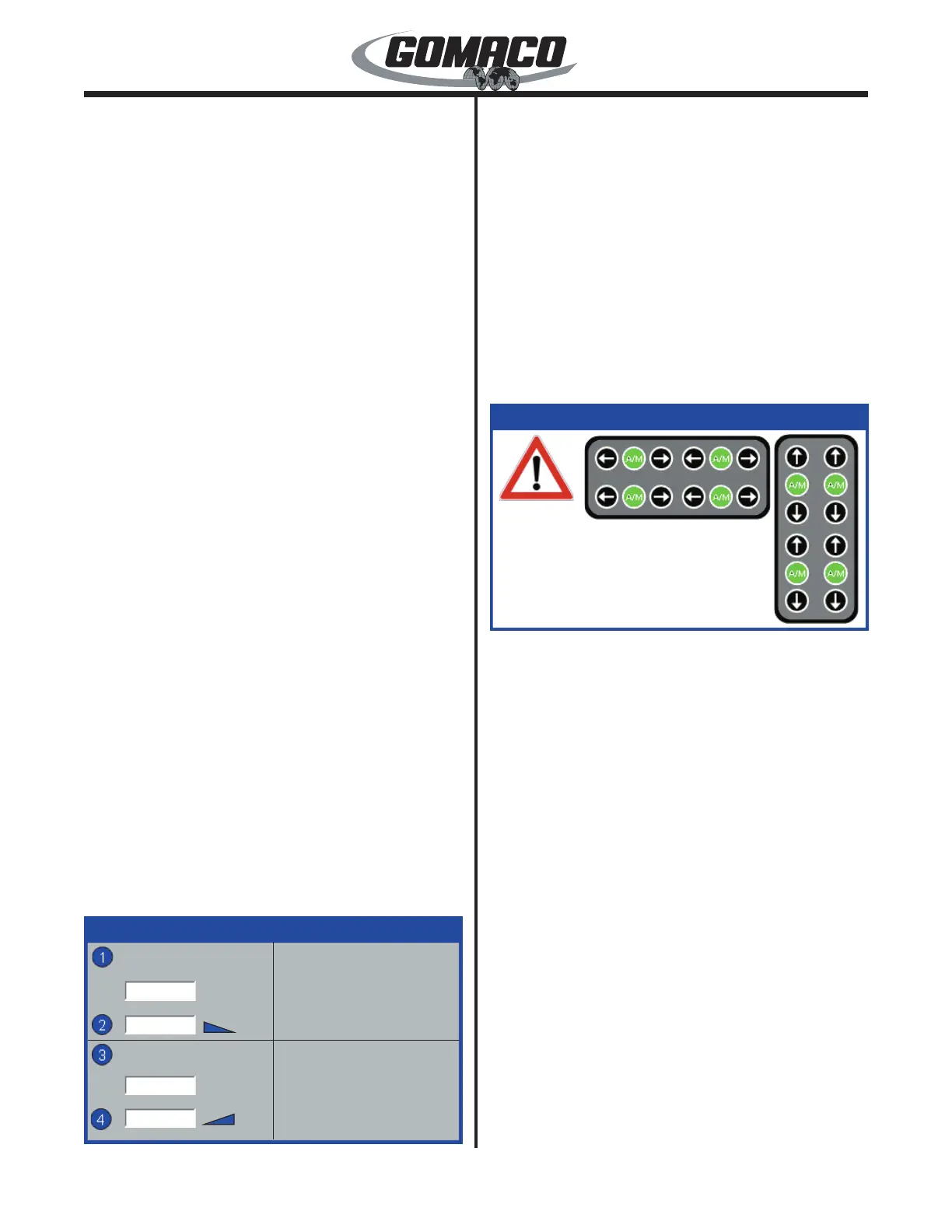
When operating on stringline, the warning display
shown above alerts the operator that one or more of
the elevation or steer individual control loops are in
the manual (M) mode. The steer and elevation A/M
buttons will also ash when the display appears. The
display will not prevent the machine from moving. The
display will appear if the operator attempts to move
the machine with automatic steer selected and one or
more of the elevation or steer individual control loops
in the manual (M) mode. Press OK to return to the run
menu and press the appropriate A/M buttons to place
all control loops in the automatic mode.
Note: The steer and elevation individual control
loops return to manual (M) control when controller
power is interrupted. The display will not appear
if the steer selector is in a manual mode. The
display will only appear once after a controller
restart, if necessary.


 To Next Page
 Loading...