Commander III
2-37
for each track. Steer the tracks using the manual steer
dial.
Note: The tracks will have a limited turn radius
when in the transverse steer mode.
Notice: Damage to hydraulic lines could occur
when changing between the pave and transverse
steer modes. Make sure hydraulic lines are clear
of pinch points before proceeding.
Setup menu
Elevation setup
071
Flashing arrows in the top right corner indicate more
displays are above or below the screen currently
viewed. Press the ▲ or ▼ navigation buttons to view.
079G+
Elevation Sensitivity
10
10
10
079G+
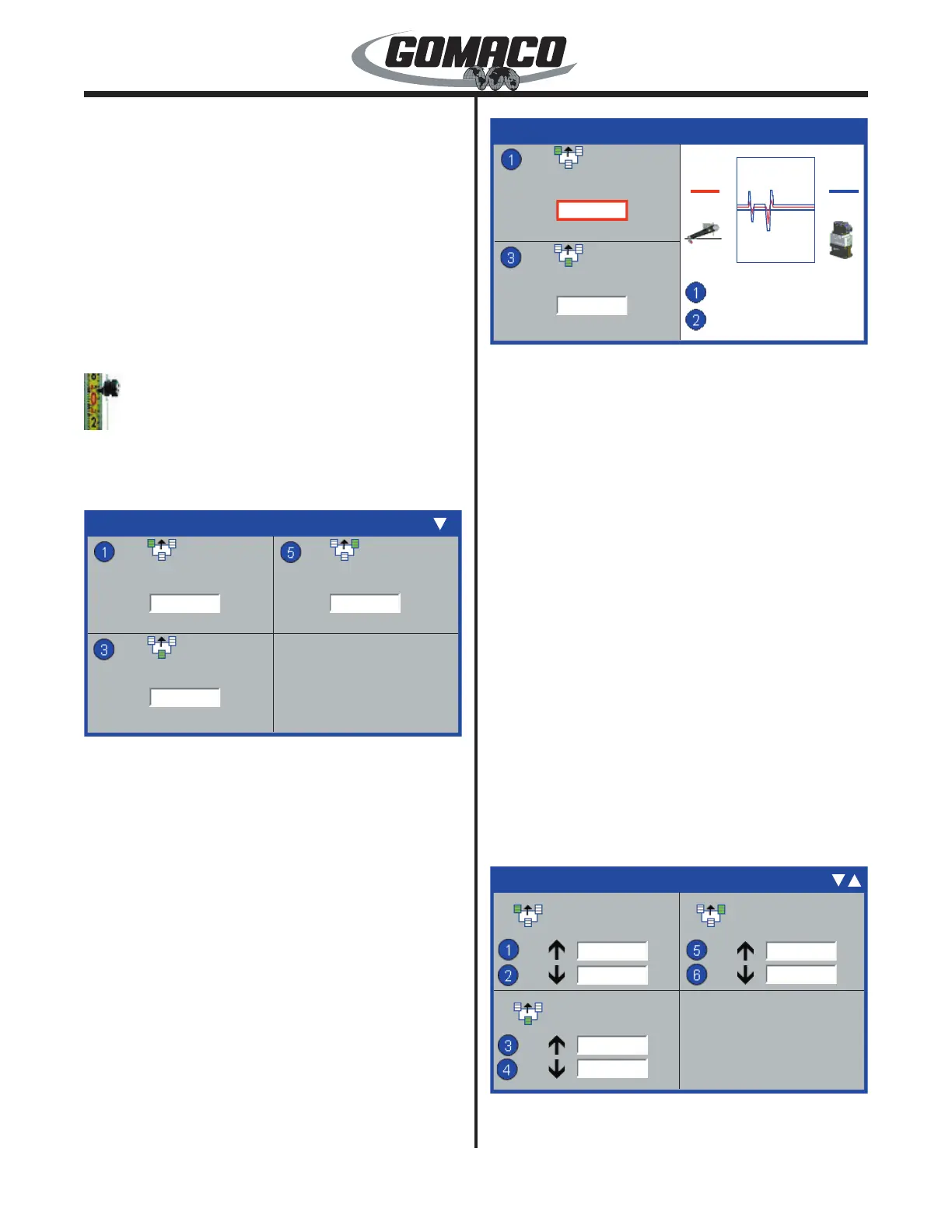
Elevation Sensitivity: Used to set the elevation
sensitivity for each leg. Press the number button
indicated in the data box to select a setting to change.
Note: For initial adjustment of sensitivities and
thresholds, the bump lters should be turned
“off”. Thereafter, the bump lters may be turned
“on” for ne tuning adjustment of sensitivities or
thresholds.
078G+
Elevation Sensitivity
6
6
078G+
54 54
Stop
125%
The border of the data value box will turn red when it
is selected. To change a setting, press the ▲ or ▼
navigation buttons. Minimum sensitivity is “1” and
maximum sensitivity is “20”. Set the sensitivity setting
for quick, smooth response and adjust as necessary
when paving has started.
The oscilloscope reference is used to view the
relationship between the sensor input signal (red
line) and the valve output drive (blue line). The
relationship is also indicated by the sensor and valve
drive numbers on either side of the oscilloscope. The
valve output signal strength will increase in relation
to the sensor input signal numbers as sensitivity is
increased.
Press the number 1 button to freeze the oscilloscope
reading for closer examination or to resume reading
the signals.
Press the number 2 button to magnify the oscilloscope
reading in increments of 100, 125 or 150 percent.
Press the OK button to store and deselect a setting.
Press the escape button (ESC) to deselect and leave
a setting unchanged. Press the escape button (ESC)
to return to the Setup Menu.
080G+
Elevation Thresholds
24
25
27
25
31
25
080G+
Elevation thresholds display: Used to set the up and
down thresholds for the elevation cylinders. The exact


 To Next Page
 Loading...