Commander III
2-8
035
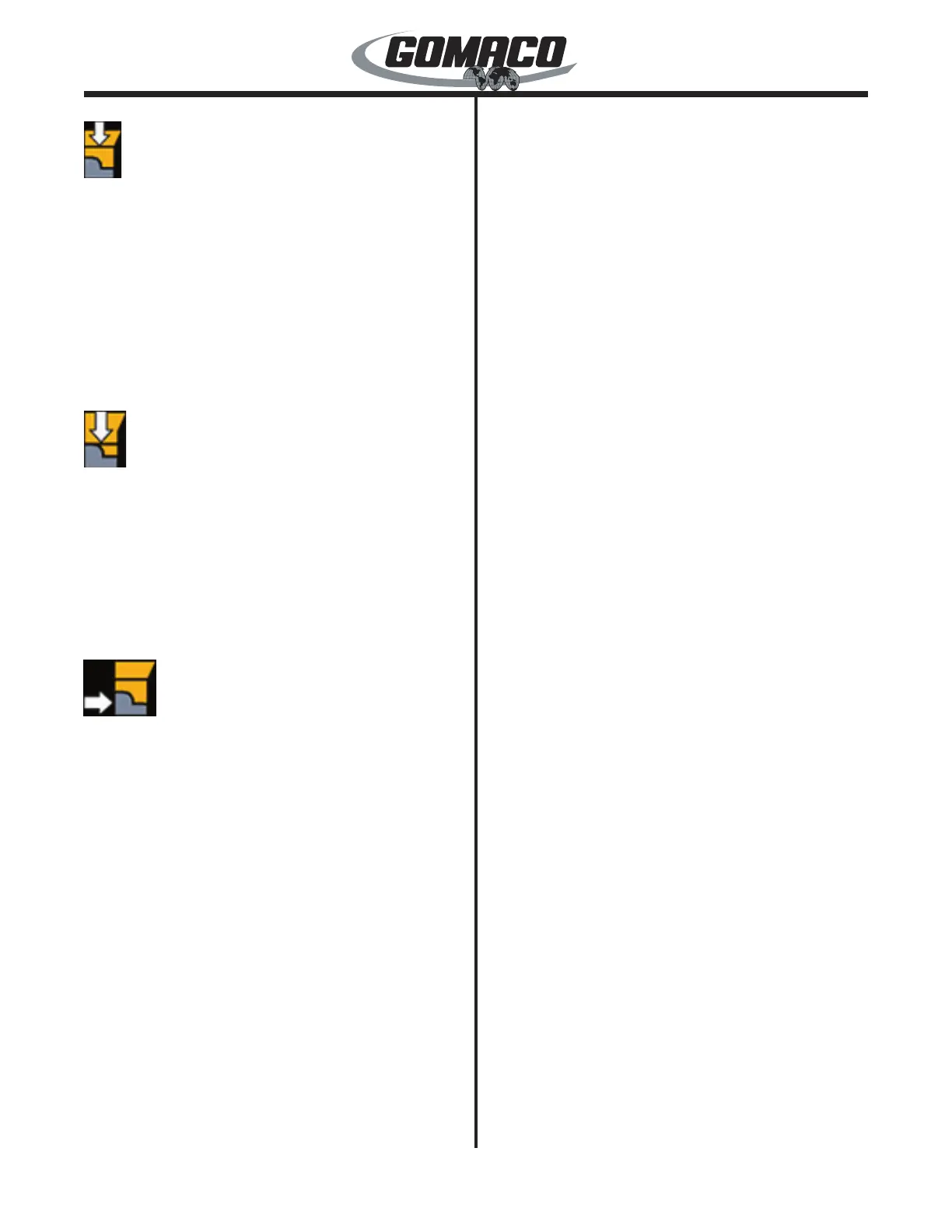
Drawbar Hold Down Switch: Used to raise or lower
the drawbar when attached to the front of a slipform
mold. Move the switch up (↑) to raise the slipform
mold and move the switch down (↓) to lower it. Center
position of the switch will stop the slipform mold in
a given position. The switch is used in conjunction
with the drawbar hold down pressure control valve
and must be operated in the “down” position during
most pouring operations. Up to 18 inches (45 cm)
of cylinder stroke is available with additional manual
adjustment on the mounting ange.
036
Hold Down Switch: Used to raise or lower the hold
down assembly when attached to the rear of a slipform
mold. Move the switch up (↑) to raise the slipform
mold and move the switch down (↓) to lower it. Center
position of the switch will stop the slipform mold in
a given position. The switch is used in conjunction
with the hold down pressure control valve and must
be operated in the down position during most pouring
operations.
037
Hold Over Switch: Used to extend or retract a hold
over cylinder attached horizontally at the rear of the
slipform mold. The cylinder is used when pouring
against an existing roadway. Move the switch left
(←) to retract the rear of the slipform mold away from
the existing roadway and move the switch right (→)
to apply pressure to the slipform mold against the
roadway. The center position will stop the slipform
mold in a given position. The switch is used in
conjunction with the hold over pressure control valve
and is operated in the right (→) position during pouring
operations.
Note: The hold over control system is an optional
system.
Mold Shift Switches (Front and Rear): Controls
the lateral positioning of the slipform mold up to 36
inches (91 cm) to the left side of the machine. Move
the switches left (←) to shift the slipform mold left and
move the switches right (→) to shift the mold right.
Rear Leg Shift Switch: Controls the lateral position
of the rear leg assembly. Move the switch left (←) to
shift the leg left and move the switch right (→) to shift
the leg right. The leg will maintain its lateral position
when the switch is allowed to return to center.
Auger Variable Speed Dials: Used to control the
speed of the number 1 and 2 augers in either forward
or reverse directions of rotation. The auger will
stop when the corresponding dial is turned to the
“off” position (all the way counterclockwise). The
auger will begin to rotate and increase speed as the
corresponding dial is turned clockwise. The auger will
decrease rotation speed as the corresponding dial is
turned counterclockwise.
Auger Direction Switches: Controls the rotation
direction of the number 1 and 2 augers. Move the
switch up (↑) for left rotation and down (↓) for right
rotation. Center position will stop operation of the
auger.
Trimmer Variable Speed Dial: Used to control the
rotation speed of the trimmerwheel in either forward
or reverse directions. The trimmerwheel will stop
when the dial is turned to the “off” position (all the
way counterclockwise). The trimmerwheel will begin
to rotate and increase speed as the dial is turned
clockwise. The trimmerwheel will decrease rotation
speed as the dial is turned counterclockwise.
Note: The controller must be in the “run” mode
before the trimmer will operate.
Trimmer Direction Switch: Controls the rotation
direction of the trimmerwheel. Move the switch up (↑)
to rotate the trimmerwheel forward and down (↓) for
reverse rotation. Center position will stop operation of
the trimmerwheel.
Conveyor Variable Speed Dial: Used to control
the rotation speed of the conveyor in either forward
or reverse directions. The conveyor will stop when
the dial is turned to the “off” position (all the way
counterclockwise). The conveyor will begin to rotate
and increase speed as the dial is turned clockwise.
The conveyor will decrease rotation speed as the dial
is turned counterclockwise.
Note: The controller must be in the “run” mode
before the conveyor will operate.
Conveyor Direction Switch: Controls the rotation
direction of the conveyor. Move the switch up (↑) to
rotate the conveyor forward and down (↓) for reverse
rotation. Center position will stop operation of the
conveyor.



 To Next Page
 Loading...