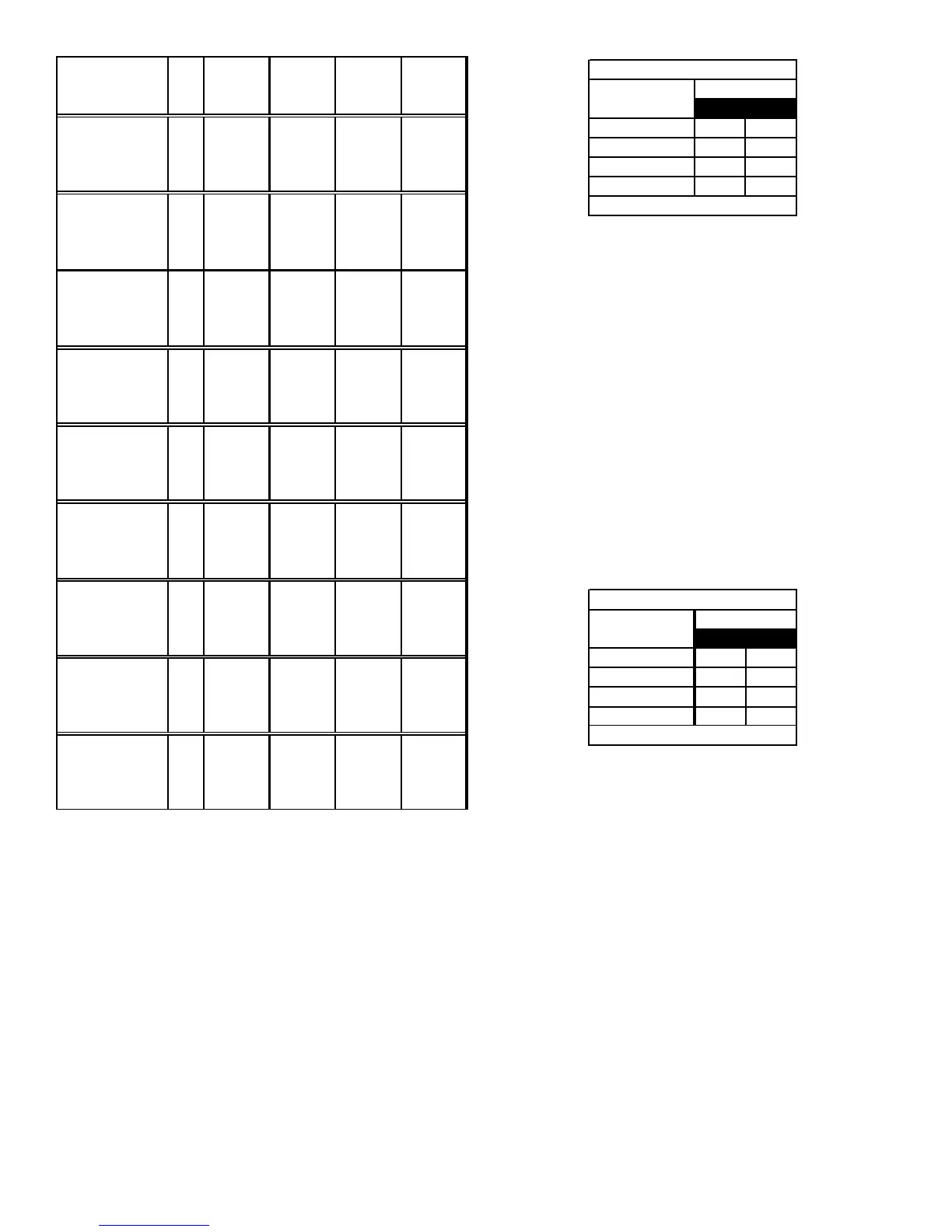
41
Model Tap
Low Stage
Cool
High Stage
Cool
Low Stage
Heat
High Stage
Heat
A 390 600 581 818
B 520 800 644 919
C 650 1000 711 1022
D 780 1200 795 1134
A 390 600 840 1210
B 520 800 920 1325
C 715 1100 1000 1440
D 929 1429 1080 1555
A 550 810 1050 1490
B 770 1100 1120 1570
C 1000 1470 1200 1690
D 1250 1810 1250 1780
A 520 800 1125 1620
B 715 1000 1195 1721
C 910 1400 1265 1822
D 1170 1800 1335 1922
A 520 800 1230 1771
B 715 1100 1265 1822
C 910 1400 1300 1872
D 1170 1800 1335 1922
A 360 660 870 1230
B 520 830 950 1350
C 780 1130 1040 1470
D 960 1460 1130 1600
A 560 810 1120 1620
B 740 1110 1220 1760
C 920 1430 1280 1860
D 1190 1860 1340 1970
A 508 783 1214 1759
B 690 1091 1229 1791
C 906 1406 1296 1838
D 1165 1809 1302 1878
A 508 783 1214 1759
B 690 1091 1229 1791
C 906 1406 1296 1838
D 1165 1809 1302 1878
*CVC951155DX*
*MVC950453BX*
*MVC951155DX*
*MVC950905DX*
*MVC950905CX*
*CVC91155DX*
*CVC950915DX*
*CVC950714CX*
*MVC950704CX*
Airflow Table
7. Select the heating speed for your model from the heating
speed chart in the Specification Sheet. The adjust setting
(already established by the cooling speed selection)
determines which set of speeds are available. The selected
speed must provide a temperature rise within the rise
range listed with the particular model.
Example: If the *MVC950704CX is set for 1210 CFM
on cooling, the “ADJUST” is set to “+” (plus).
The four heating speeds available are “A
Plus”, “B Plus”, “C Plus”, and “D Plus”. “A
Plus” has a rise of 46°F for both stages
which is within the 30-60°F rise range for
the *MVC950704CX. This setting will keep
electrical consumption to a minimum. Set
the “Heat” speed DIP switches to “A”.
34
AOFFOFF
B* ON OFF
COFFON
DONON
Switch Bank: S4
Heating
Airflow
DIP Switch No.
(*Indicates factory setting)
8. Select the desired “heating” speed tap by positioning
switches S4- 3,4 appropriately. Refer to figure above.
Verify CFM by noting the number displayed on the dual
7-segment LED display.
In general lower heating speeds will: reduce electrical consump-
tion, lower operating sound levels of the blower, and increase the
outlet air temperature delivered to the home. The speeds avail-
able allow the blower performance to be optimized for the par-
ticular homeowner’s needs.
BLOWER HEAT OFF DELAY TIMINGS
The integrated control module provides a selectable heat off de-
lay function. The heat off delay period may be set to 90, 120,
150, 180 seconds using the DIP switches or jumper provided on
the control module. The delay is factory shipped at 150 seconds
but may be changed to suit the installation requirements and/or
homeowner preference. Refer to the following figures for switch
positions and corresponding delay times.
12
90 seconds OFF OFF
120 seconds ON OFF
150 seconds* OFF ON
180 seconds ON ON
Heat OFF Delay
DIP Switch No.
Switch Bank: S1
(*Indicates factory setting)
Heat Off Delay Dip Switches
C
OMFORT
N
ET
™ S
YSTEM
OVERVIEW
The ComfortNet system is a system that includes a ComfortNet
compatible furnace and air conditioner or heat pump with a CTK0*
thermostat. A valid ComfortNet system could also be a compat-
ible furnace, CTK0* thermostat and non-compatible, single stage
air conditioner. Any other system configurations are considered
invalid ComfortNet systems and must be connected as a tradi-
tional (or non-communicating) system (see Electrical Connec-
tions for wiring connections).
A ComfortNet heating/air conditioning system differs from a non-
communicating/traditional system in the manner in which the
indoor unit, outdoor unit and thermostat interact with one an-
other. In a traditional system, the thermostat sends commands
to the indoor and outdoor units via analog 24 VAC signals. It is a
one-way communication path in that the indoor and outdoor units
typically do not return information to the thermostat.






 To Next Page