Time Period Programming
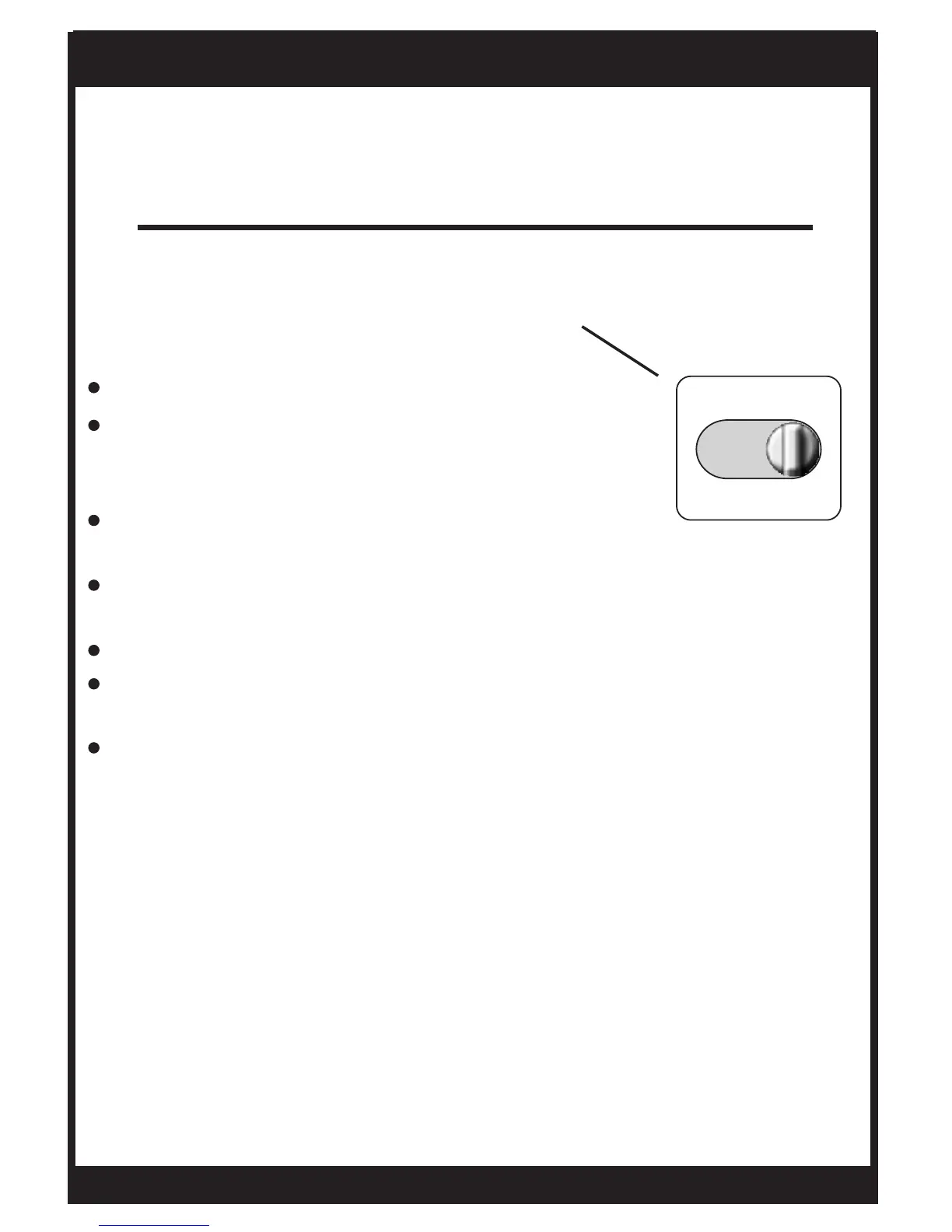
PROGRAM SWITCH
Page 10
Overview
Slide the Program Switch to the SET position.
The blinking icon(s) on the display may be
changed by pressing the COOLER or
WARMER buttons.
After the blinking icon is changed to the desired
selection, press the NEXT button.
Each item in the time period programming screens will flash
and can be modified with the COOLER & WARMER buttons.
Continue the steps above until programming is complete.
Slide the Program Switch to RUN and the thermostat
will run the time period programming.
If the Program Switch is in the OFF position, the thermostat
will not run the time period program. In this case, the
thermostat will be a manual heat or cool only thermostat.
OWNER'S MANUAL
TSTATG2152-2
PROGRAM
RUN OFF SET


 To Next Page