EasyManua.ls Logo

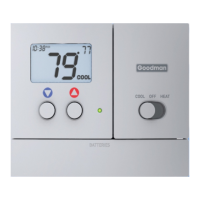
Goodman TSTATG2152-2 - Location of Controls

Goodman TSTATG2152-2
40 pages
Print Icon
To Next Page IconTo Next Page
To Previous Page IconTo Previous Page
Loading...
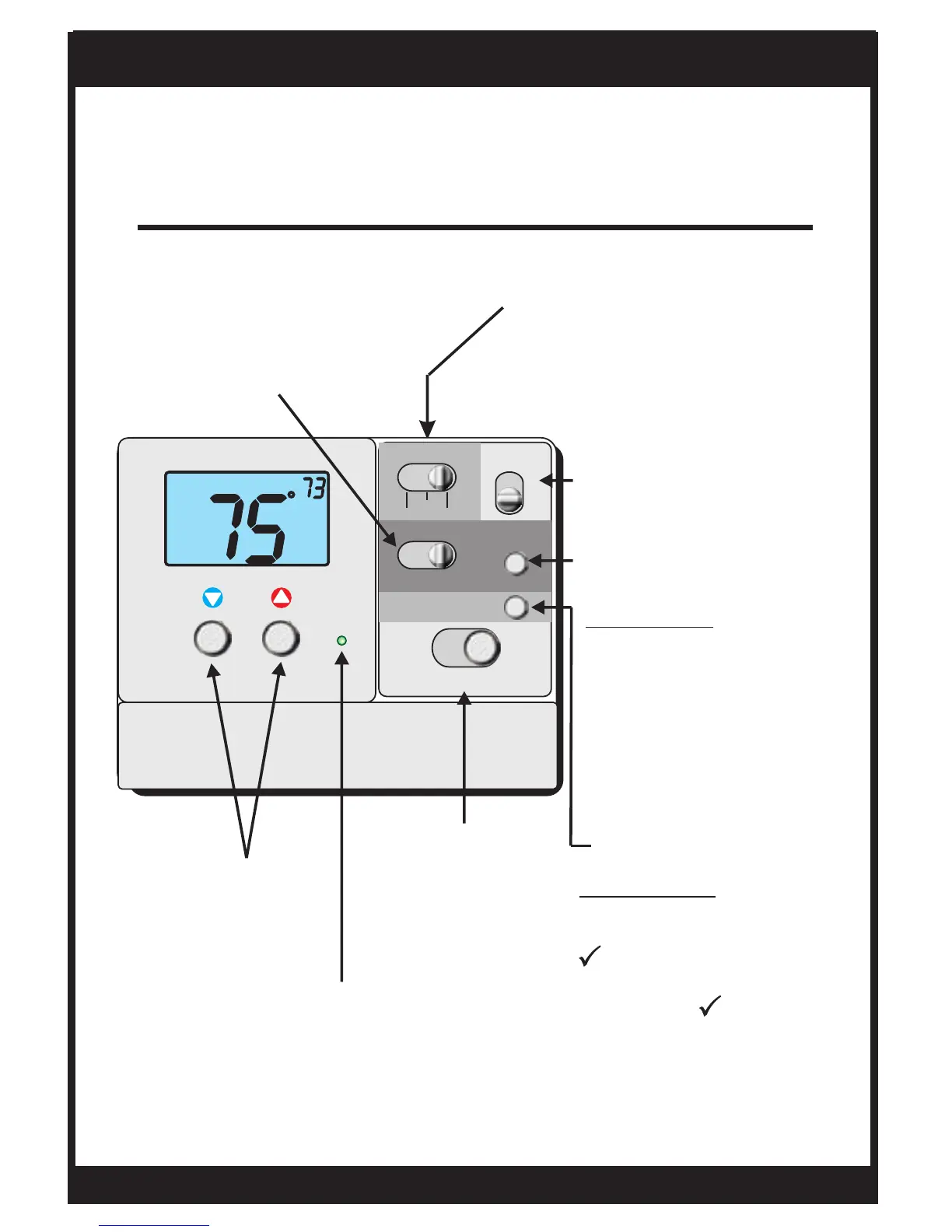
Location of Controls
Page 4
NEXT BUTTON
RESET FILTER
OWNER'S MANUAL
How to Use: Press and
hold the RESET FILTER
button to clear the
AUX HEAT
SWITCH
Emergency
Normal
Lockout
icon from the
display (pg 5). To adjust
when the icon
appears, see Advanced
Setup screens (pg 19).
FILTER
FILTER
TSTATG2152-2
COOLER &
WARMER
BUTTONS
PROGRAM SWITCH
RUN program
Program OFF
SET program
SET
HEAT
Su
PM
I2:00
:
BATTERIES
COOL
OFF
PROGRAM
RUN OFF SET
RESET
FILTER
FAN
NEXT
HEAT
AUX HEAT
NORM
EMRGC’Y LOCKOUT
AUTO
ON
On or Auto
FAN SWITCH
For programming
How to use: The NEXT
button is used to advance
from one step to the next
in the programming and
advanced setup screens
(pgs 9 - 18).
BI-COLOR LED
Heat or Cool demand
indicator when system
powered: Red = Heat
Green = Cool
MODE
SWITCH
Cool, Off,
or Heat

Other manuals for Goodman TSTATG2152-2

Related product manuals