1 Welcome
2 Your DAB Digital Radio
2.1 In the Box
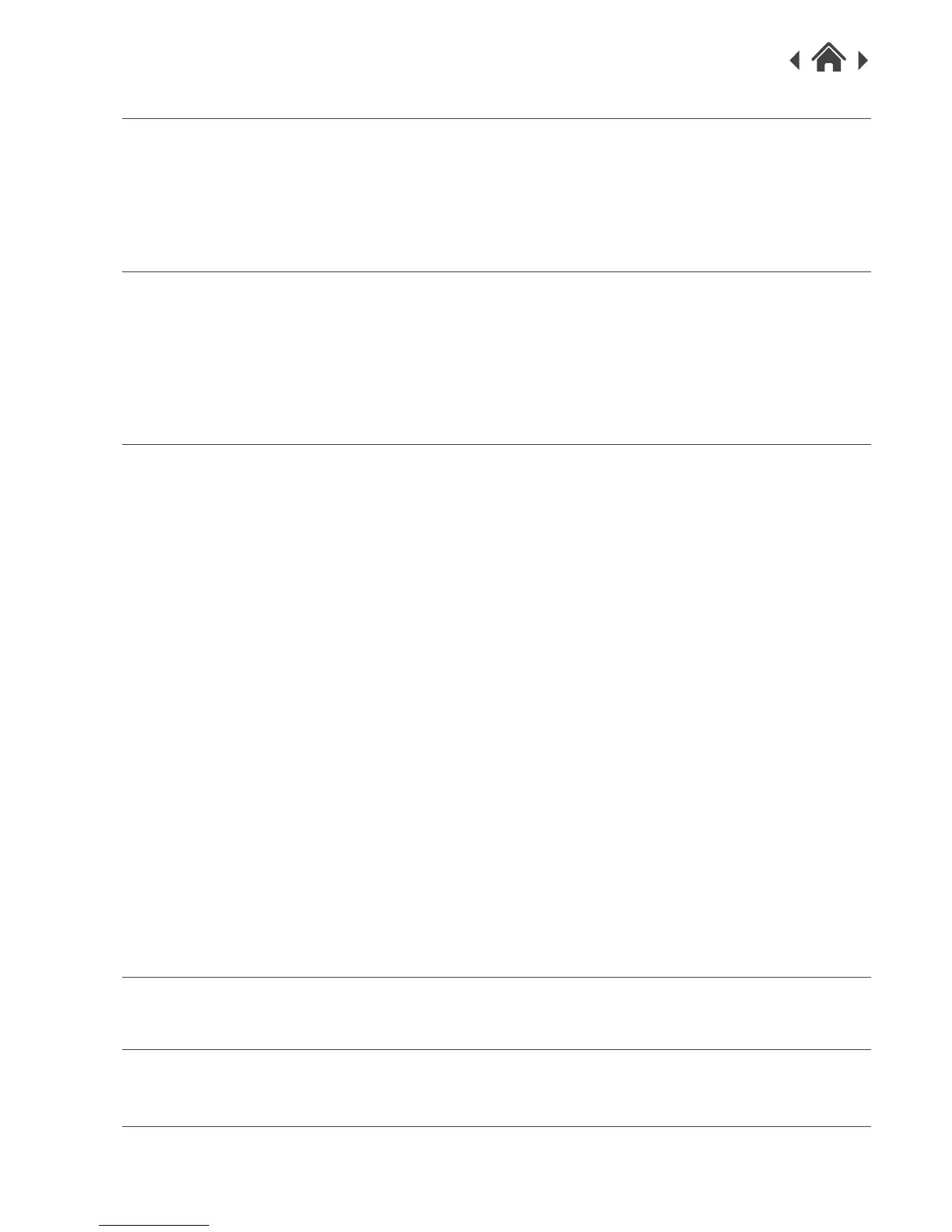
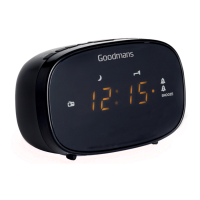
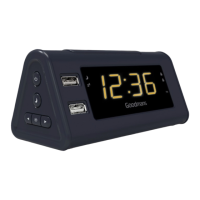
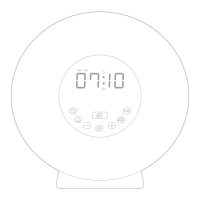
2.2 Front view
2.3 Top view
2.4 Rear view
3 Quick Setup
3.1 Power On and Autoscan
3.2 Changing Mode(DAB/FM/Aux In)
3.3 Scanning for DAB Stations
3.4 Adjusting the Volume
3.5 Power off
4 Features
5 Troubleshooting
6 Technical Specifications
7 Customer Support
DIAL button ALARM and ALARM ON/OFF Button
4.1 Select and Confirm 4.12 Set Alarms
4.2 Full Scan (DAB) 4.13 Alarms activity
4.3 Manual Tune
SLEEP Button
SNOOZE/BACKLIGHT settings
4.14 Sleep Timer
4.4 Snooze
USB Charging Socket
4.5 Backlight
DAB menus
POWER/MODE button
4.15 Full scan
4.6 Switch to DAB mode
4.16 Manual Tune
4.7 Switch to FM mode
4.17 Prune
FAV Button
4.18 System
4.8 Storing DAB/FM Presets
FM Menus
4.9 Recall Favorite Station
4.19 FM Auto scan
4.20 FM Manual Scan
INFO/MENU Button
4.21 System
4.10 Station information.
4.11 System information


 To Next Page