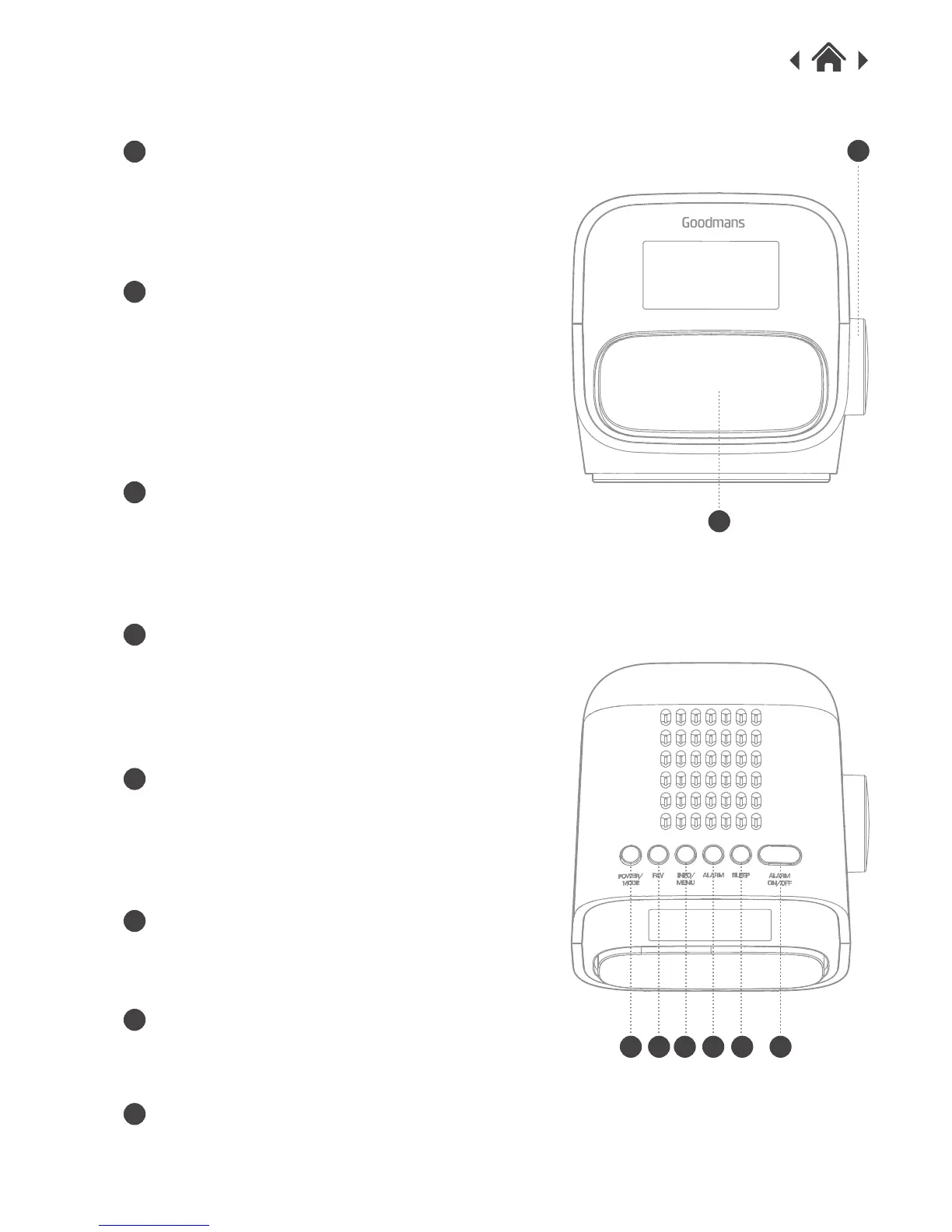
2.2 Front view
Dial control
Rotate the dial to adjust volume/cycle
through menu options.
Push the Dial to confirm/select menu
options.
Snooze/ Backlight setting
With Alarm active, press this button to
activate the snooze function
With Alarm not active, short press to
cycle through dimmer settings
2.3 Top view
Power/Mode
Short press (<1 sec) to power on /
Standby.
Long press (>3 sec) switch to DAB or
FM mode
FAV
Long press (>3sec) to preset radio
station.
Short press (<1 sec) to recall the list of
preset stations.
Info/ Menu
Short press (<1 sec) to cycle through
station broadcast information.
Long press (>3 sec) to access main
menu
Alarm
Short press (<1 sec) to open alarm
setup wizard.
Sleep
Short press (<1 sec) to cycle through
the sleep options.
Alarm on/off
Raised state - disable the Alarm.
Lower state – enable the Alarm.
A
B
C
D
E
F
G
H
A
B
C D
E
F G H
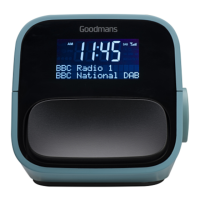
DAB & FM Clock Radio


 To Next Page