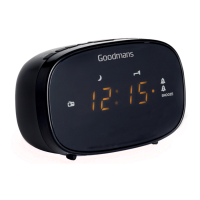
DAB & FM Clock Radio
5. Select the maximum alarm volume level you prefer in
the next setting. The alarm volume will rise from small
level to the maximum level you have selected. Then
choose ON to turn on the alarm. Push the dial to
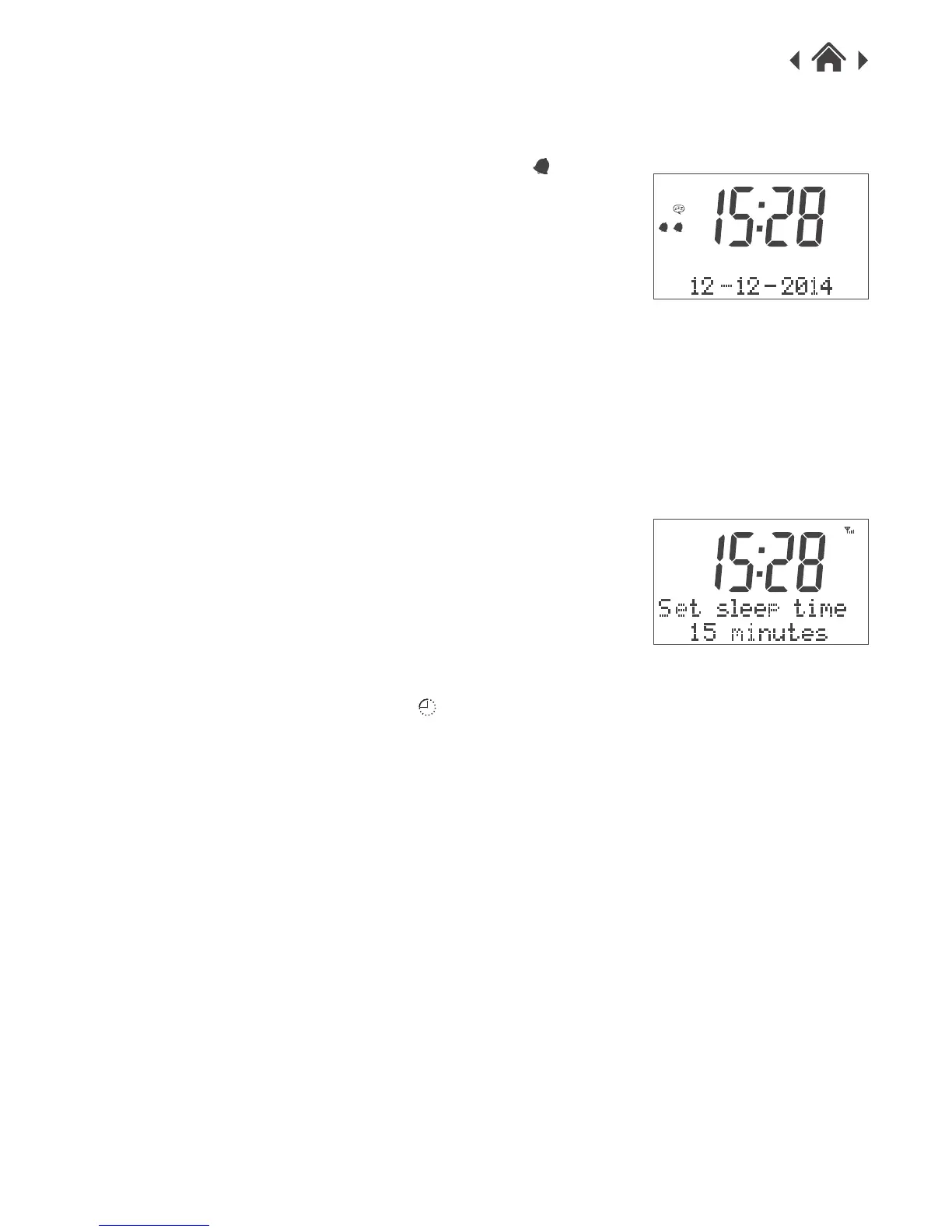
confirm and the alarm setting is complete. The
will appear on the display.(fig.8)
4.13 Alarms Active
There is an Alarm On/Off switch on the radio. You can
enable or disable the alarm easily by using this button.
When the button is pressed in lower state, the Alarm is
enabled and you will see the alarm icon appear on the
display. If you want to disable the alarm, simply press
the button to resume the raised state, the alarm icon on
the display will disappear. The Alarm is disabled.
If you want to turn off the alarm, press the Alarm on/off
button to turn it off.
SLEEP Button
4.14 Sleep Timer
You can set the Sleep Timer to turn off the radio itself
after the certain time elapsed.
Press the Sleep button and it will show Set Sleep Time.
(fig.9)
Press the button briefly to cycle through the timer
options from 15, 30, 45, 60 up to 90 minutes and push
the dial to confirm the setting. The will appear on
the display. (fig.9)
USB Charging Socket
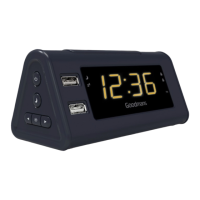
There are 2 USB charging socket on the radio for
charging of your mobile devices.
The total available charge output is 5V 2.1A.
• If you charge two devices at the same time, then the
availabe charge output is 5V/1A for each device.
DAB Menus
To access the main menu, long pressing the Info/Menu
button for 3 seconds. It will display the following
options. To cycle through the options, rotate the dial to
scroll through the options.
4.15 Full scan
It will scan all stations available in your location, it may
take 1-2 minutes.
fig.8
DAB
fig.9
1 2


 To Next Page