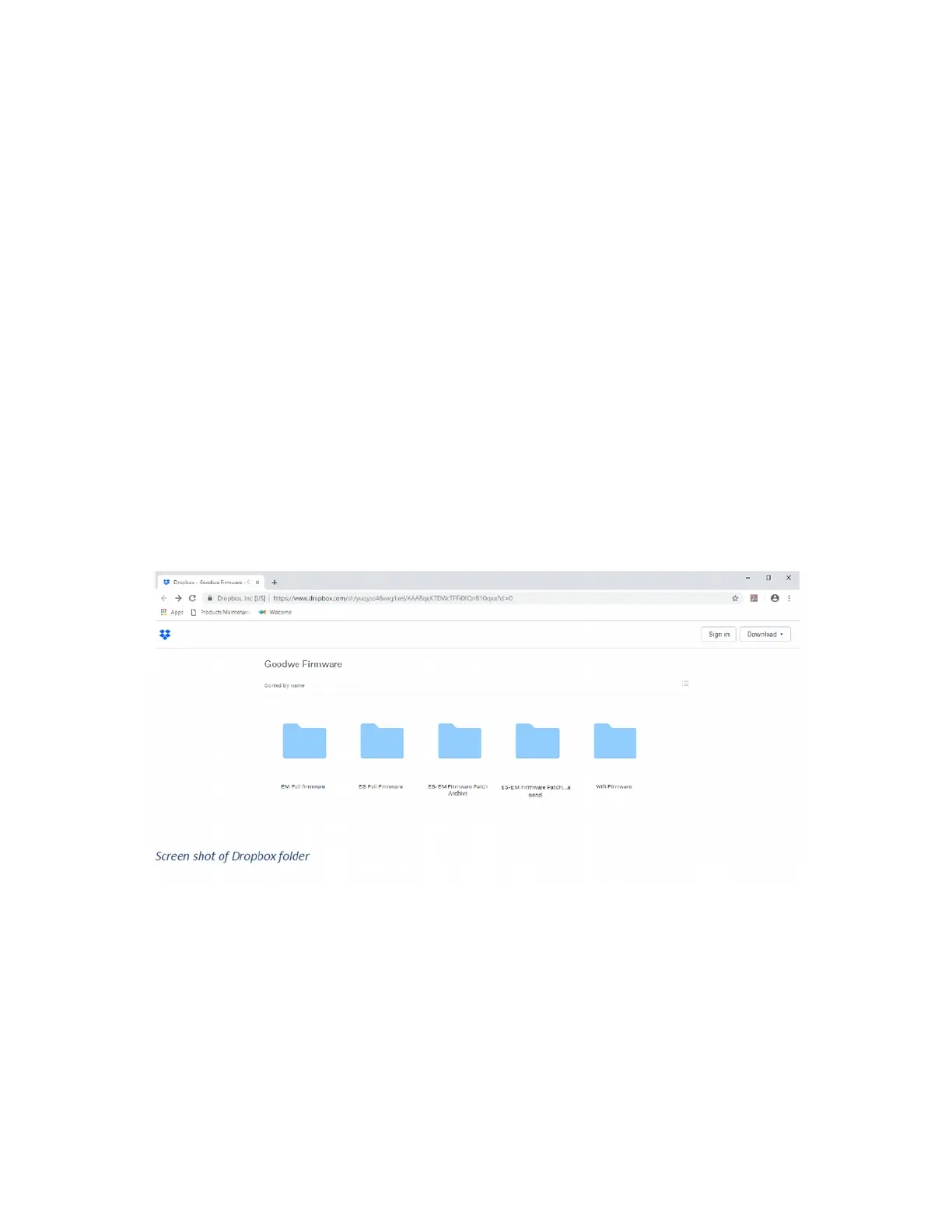
Download link for firmware:
https://www.dropbox.com/sh/yuqyso46vwg1xel/AAABqqK7DWcTFFi00QnB1Oqxa?dl=0
The dropbox download link contains all the files needed for updating the EM or ES Goodwe inverter,
latest versions are regularly uploaded.
STEP 1
Download the software and latest firmware files.
It is advised to do this before traveling to site in case of any internet or computer issues. Create a folder
on your desktop named Goodwe to copy the downloads to.
Important:
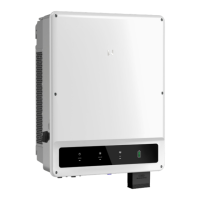
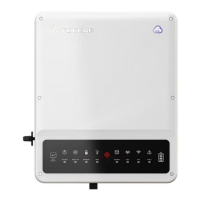
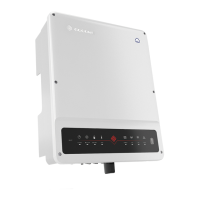
Choose files that match your inverter model, either EM (2.3KW) or ES (4.6KW).
Files are named appropriately to avoid confusion.
For the EM, chose file named “EM Full firmware” download the two files ending in “slave.out” and
“master.out”.
In addition download all the files in the Ezflash folder, this is the program for updating the firmware.
For the ES, chose file named “ES Full firmware” download the two files ending in “slave.out” and
“master.out”. In addition download all the files in the Ezflash folder, this is the program for updating the
firmware.


 To Next Page