STEP 2
Turn off all power sources to inverter starting from grid, PV and then the batteries. You can power
on the inverter from either the batteries or Grid.
Please NOTE (please Note EM inverters may be damaged when updang with PV)
Remove the Wi-Fi dongle from the inverter during updates
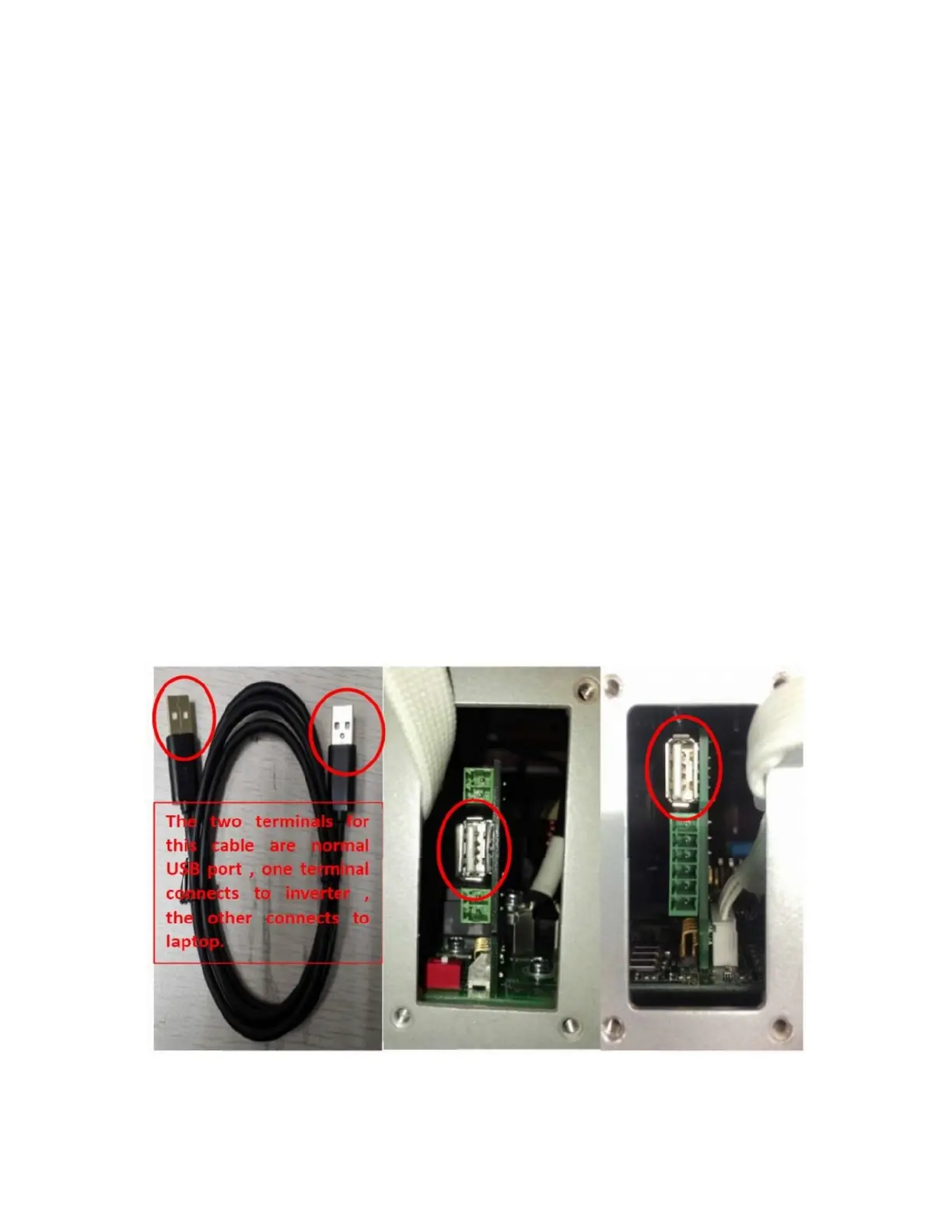
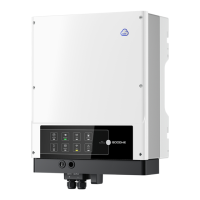
The USB port on the ES inverter is under the panel marked “Meter”. Unscrew the four screw and
remove the panel.
The USB port on the EM inverter is under the Wi-Fi antenna.
Connect computer and inverter with the male to male USB cable.


 To Next Page