20 21
Video Format
Video Mode
Video Resolution
icon Video Stabilization
White Balance
icon Wireless
/ Camera Icons / Changing Modes + Settings
You can change many video and photo settings using the buttons
on the camera. To access all settings and modes, see Accessing All
Modes and Settings (page 104).
CHANGING MODES + SETTINGS
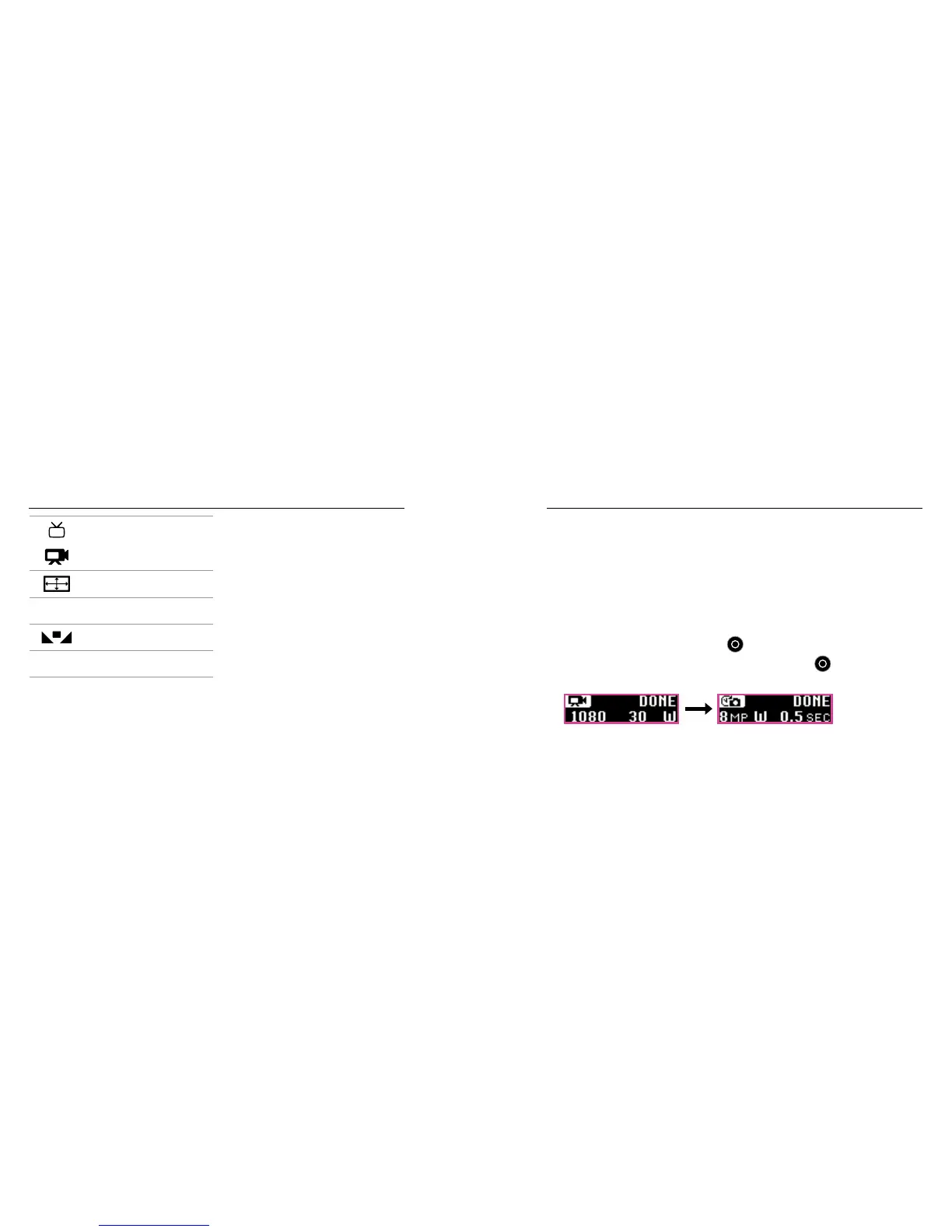
1. Press the Menu button to turn on the status screen.
2. Press the Menu button repeatedly to move to Camera Settings,
then press the Shutter button [
] to select it.
3. To change the mode, press the Shutter button [ ] repeatedly to
display the mode that you want (Video, Time Lapse, or Photo).















 To Next Page