10 11
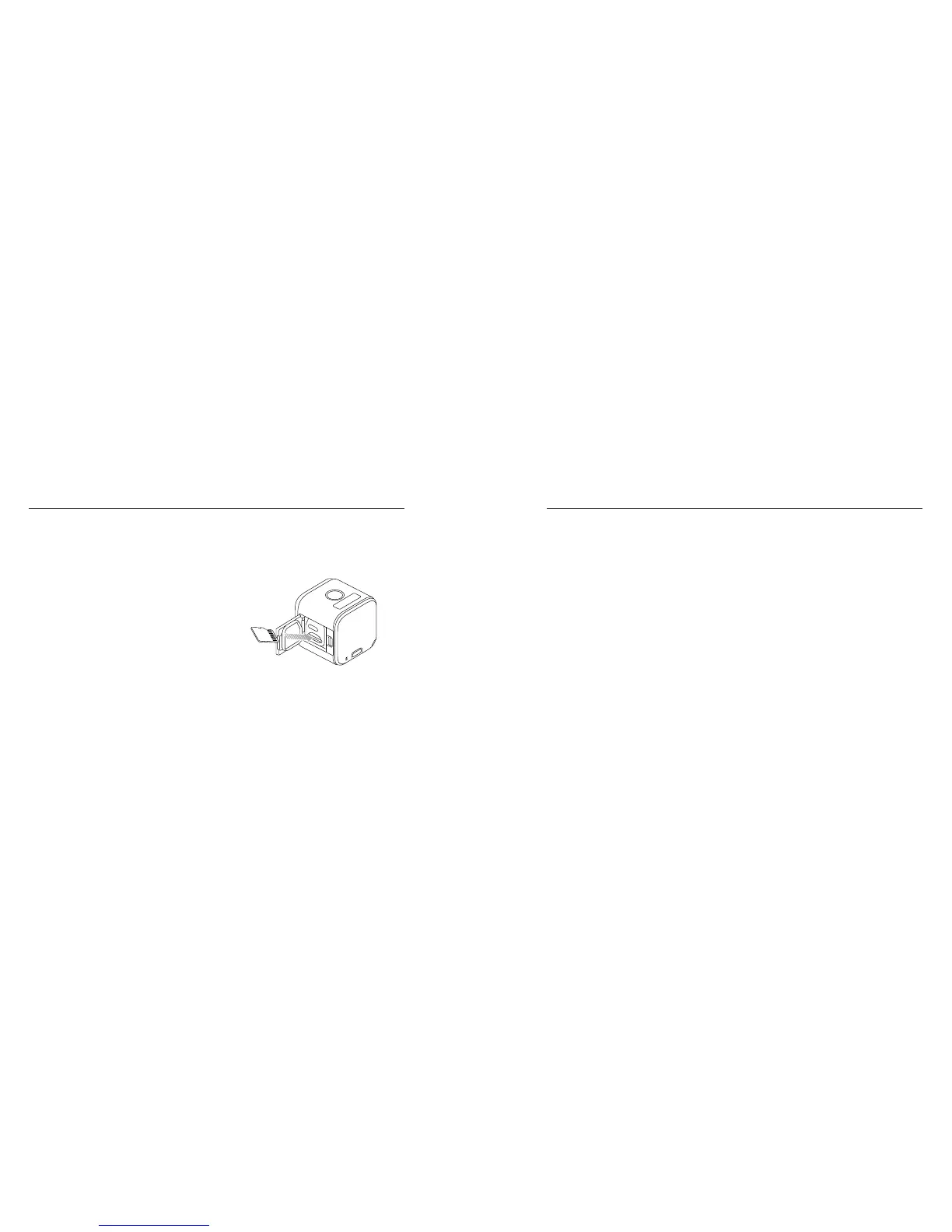
INSERTING + REMOVING MICROSD CARDS
• Insert the card (sold separately) at a downward angle with the label
facing down.
• To remove the card, press it
in with your fingernail until it
pops out.
Use brand name memory cards
(that meet these requirements:
• microSD, microSDHC,
or microSDXC
• Class 10 or UHS-I rating
• Capacity up to 64GB
For a list of the recommended cards, visit gopro.com/help.
/ Getting Started / Getting Started
NOTICE: Use care when handling memory cards. Avoid liquids, dust,
and debris. As a precaution, power off the camera before inserting or
removing the card. Check manufacturer guidelines regarding use in
acceptable temperature ranges.
UPDATING YOUR CAMERA SOFTWARE
To get the latest features and best performance from your GoPro,
make sure your camera is always using the most current soware.
1. Download these apps:
• Capture from the Apple App Store or Google Play
• GoPro for Desktop from gopro.com/getstarted















 To Next Page