26
MDE-LEDI160S-1012V1.0
☛ It is also possible to obtain an intermediate time by keeping one of the
“LAPS” buttons on the timer pressed.
☛ When a set time is programmed in either stopwatch or count-down
function, the timer may be stopped and restarted at any moment by pressing
on the “STOP” and “ START” buttons, without modifying the set time initially
programmed.
☛ It is possible to trip a dry contact at zero seconds with the pip option
(consult us).
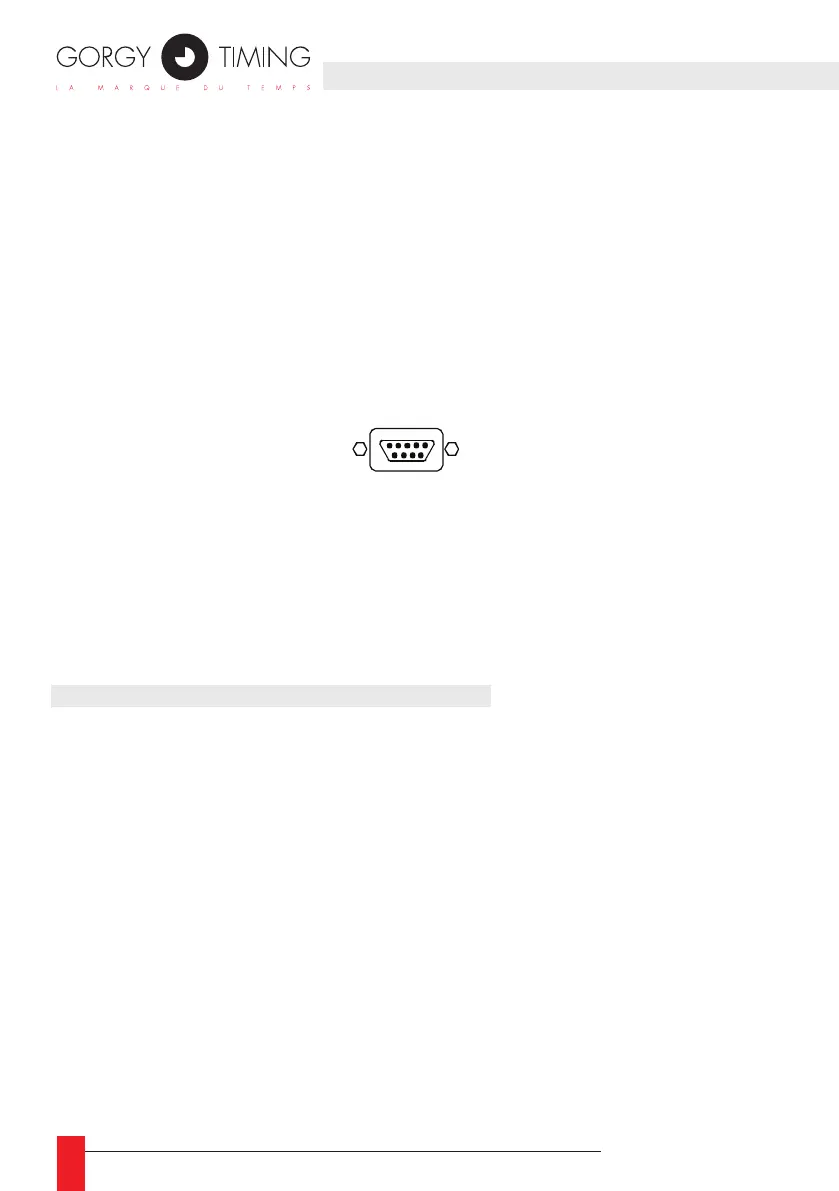
5.1.3. Connection for ush-mountable timer
Timer Sub.D 9 way connector pin out :
► Pin1 : PROG
► Pin2 : +
► Pin3 : -
► Pin4 : Switch clock / chrono
► Pin5 : Gnd
5.2. ASCII RS232 OR RS422/485 OPTIONS
ASCII RS232C link to terminal B3 ASCII RS422/485 link to terminal B3
1: GND 1: E/S -
2: TXD 2: E/S +
3: RXD 3: GND
THIS OPTION OPERATES IN 3 MODES
5.2.2. Emission or unidirectional mode
In this mode the clock emits a code (conguration: 2400 bauds, format 8 bits, even
parity, 1 stop bit) in 2 parts:
► 1) – The time information as follows:
STX day of the week SP day of the month/month/year SP SP Hour:minute:second CR
► 2) – The information on the status of the chronometer, temperature, luminosity, etc…
The rst part of this information is used for example to synchronise a computer (in this
case don’t take into account the second part).
The complete information is used to slave another clock to the rst one.



 To Next Page