深圳市中软赢科技术有限公司 版权所有 Shenzhen GPD Technology Co.Ltd All Rights Reserved
30 / 50
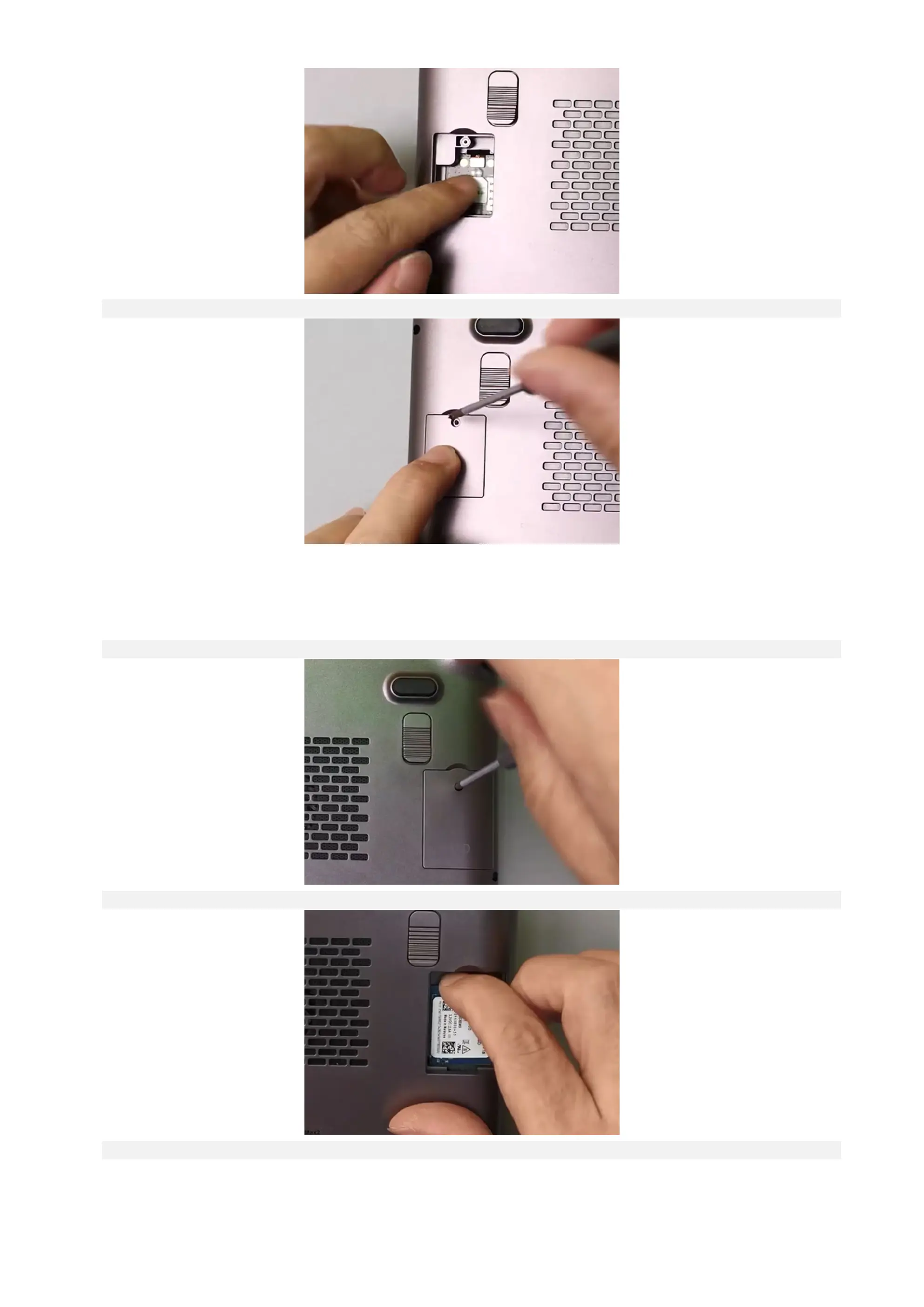
Step 3: Close the cover, put in the screw, and fasten it with a screwdriver.
Q5: How to Uninstall and Install an M.2 2230 SSD?
A5: Compared with Nano-SIM card, the installation of 2230 SSD is easier. The specific operation steps are as follows:
Step 1: Turn off the computer. Use a 2.5mm Phillips screwdriver to remove the screw on the SSD cover.
Step 2: With the side of the component facing upward, align the gold finger of the SSD card with the card slot and insert it.
Step 3: Close the cover, put in the screw, and fasten it with a screwdriver.



 To Next Page