深圳市中软赢科技术有限公司 版权所有 Shenzhen GPD Technology Co.Ltd All Rights Reserved
40 / 50
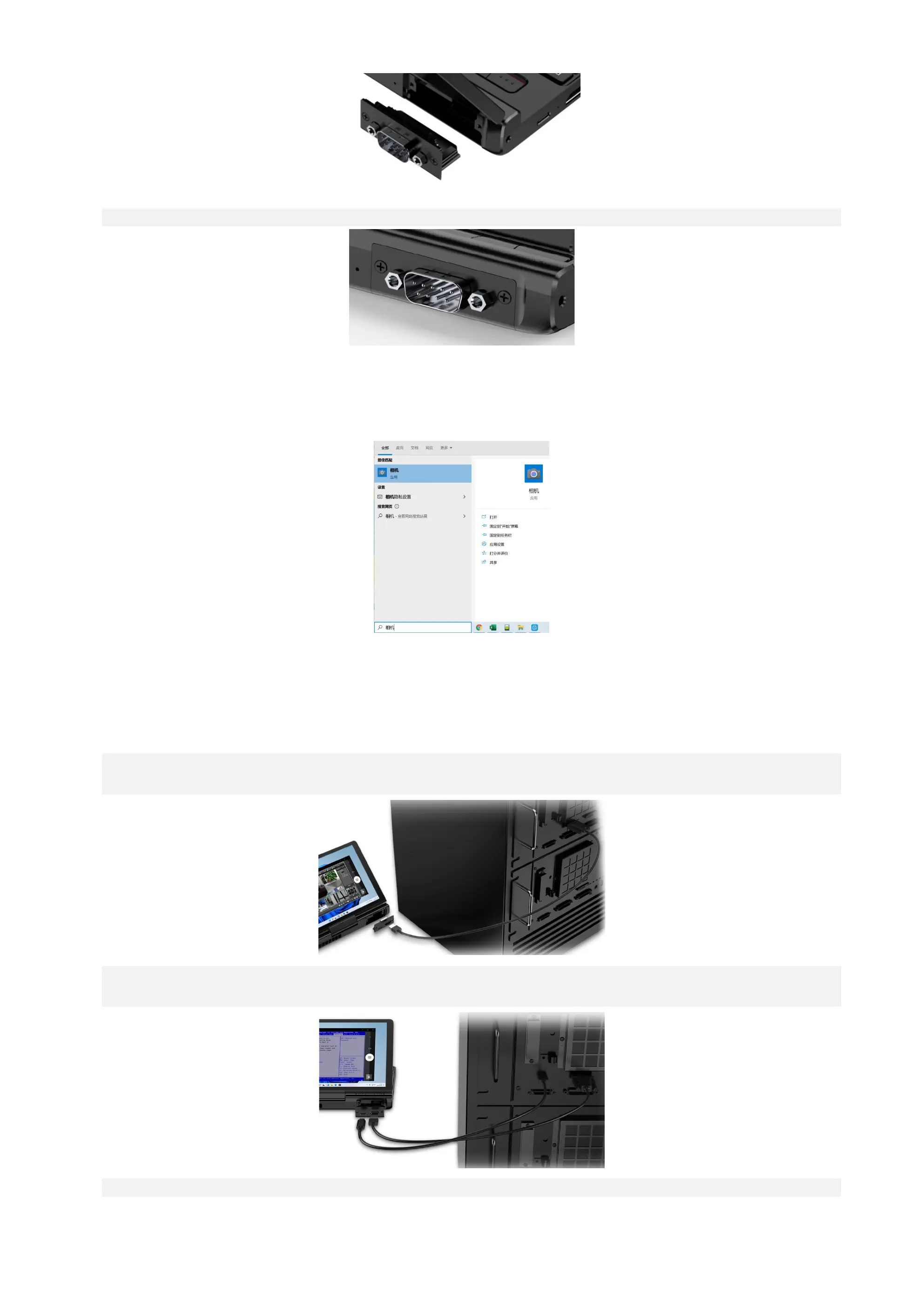
Step 3: Fix the module tight with the two screws.
Q5: How to turn on the camera?
A5: Enter “camera” on the search box at the lower left corner of the desktop to turn on the camera.
Q6: How to control another device using the KVM module?
A6: To control another device using the KVM module, the device to be controlled should have a HDMI/VGA and USB A/C interface.
The following is an example of confirming the TCP/IP configuration information of the device to be controlled (under powered-on state):
Step 1: Use a HDMI Type A or VGA-to-HDMI cable (when the device to be controlled has a VGA interface only) to connect the KVM to the device to be controll
ed.
Step 2: Use a male-to-male USB or C-to-A USB cable (when the device to be controlled has a USB A interface only) to connect the KVM to the device to be co
ntrolled.
Step 3: Enter “camera” on the search box at the lower left corner of the desktop to turn on the camera.



 To Next Page