6
( 8)
( 9)
( 10)
( 11) ( 12)
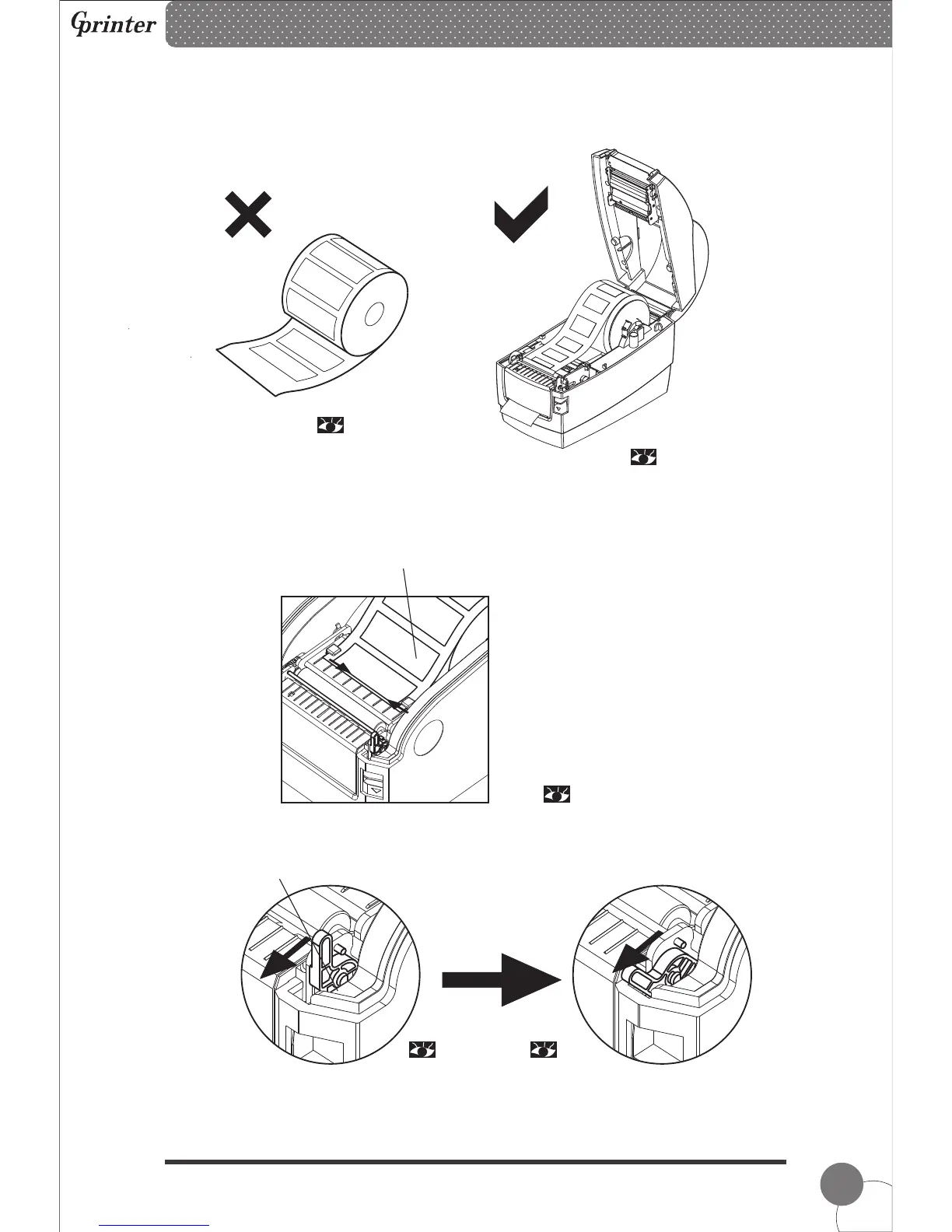
③ Fix the paper roll into slot and pay attention that label paper should be facing up as
picture showing.
(2) Label Paper Peel-off Mode Setting
① Pull the leading edge of label paper and thread through the limiting block, then adjust it
according to paper width to make sure label paper is in proper and fixed printing positon.
② Pull down the peel-off roller lever to unlock the peel-off roller.
Lever stands, the peel-off roller is locked. Lever down, the peel-off roller
is unlocked.
Thermal Barcode Printer



 To Next Page