7
( 13)
( 14) ( 15)
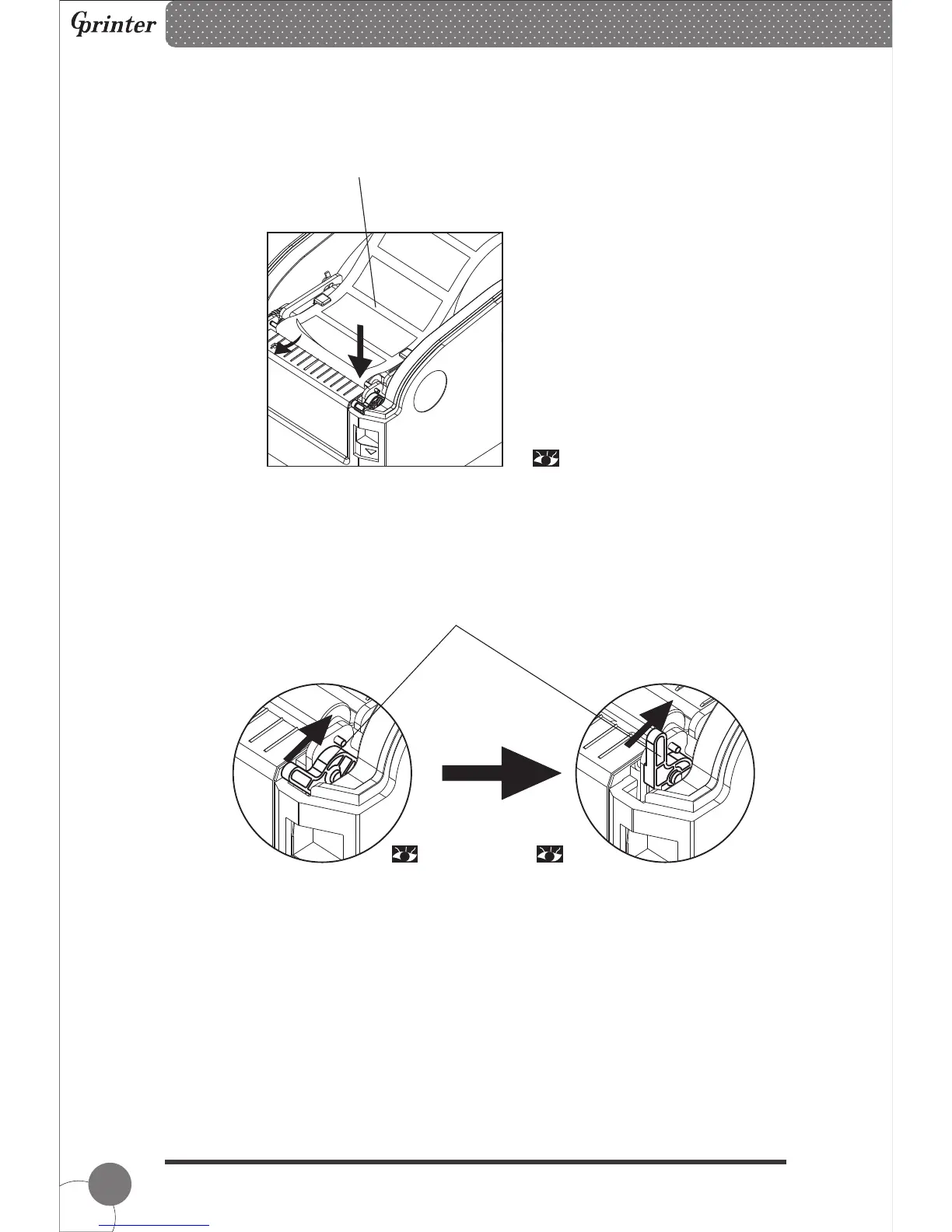
③ After peel-off roller unlocked, seperate the label paper from release paper manually,
insert the release paper into peel-off device in front of the peel-off roller.
④ Pull up the peel-off level and the roller will press on the release paper, then close the
top cover.
Lever down, the peel-off roller is unlocked. Level stands, the peel-off roller is
locked and release paper is fixed into
the peel-off device.
Thermal Barcode Printer



 To Next Page