Service
3A9522A 15
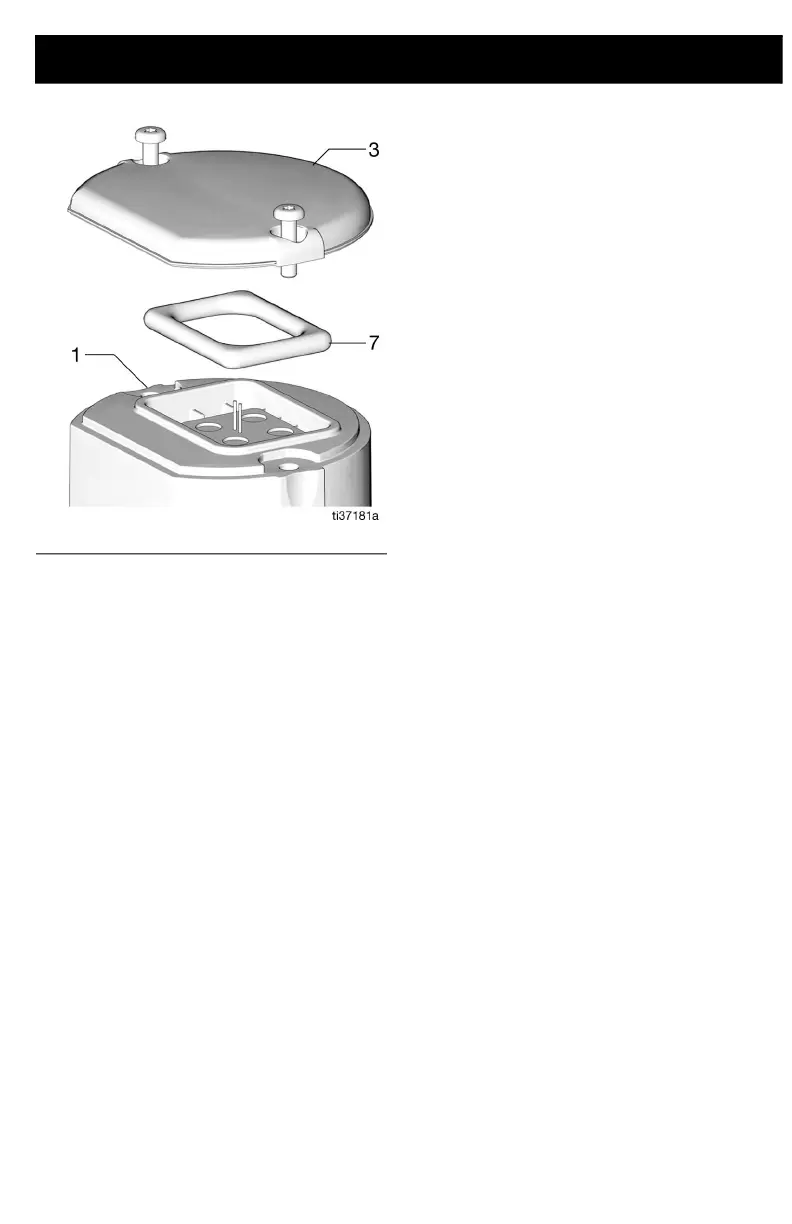
6. Replace the cover (3) and secure it with
the two screws (11). Torque the cover
screws (11) to 18 to 22 in-lbs (2.03 to
2.48 N•m) to prevent water leakage into
the TLM electronics.
NOTE: If a torque wrench is not used, verify
there are no gaps under the screw heads,
and no gaps under the cover flange. This
ensures proper compression of the gasket
for a water-tight seal.
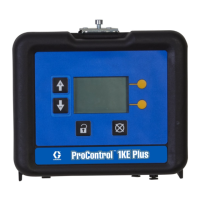
7. Press the Display button to synchronize
the TLM internal clock with the Pulse
software clock. If this is not done, the
TLM will not report at the correct
scheduled times.
FIG. 12



 To Next Page