Troubleshooting
12 3A9522A
Troubleshooting
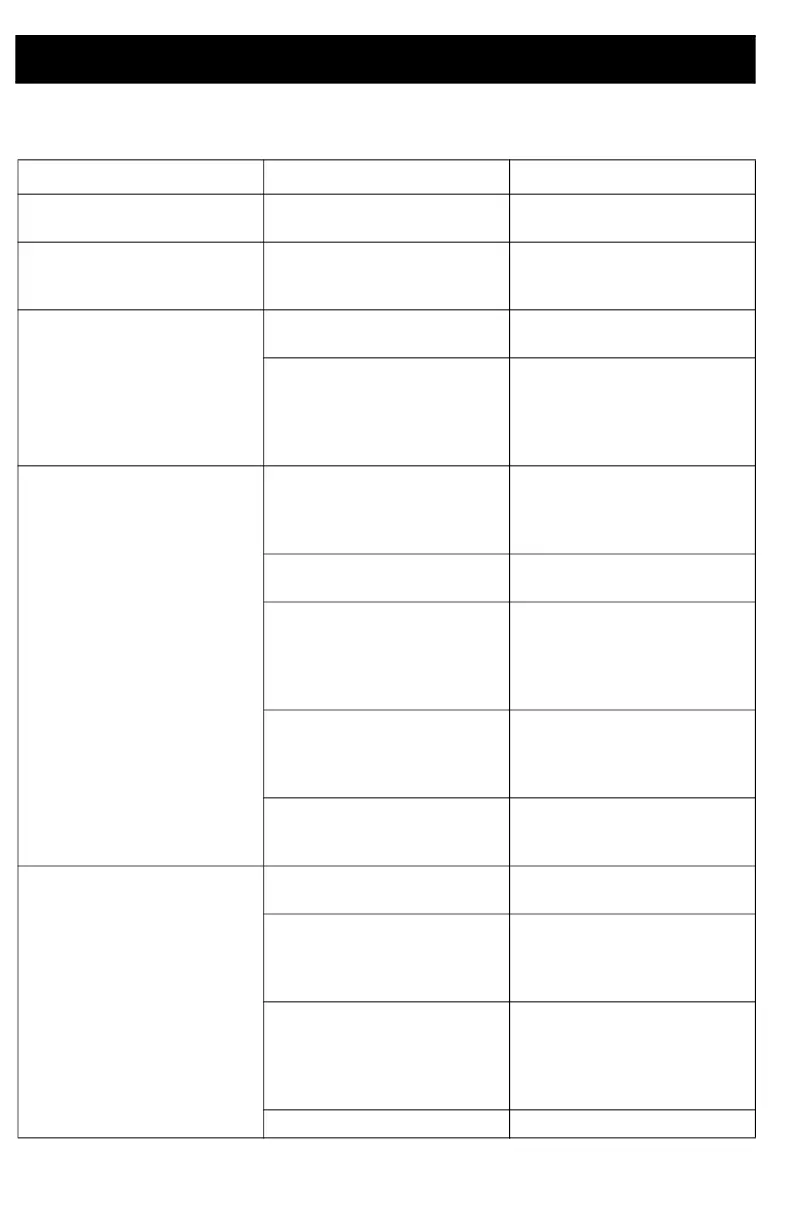
Problem Cause Solution
Brand new monitor display is
very dim.
Unit is shipped with protective
coating over display.
Remove protective coating.
Monitor displays SENSOR E#. The TLM reading is outside of
the programmed size parame-
ters.
Verify the programmed parame-
ters and re-program the TLM, if
necessary.
Monitor will not register. Weak or dead batteries. Replace batteries. See Replace
the Batteries, page 14.
Microprocessor not completely
shut down before installing new
batteries.
After removal of the old batter-
ies, wait 30 seconds to ensure
the microprocessor has com-
pletely shut down before install-
ing new batteries.
Monitor is not reporting sched-
uled readings
Out of RF range.
RF obstruction.
Add Graco Extender to Pulse
System. Order Graco Part No.
17F885 - US/Canada; 17F886 -
EU; 17F887 - UK; 17F888 - ANZ.
Weak or dead batteries. Replace batteries. See Replace
the Batteries, page 14.
Microprocessor not completely
shut down before installing new
batteries.
After removal of the old batter-
ies, wait 30 seconds to ensure
the microprocessor has com-
pletely shut down before install-
ing new batteries.
Tank Level Monitor was not
associated with profile after
scheduled times were entered
into software.
Re-register the TLM and associ-
ate TLM with profile ID.
Reading is scheduled when
pump is operating.
Ensure readings are scheduled
at times when the pump is not
operating.
Monitor will not take reading
when Display button is pressed.
Weak or dead batteries. Replace batteries. See Replace
the Batteries, page 14.
Batteries are not correctly
seated.
Ensure the batteries fully engage
the mounting clips by pushing
on the bottom of each battery
with your thumbs.
Microprocessor not completely
shut down before installing new
batteries.
After removal of the old batter-
ies, wait 30 seconds to ensure
the microprocessor has com-
pletely shut down before install-
ing new batteries.
Monitor display is cracked. Replace TLM.



 To Next Page