Internal test
This function turns on all the icons on the display to check their status. After this, it shows the capacity, the resolution
and the device software version.
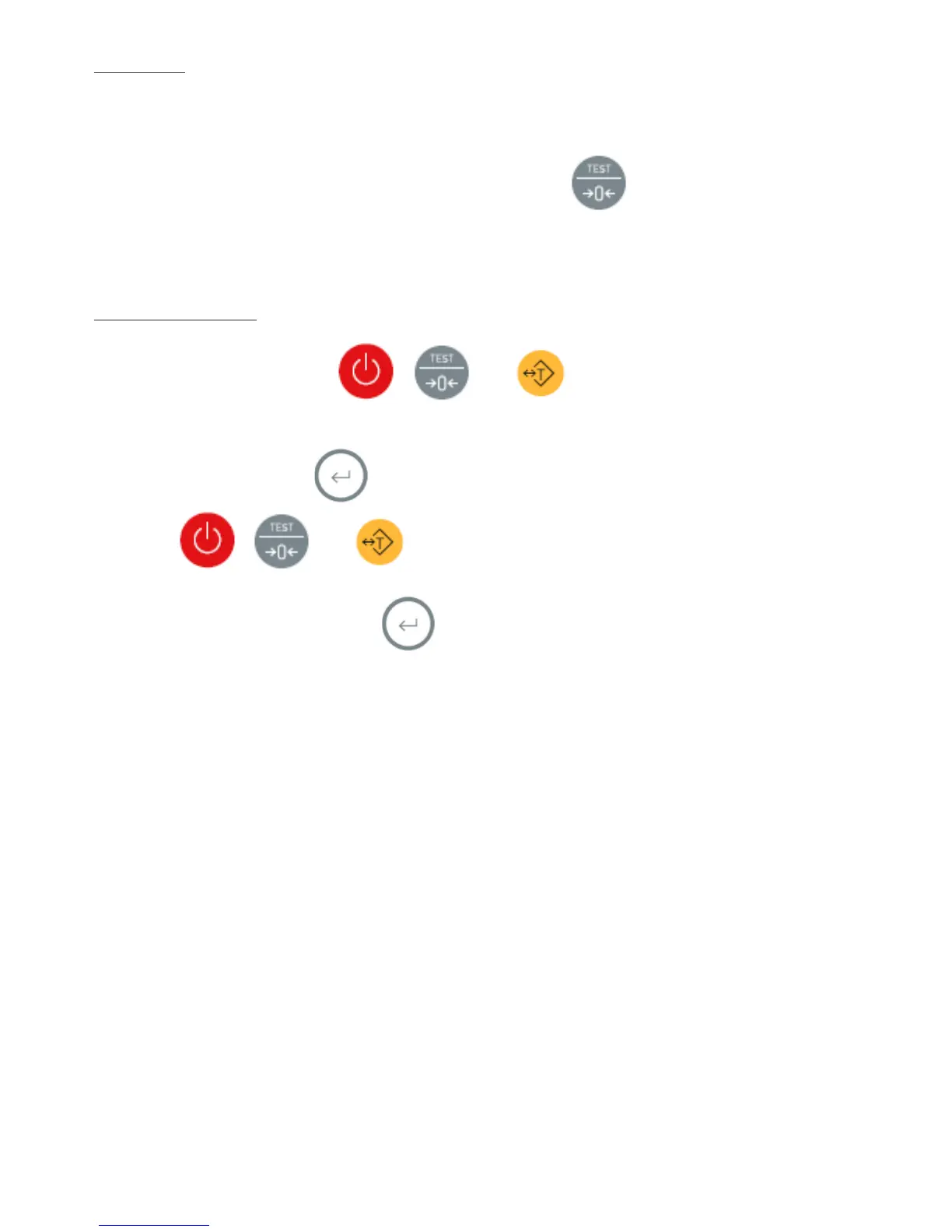
To perform this test, from the main screen (weighing mode), press the button for two seconds. Once the
visualisation has finished, it will return to the regular working mode.
Blocking the touchpad
You can block all buttons, except for
, and
which are used regularly. This way the user
doesn’t have easy access to the configuration menu and cannot modify the scales' settings by accident.
To block the touchpad, press the button for 5 seconds until the display shows the message
“
Loch
”
. Now,
only buttons
,
and will be active.
To activate the touchpad again, press the button for 5 seconds until the display shows the
“
unLoch
”
message. Now, the touchpad is active again.


 To Next Page
 Loading...