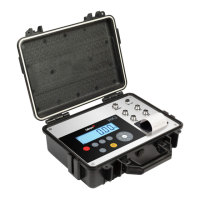
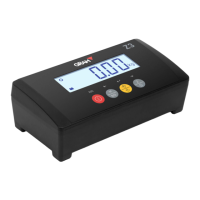
Piece-counting function –
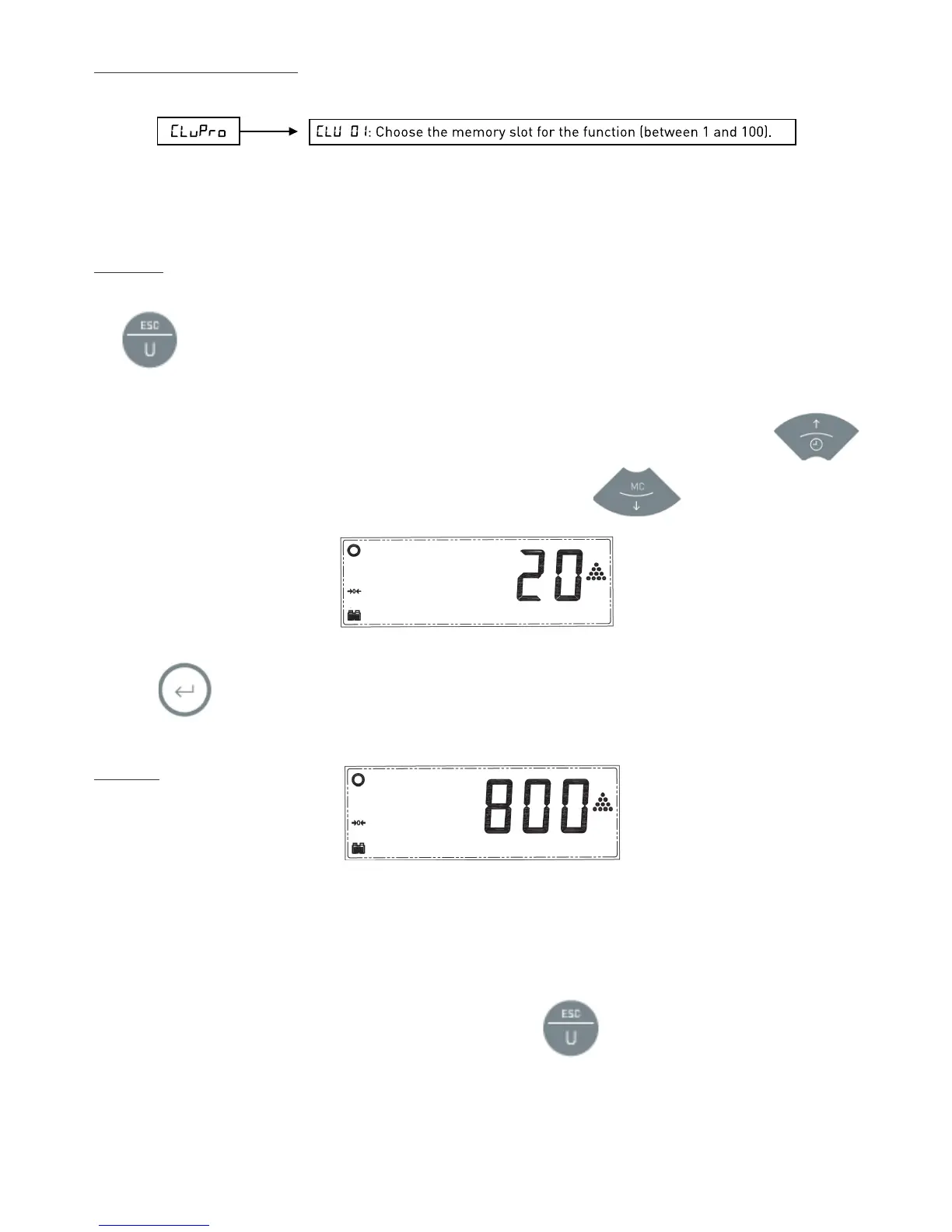
CluPro
This mode is used to count pieces of a similar weight. After carrying out a sample weighing, the indicator will
memorise the individual weight of the pieces. Then it will display the total number of pieces placed on the platform.
Sampling
To carry out the sample weighing, the scales must show the 0 value and the platform must be empty. Press and hold
the button for more than one second until the display shows “
10
” or another flashing value.
This is the number of pieces you can place on the platform to do the sampling. If the pieces are small, it’s
recommended you put more than 10 pieces in order to increase the device’s precision. To do this press
to increase the sampling value up to 20, 30, 50 or 100. To reduce it, press the button.
Once the required value is selected, count the number of pieces indicated on the display, add them to the platform and
press the button. The display will stop flashing and show the sampling value.
Counting
Place the pieces you want to count on the weighing platform (they should have the same individual weight as the
previous sampling). You can place the pieces inside a container if its tare is already set up (check the Using the Tare
section).
The screen will show the total number of pieces.
To return to weighing mode using your standard weighing unit press .
If you want to return to the piece-counting function, and count pieces of the same weight used earlier, press the


 To Next Page
 Loading...